
Explore The Best AI Websites & Tool
Your all-in-one toolkit for productivity, creativity, and development. Over 40 powerful tools to streamline your workflow.
SearchHow to Use Carepatron: A Guide for Healthcare Professionals
What is Carepatron?
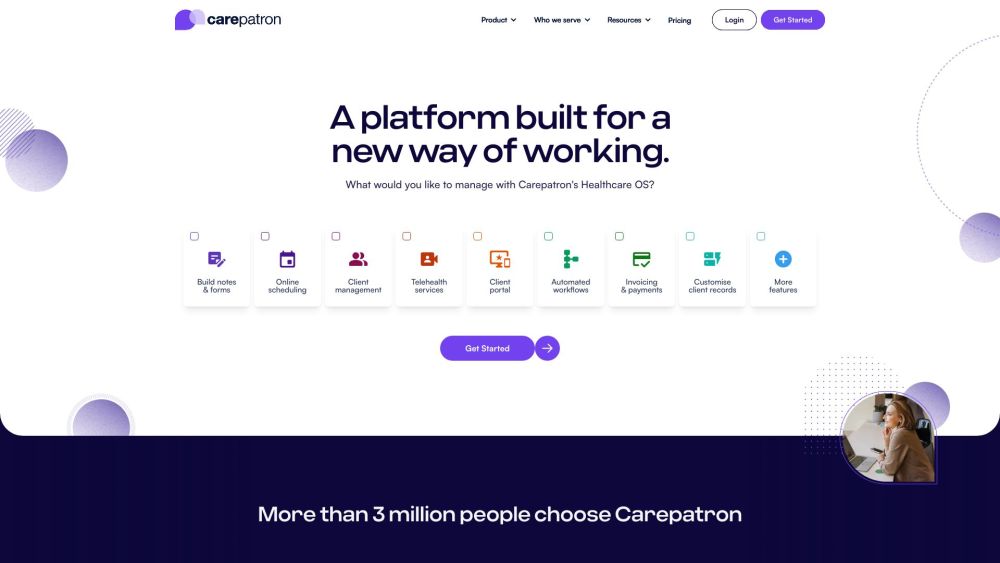
Carepatron is an all-in-one electronic health record (EHR) and practice management software designed for healthcare professionals across various specialties. It offers a robust suite of features to streamline administrative tasks, enhance client engagement, and improve overall practice efficiency. Key functionalities include scheduling, documentation, billing, telehealth, and a user-friendly patient portal.
With a focus on customization, Carepatron allows practitioners to tailor workflows to meet their specific needs, facilitating seamless communication between providers and patients. The platform is equipped with AI-powered tools that automate routine tasks, such as medical transcription and appointment reminders, enabling healthcare professionals to dedicate more time to patient care.
Carepatron is particularly suited for solo practitioners, mental health professionals, general practitioners, and various allied health providers, making it a versatile choice for diverse practice sizes. Additionally, its commitment to HIPAA compliance ensures that patient data is handled securely, fostering trust and reliability in the healthcare environment. Overall, Carepatron aims to empower healthcare providers by simplifying their operations and enhancing client experiences.
Use Cases of Carepatron
- Streamlined Documentation for Therapists: Carepatron's AI-powered transcription feature allows therapists to automate their clinical note-taking. By simply speaking during sessions, therapists can efficiently capture detailed notes without the manual effort, enabling them to focus more on patient interaction and less on administrative tasks.
- Efficient Practice Management for Health Coaches: Health coaches can utilize Carepatron to manage client schedules, billing, and documentation seamlessly. The platform's integrated tools simplify appointment scheduling, automate reminders, and offer customizable templates for treatment plans, enhancing overall workflow and client satisfaction.
- Enhanced Client Engagement through Patient Portals: The patient portal feature enables clients to access their health records, fill out online forms, and schedule appointments directly. This self-service capability fosters greater engagement and accountability, allowing clients to take an active role in their healthcare journey.
- Telehealth Services for Remote Care: Carepatron supports telehealth, enabling healthcare professionals to conduct virtual consultations securely. This is especially beneficial for mental health practitioners and physical therapists who can reach clients in different locations, ensuring continuous care regardless of geographical barriers.
- Automated Billing Processes: The billing module within Carepatron streamlines financial transactions by automating invoicing and payment reminders. This reduces overhead costs and administrative burdens, allowing practitioners to focus on delivering quality care while ensuring timely reimbursements.
By leveraging these use cases, healthcare providers can enhance their operational efficiency, improve client experiences, and ultimately deliver better health outcomes.
How to Access Carepatron
Accessing Carepatron is a straightforward process. Follow these steps to get started:
- Visit the Carepatron Website: Navigate to
https://www.carepatron.com/in your web browser. - Sign Up for an Account: Click on the "Get Started" button and fill in the required details.
- Verify Your Email: Check your email for a verification message and click the provided link.
- Log In to Your Account: Return to the homepage, click "Login," and enter your credentials.
- Explore the Dashboard: Familiarize yourself with the interface and available features.
How to Use Carepatron: A Step-by-Step Guide
- Create Your Account: Visit the website and click "Get Started" to set up your profile.
- Set Up Your Calendar: Integrate your calendar and customize appointment settings.
- Manage Client Records: Import existing data or add new clients manually.
- Handle Billing and Payments: Connect your Stripe account for seamless transactions.
- Utilize Telehealth Features: Schedule and conduct secure video calls with clients.
- Explore Templates: Access and customize documentation templates for efficiency.
How to Create an Account on Carepatron
- Visit the Registration Page: Go to
https://app.carepatron.com/Register. - Select Your Role: Choose between Practitioner or Client.
- Fill in Your Details: Enter your name, email, and create a secure password.
- Agree to Terms and Conditions: Read and accept the platform's policies.
- Click "Get Started": This action creates your account and logs you in.
- Verify Your Email: Check your inbox for a verification link to activate your account fully.
Tips for Using Carepatron Efficiently
- Leverage the Patient Portal: Encourage client use for scheduling and communication.
- Automate Reminders: Reduce no-shows with automated appointment reminders.
- Utilize Documentation Tools: Streamline note-taking with custom templates.
- Explore Telehealth Options: Expand your reach with virtual consultations.
- Integrate Third-Party Apps: Connect with other tools for a seamless workflow.
By following this guide, healthcare professionals can effectively implement Carepatron into their practice, enhancing efficiency and patient care. The platform's user-friendly interface and comprehensive features make it an invaluable tool for modern healthcare management. Whether you're a solo practitioner or part of a larger practice, Carepatron offers the flexibility and functionality needed to streamline operations and improve client experiences.
Trending


OpenAI's GPT-Next Promises Unprecedented Power Before 2025
OpenAI's GPT-Next is poised to redefine AI with a 100-fold increase in power over GPT-4, promising groundbreaking advancements in multimodal capabilities.
AIPhone.AI Review: Revolutionizing Global Communication
Explore AIPhone.AI's groundbreaking features for seamless multilingual communication. Discover how AI-powered calling can transform your global connections. Read our full guide now!
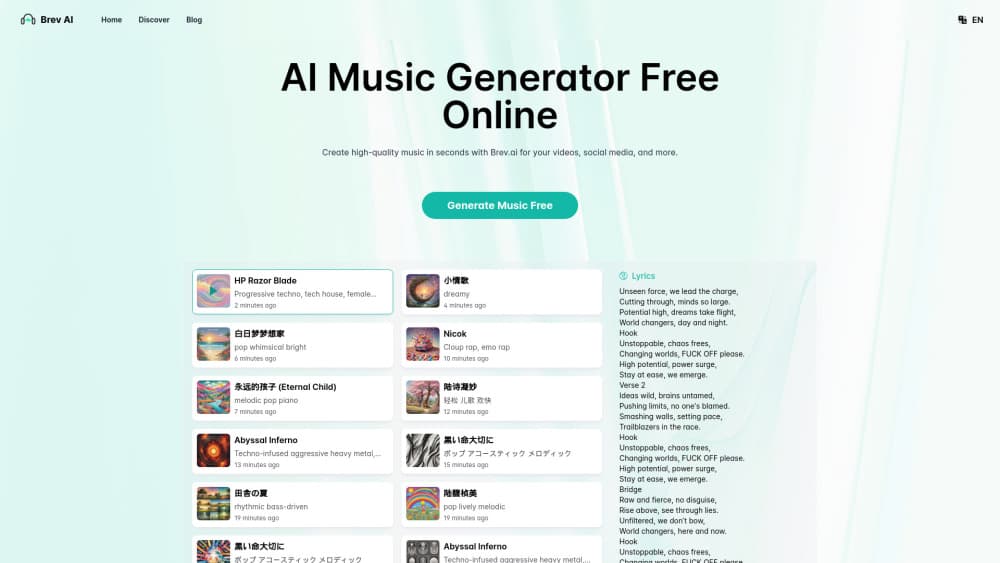
How to Use Brev.ai: AI Music Generator Guide
Learn how to create unique, royalty-free music with Brev.ai. Our comprehensive guide covers access, account creation, and tips for AI-powered music generation.
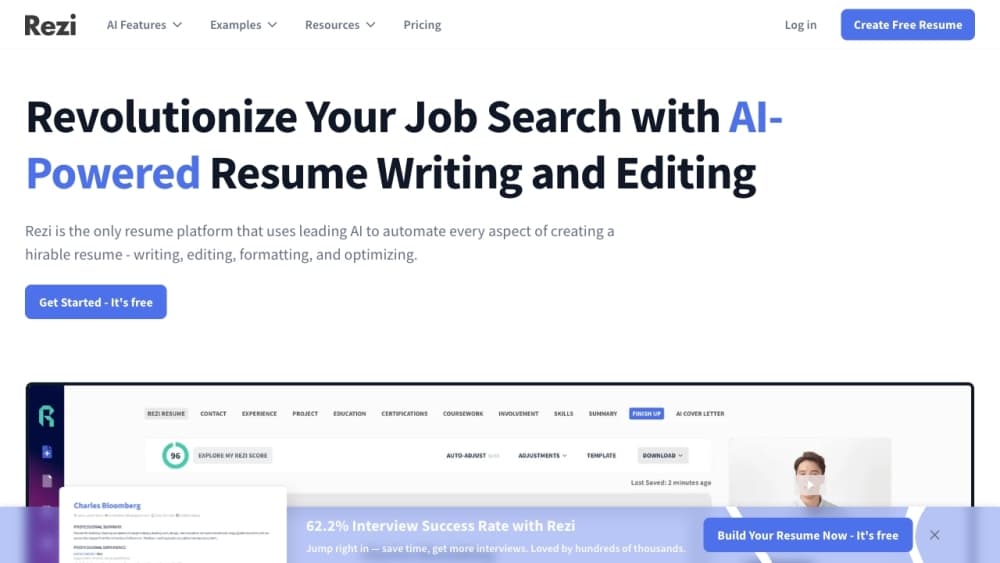
How to Use Rezi: AI-Powered Resume Builder Guide
Learn how to use Rezi, the AI-powered resume builder. Discover key features, tips, and steps to create an ATS-friendly resume that stands out to recruiters.
PixAI - AI Art Generator Review: Revolutionize Anime Art
Explore PixAI, the innovative AI art generator for anime-style artwork. Discover its features, benefits, and alternatives in our comprehensive guide.