
Explore The Best AI Websites & Tool
Your all-in-one toolkit for productivity, creativity, and development. Over 40 powerful tools to streamline your workflow.
SearchRunway's Gen 3 Alpha Video-to-Video : AI-Powered Video Editing Breakthrough Launches Today
In a groundbreaking announcement today, September 14, 2024, Runway, the leading AI-powered creative suite, has officially launched its highly anticipated Gen 3 Alpha Video-to-Video feature. This innovative tool, revealed via the company's official Twitter account, is set to redefine the landscape of video editing by harnessing the power of artificial intelligence.
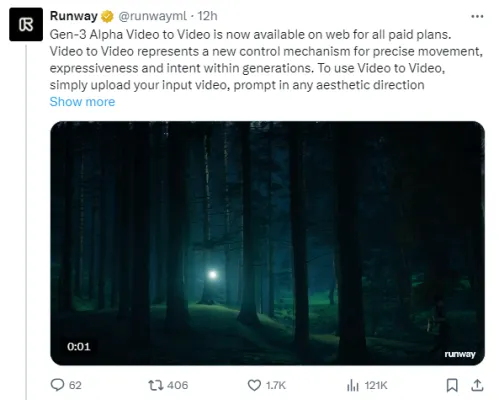
Runway's official Twitter Post Link:https://twitter.com/runwayml/status/1834711758335779300
What is Runway's Video-to-Video?
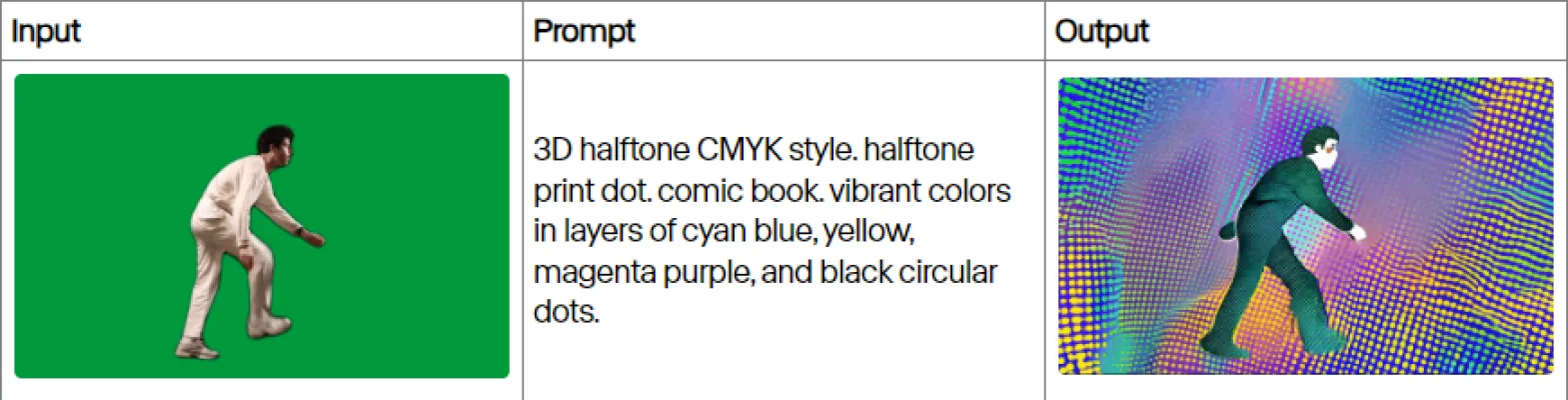
Gen 3 Alpha Video-to-Video is Runway's latest offering that enables users to modify existing video content using simple text prompts. This AI-driven feature can alter various aspects of a video, including:
- Visual style
- Background elements
- Lighting conditions
- Weather effects
By leveraging advanced machine learning algorithms, Video-to-Video seamlessly blends user-defined changes with the original footage, maintaining a high level of realism and coherence.
| Cost | 5 seconds or less: 50 credits Longer than 5 seconds: 100 credits |
| Supported durations | Up to 10 seconds |
| Explore Mode on Unlimited Plans | Yes |
| Platform availability | Web |
| Supported video inputs | See here |
| Output resolution | SD (720p) |
| Supported aspect ratios | 16:9 (1280x768) |
| Maximum input size | 64mb |
Runway's Video-to-Video: Key Features and Capabilities
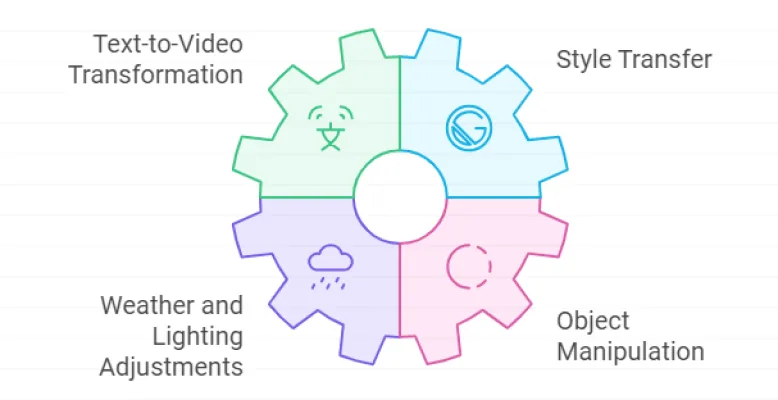
- text-to-Video Transformation
Users can input text descriptions to guide the AI in modifying their videos. For example, a prompt like "change the background to a beach sunset" will automatically alter the scene while preserving the main subjects and action.
- Style Transfer
Video-to-Video enables the application of different visual styles to footage. This feature allows creators to experiment with various aesthetics, from vintage film looks to futuristic sci-fi environments.
- Weather and Lighting Adjustments
The tool can modify environmental conditions within a video. Users can add rain, snow, or change the time of day, opening up new possibilities for storytelling and visual impact.
- Object Manipulation
Content creators can add, remove, or alter objects within the video frame. This functionality is particularly useful for product placement, special effects, or correcting continuity errors.
How to Access Runway's Video-to-Video
It's important to note that as of today's launch on September 14, 2024, Video-to-Video is exclusively available to Runway's paying subscribers. This limited access ensures that the platform can manage the initial demand and provide optimal performance for its users.
How Runway's Video-to-Video Works
Gen 3 Alpha Video-to-Video utilizes a sophisticated AI model trained on vast datasets of video content. When a user uploads a video and provides a text prompt, the system analyzes the footage frame by frame, identifying key elements such as subjects, backgrounds, and lighting.
The AI then generates new frames based on the user's instructions, seamlessly integrating the changes with the original content. This process ensures that the modified video maintains a natural flow and consistency throughout.
Runway's Video-to-Video Demonstration Examples
To help you better understand Runway's video-to-video feature, we've selected three demonstration examples from their official Twitter account.
Example 1
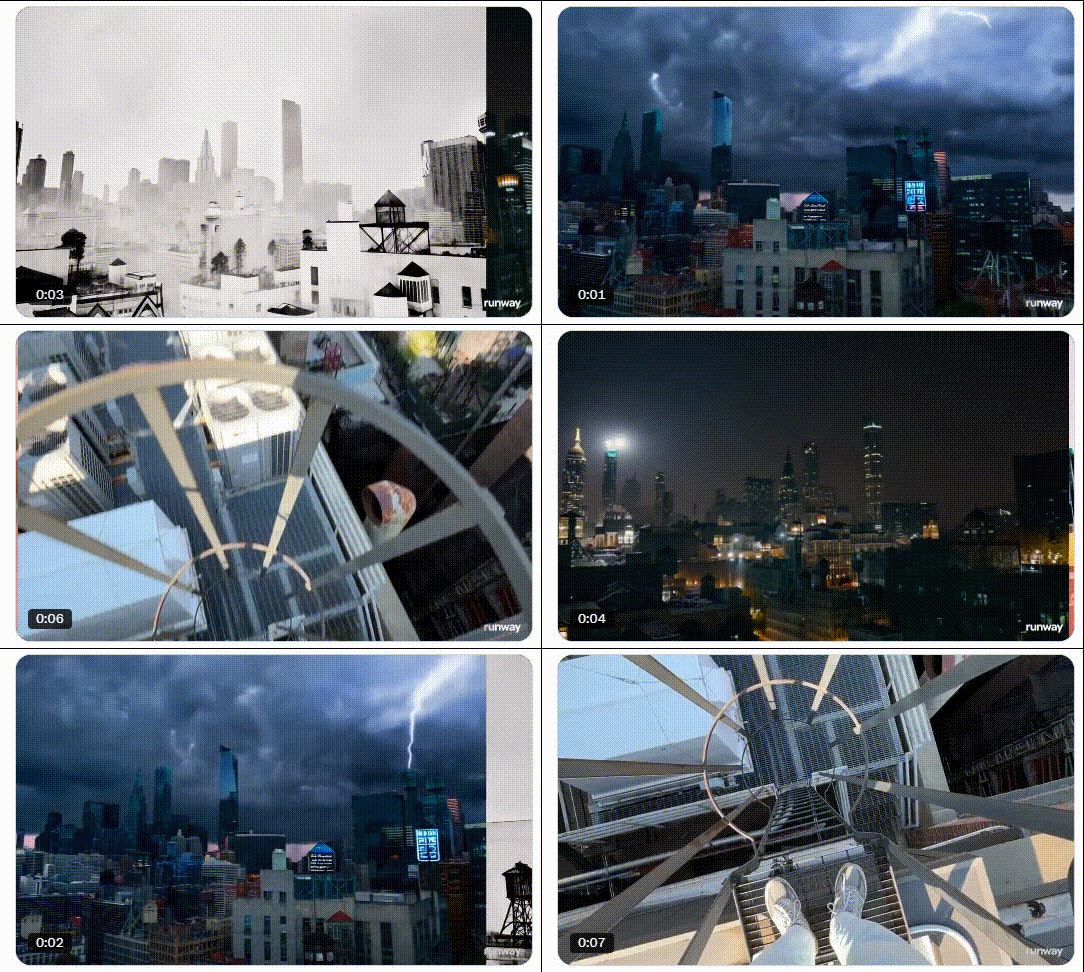
Video Sources: https://twitter.com/runwayml/status/1834712620173344940
Example 2
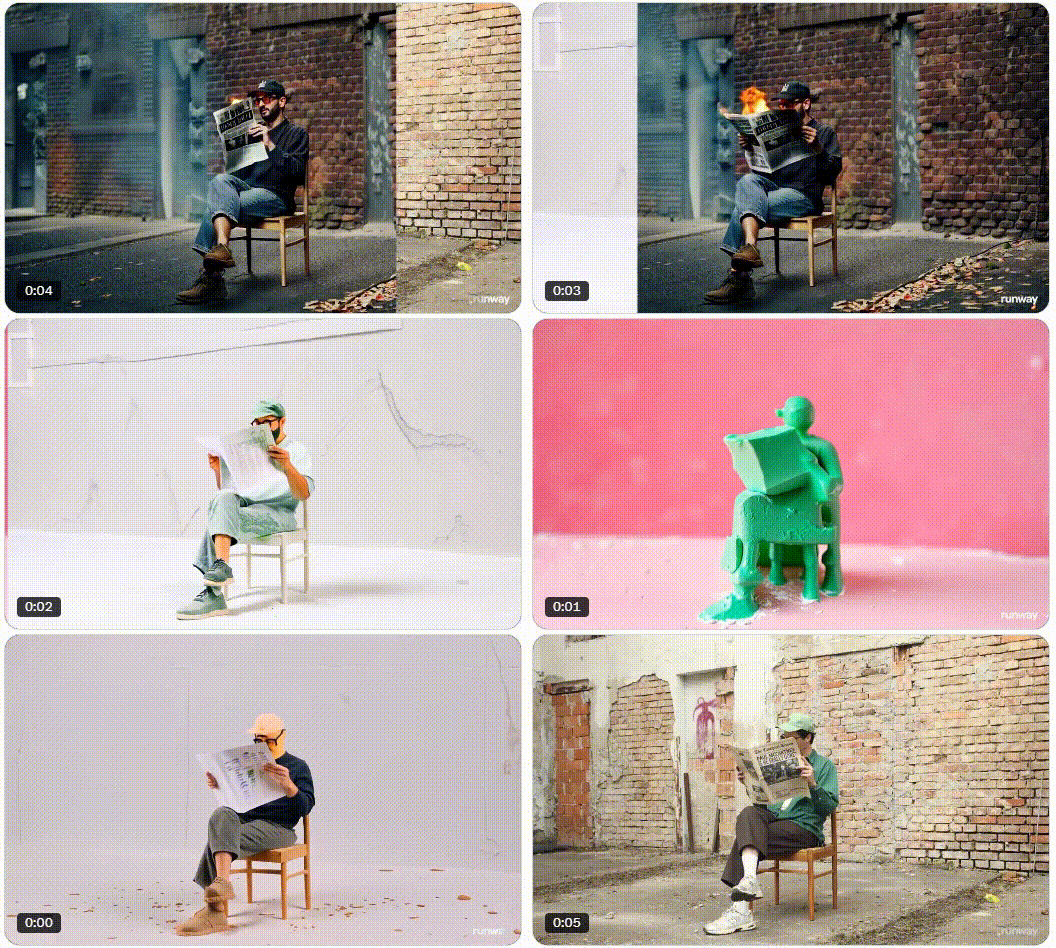
Video Sources: https://twitter.com/runwayml/status/1834712784262574269
Example 3

Video Sources: https://twitter.com/runwayml/status/1834712137702207654
Runway's Video-to-Video: Implications for the Creative Industry
The introduction of Video-to-Video has significant implications for various sectors of the creative industry:
- Film and Television Production: Filmmakers can make rapid adjustments to scenes without the need for expensive reshoots or complex VFX work.
- Marketing and Advertising: Brands can easily customize video content for different markets or campaigns, saving time and resources.
- Social Media Content Creation: Influencers and content creators can enhance their videos with professional-looking effects and transformations.
- Education and Training: Instructors can modify educational videos to suit different learning contexts or update content without recreating entire lessons.
Ethical Considerations and Limitations
While Video-to-Video offers exciting possibilities, it also raises important ethical questions. The potential for creating misleading or manipulated content is a concern that Runway and the wider industry must address.
Additionally, the technology currently has limitations in handling complex scenes or maintaining perfect continuity across all frames. Users should be aware of these constraints when planning their projects.
As AI-powered video editing tools continue to evolve, it's crucial for creators and consumers alike to stay informed about the latest developments and their implications. For more information on cutting-edge AI tools and their applications in creative industries, visit AIPURE (https://aipure.ai/), your go-to resource for all things AI.
Trending


How to Use RisuAI: Ultimate Guide to AI Roleplay Platform
Discover how to use RisuAI, the innovative AI roleplay platform. Learn to create characters, explore RisuRealm, and enhance your roleplaying experience.
SwitchLight Review: AI-Powered image Lighting Revolution
Discover how SwitchLight's AI technology transforms image lighting and compositing. Explore our comprehensive guide for practical tips on enhancing your visual projects.
How to Use Appy Pie: A Guide to No-Code Development
Discover how to use Appy Pie for creating apps and websites without coding. Learn practical tips and unlock the power of no-code development. Explore now!

How to Use Folderr: Unlock AI Power for Your Business
Discover how to use Folderr's AI platform to automate tasks, analyze data, and boost productivity. Learn practical tips for leveraging AI in your workflow.

How to Use Fotorama: AI Photo Studio Guide
Learn how to use Fotorama, the AI-powered photo studio app. Create stunning AI headshots, themed transformations, and more. Explore our full guide for practical tips!