
Explore The Best AI Websites & Tool
Your all-in-one toolkit for productivity, creativity, and development. Over 40 powerful tools to streamline your workflow.
SearchHow to Use Turnitin: A Comprehensive Guide for Students
Introduction to Turnitin
Turnitin is a widely used online plagiarism detection service, founded in 1998, that helps educators uphold academic integrity by checking submitted work against an extensive database of academic publications, student papers, and online content. It operates as a Software as a Service (SaaS), allowing institutions to license the platform for their faculty and students.
When students submit their papers, Turnitin generates a Similarity Report that highlights matched text and potential plagiarism, enabling educators to provide constructive feedback and guidance on proper citation practices. Beyond plagiarism detection, Turnitin also offers tools such as Feedback Studio for grading and commenting on student work, and iThenticate, a service tailored for researchers and publishers to ensure the originality of scholarly articles.
In recent developments, Turnitin has introduced AI writing detection capabilities to identify submissions generated by artificial intelligence tools, enhancing its role in promoting original work in the digital age. With its comprehensive support and integration with various educational platforms, Turnitin continues to be a critical resource in academic settings.
Use Cases of Turnitin
Turnitin is a versatile tool with multiple applications in academia:
- Checking Student Assignments: Instructors use Turnitin to scan student papers and detect potential plagiarism by comparing submissions against a vast database of academic works, websites, and previously submitted papers. This helps ensure academic integrity and originality in student work.
- Providing Writing Feedback: Beyond plagiarism detection, Turnitin offers tools for instructors to provide detailed feedback on writing style, grammar, and citations. This helps students improve their academic writing skills over time.
- Grading and Assessment: Turnitin's GradeMark feature allows instructors to grade papers online, add comments, and use rubrics for consistent evaluation. This streamlines the grading process for large classes.
- Peer Review: Some instructors use Turnitin's PeerMark tool to facilitate anonymous peer reviews among students. This teaches critical evaluation skills and provides diverse feedback.
- Institutional Plagiarism Monitoring: Universities can use Turnitin to track plagiarism rates across departments and identify potential academic integrity issues at an institutional level. This data informs policy and education efforts.
How to Access Turnitin
Accessing Turnitin involves the following steps:
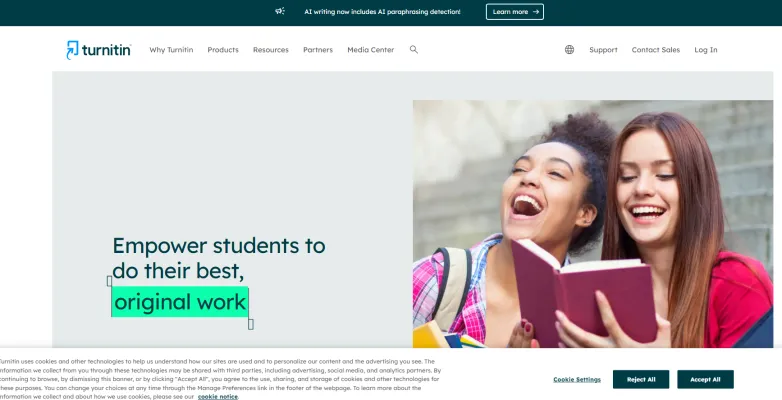
- Visit the Turnitin Website: Go to Turnitin's official website (www.turnitin.com).
- Log In or Create an Account: Click on "Log In" if you have an account, or create one through your educational institution.
- Access Through Learning Management Systems (LMS): Many institutions integrate Turnitin within their LMS. Log in to your LMS and navigate to your course to find Turnitin-enabled assignments.
- Submit Your Work: Upload your document following the prompts in the assignment section.
- Review Your Similarity Report: After submission, wait for Turnitin to generate a Similarity Report, which you can review for potential plagiarism issues.
How to Use Turnitin
To effectively use Turnitin's key features:
- Create an Account: Sign up on the Turnitin website, choosing the appropriate user type.
- Join a Class: Use the class ID and enrollment key provided by your instructor to join your class.
- Submit a Paper: Navigate to your class dashboard, select the assignment, and follow the submission process.
- Check Similarity Reports: Review the generated similarity report to check the originality of your work.
- Review Feedback: Access instructor feedback through the feedback icon in your assignment portfolio.
How to Create an Account on Turnitin
To create a Turnitin account:
- Visit www.turnitin.com and click on "Create Account."
- Select "Student" as your account type.
- Enter the Class ID and Enrollment Key provided by your instructor.
- Fill in your personal details, including name and email address.
- Create a strong password for your account.
- Agree to the user agreement and click "Create Profile."
- Verify your email by clicking the link sent to your inbox.
Tips for Using Turnitin
To enhance your Turnitin experience:
- Understand the Report: Familiarize yourself with the originality report and similarity index to identify areas needing revision.
- Use Feedback Studio: Take advantage of this feature for personalized feedback and grading rubrics.
- Check Submission Formats: Ensure your documents are in compatible formats to avoid submission errors.
- Educate Students: If you're an educator, guide students on proper Turnitin usage and the importance of academic integrity.
- Regularly Update Your Settings: Customize Turnitin settings based on your specific needs for grading, peer review, or fostering original writing.
By following this guide, users can effectively navigate Turnitin, promoting academic integrity and improving writing skills in the process. Whether you're a student submitting assignments or an educator grading papers, Turnitin offers valuable tools to enhance the academic experience and uphold the standards of original work.
Trending

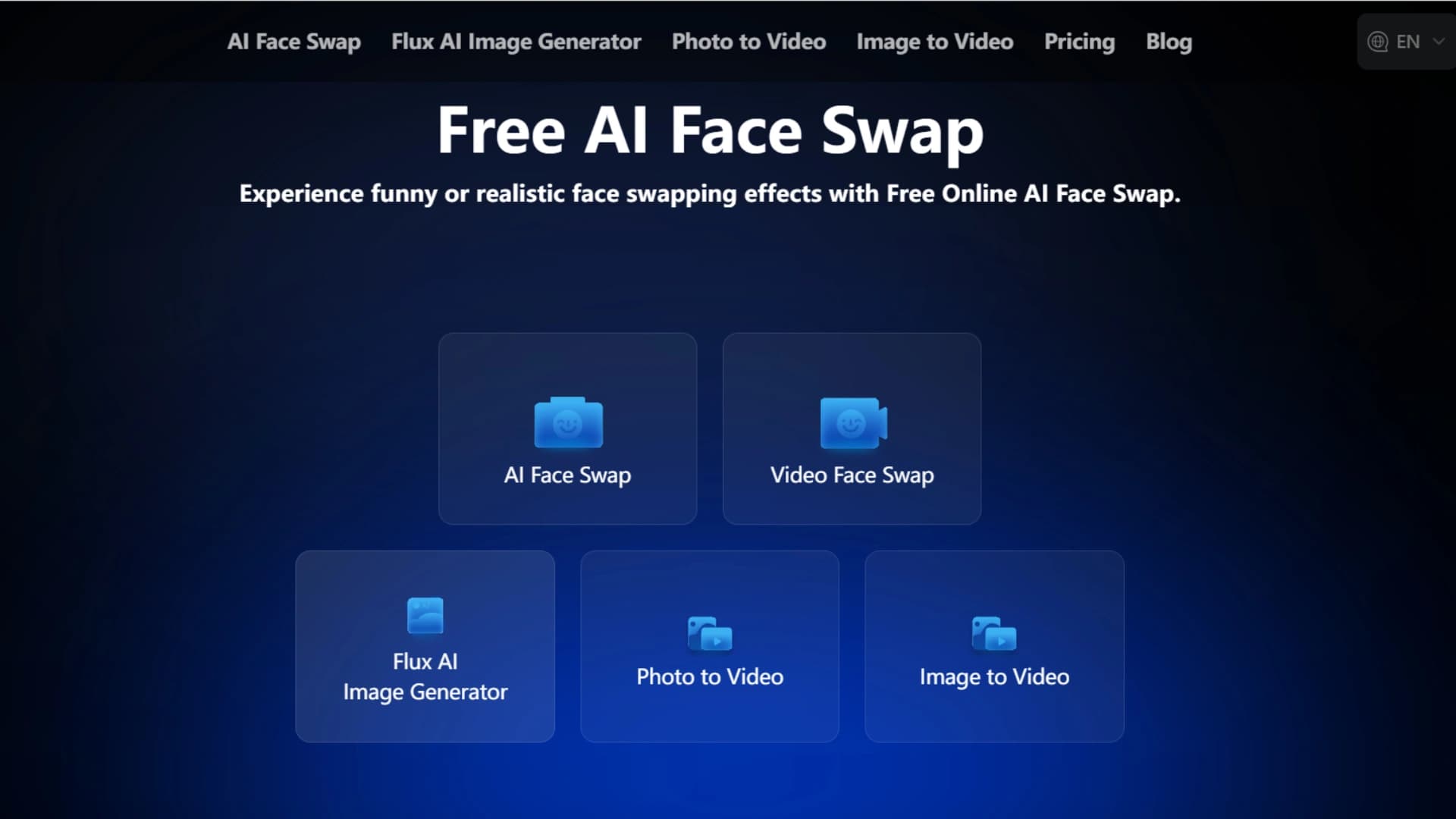
AI Face Swap Review: Revolutionizing Digital Content Creation
Explore the features, benefits, and alternatives of AI Face Swap technology. Discover how it's transforming digital content creation in our comprehensive guide.

Pika 1.5 The Next Generation of AI Video Creation
Discover the features, pricing, and usage tips for Pika 1.5, the latest AI video generator from Pika Labs. Create stunning videos effortlessly!

Google Vids AI: Google's AI Video Generator Coming
On November 7, 2024, Google launched Google Vids, an AI-powered video creation tool designed to streamline the process of making professional videos within the Google Workspace ecosystem.
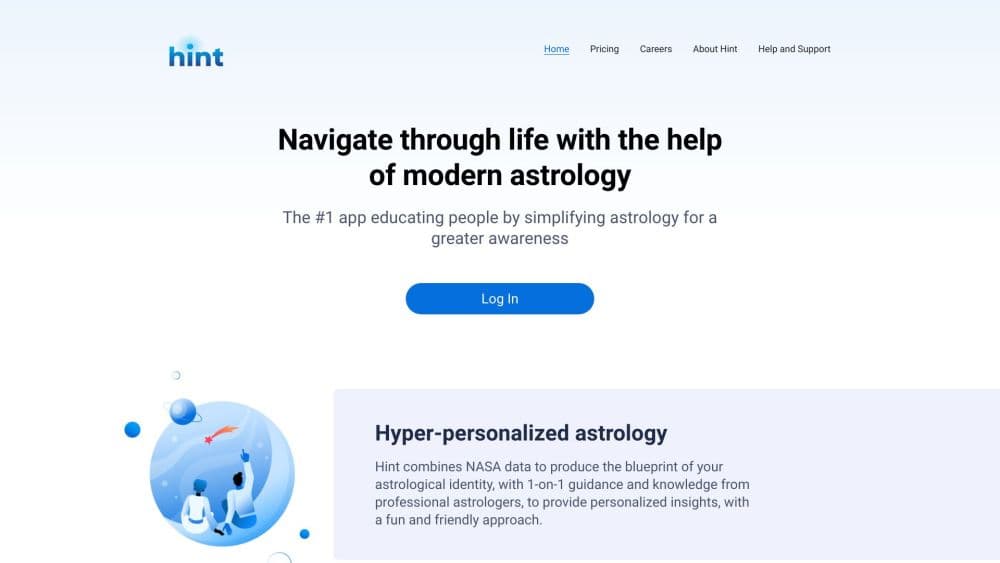
How to Use Hint: Unlock Personalized Astrology Insights
Discover how to use Hint for tailored astrological guidance. Learn to navigate the app, access personalized readings, and connect with expert astrologers. Explore now!
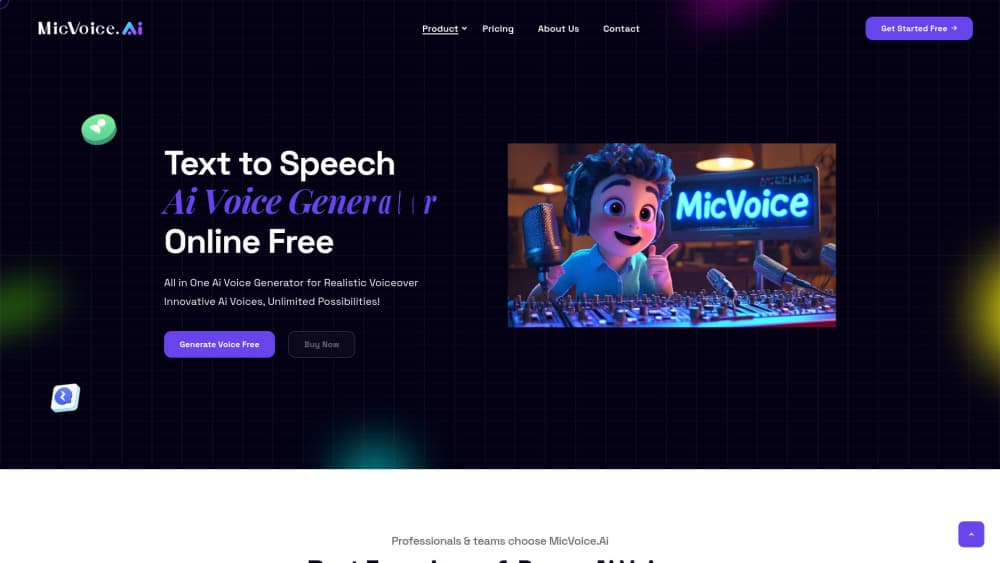
How to Use MicVoice.Ai: A Comprehensive Guide
Discover how to harness the power of AI voice generation with MicVoice.Ai. Learn step-by-step tips and tricks to create professional voiceovers effortlessly.