
Explore The Best AI Websites & Tool
Your all-in-one toolkit for productivity, creativity, and development. Over 40 powerful tools to streamline your workflow.
SearchHow to Use Movie Gen: Meta's AI Video Creation Tool
Introduction to Movie Gen
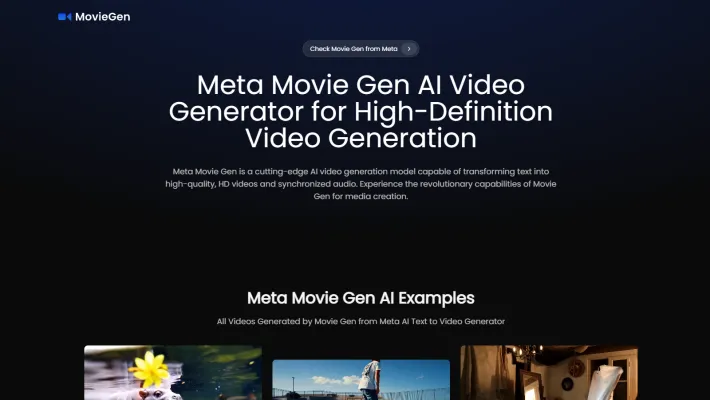
Movie Gen is an advanced AI video generation model developed by Meta that transforms text prompts into high-quality, high-definition videos with synchronized audio. This cutting-edge technology allows users to create videos simply by inputting descriptive text, making video production accessible to anyone, regardless of technical expertise. With a focus on democratizing content creation, Movie Gen empowers users to generate personalized videos by incorporating their images, preserving human identity and motion.
One of its standout features is the ability to perform precise editing based on text commands, allowing users to modify styles, transitions, and specific elements within existing footage. Furthermore, Movie Gen excels in audio generation, producing ambient sounds, sound effects, and background music that align seamlessly with the visual content. Meta envisions Movie Gen as a transformative tool for content creators, pushing the boundaries of what's possible in AI-driven media production while prioritizing ethical considerations and responsible AI development.
Use Cases of Movie Gen
Movie Gen's versatility opens up a wide range of potential applications across various industries:
- Social Media Content Creation Movie Gen could revolutionize how influencers and brands create engaging video content for platforms like Instagram and TikTok. Users could quickly generate custom video clips from text prompts to illustrate concepts or tell stories, complete with AI-generated background music and sound effects.
- Personalized Video MessagesThe ability to create a video of someone from a single photo opens up possibilities for personalized video greetings and messages. Users could generate custom birthday videos or holiday greetings featuring themselves or loved ones in novel settings and scenarios.
- Rapid Video Prototyping Filmmakers and advertisers could use Movie Gen to quickly prototype ideas and storyboards as realistic video clips before committing to full production. This could streamline the creative process and allow for more experimentation.
- Educational Content Teachers and online course creators could leverage Movie Gen to produce engaging educational videos on various topics, bringing abstract concepts to life through AI-generated visuals and animations paired with explanatory voiceovers.
- Video Game Asset CreationGame developers may be able to use Movie Gen to rapidly generate in-game cutscenes, character animations, and environmental effects, speeding up asset creation for video games.
How to Access Movie Gen
Accessing Meta's Movie Gen involves a few straightforward steps:
- Visit the Official Website: Go to the Movie Gen official site for detailed information about its features and capabilities.
- Join the Waitlist: Since Movie Gen is not yet publicly available, look for the option to join the waitlist on the website. Enter your email address and any required information to sign up.
- Follow Meta's Social Media Channels: Stay updated by following Meta on platforms like Facebook, Twitter, and Instagram for announcements and updates.
- Check for Beta Testing Opportunities: Keep an eye out for any announcements regarding beta testing, as Meta may offer limited access to select users.
- Prepare Your Content Ideas: While waiting for access, start brainstorming ideas for videos you'd like to create and familiarize yourself with the types of text prompts that can be used.
How to Use Movie Gen
Using Movie Gen is straightforward:
- Enter text Prompts: Input a detailed natural language description of the video you wish to create.
- Generate Video: Click the 'Generate' button to initiate the video creation process.
- Personalize Your Video: If desired, upload an image of yourself or another subject to integrate into the video narrative.
- Edit Existing Videos: Use text prompts to make specific edits to existing video content, such as modifying styles or adding new elements.
- Generate Audio: Choose to create custom sound effects or background music to complement your video.
How to Create an Account on Movie Gen
To create an account on Movie Gen:
- Visit the Official Movie Gen Website: Navigate to https://www.moviegenai.org.
- Locate the Sign-Up Button: Look for the "Sign Up" or "Join the Waitlist" button on the homepage.
- Fill Out the Registration Form: Enter your details, including name, email address, and password.
- Verify Your Email: Check your email for a verification link from Movie Gen and click on it to confirm your email address.
- Log In to Your Account: Once verified, return to the Movie Gen website and log in with your registered email and password.
Tips for Using Movie Gen Efficiently
- Craft Clear Prompts: Be specific about the scenes, actions, and emotions you want to capture in your text prompts.
- Utilize Personalization Features: Take advantage of Movie Gen's ability to create personalized videos by uploading your images.
- Experiment with Editing: Explore the editing capabilities using text commands to make precise adjustments to your videos.
- Leverage Audio Generation: Enhance your videos by utilizing the integrated audio features for custom sound effects and background music.
- Iterate and Refine: After generating a video, review it and use Movie Gen's editing tools to refine elements for better storytelling or visual appeal.
By following these guidelines and tips, you can make the most of Movie Gen's powerful features and create stunning, high-quality videos with ease. As AI technology continues to evolve, tools like Movie Gen are set to revolutionize the way we approach video creation, making it more accessible and efficient for creators of all skill levels.
Trending

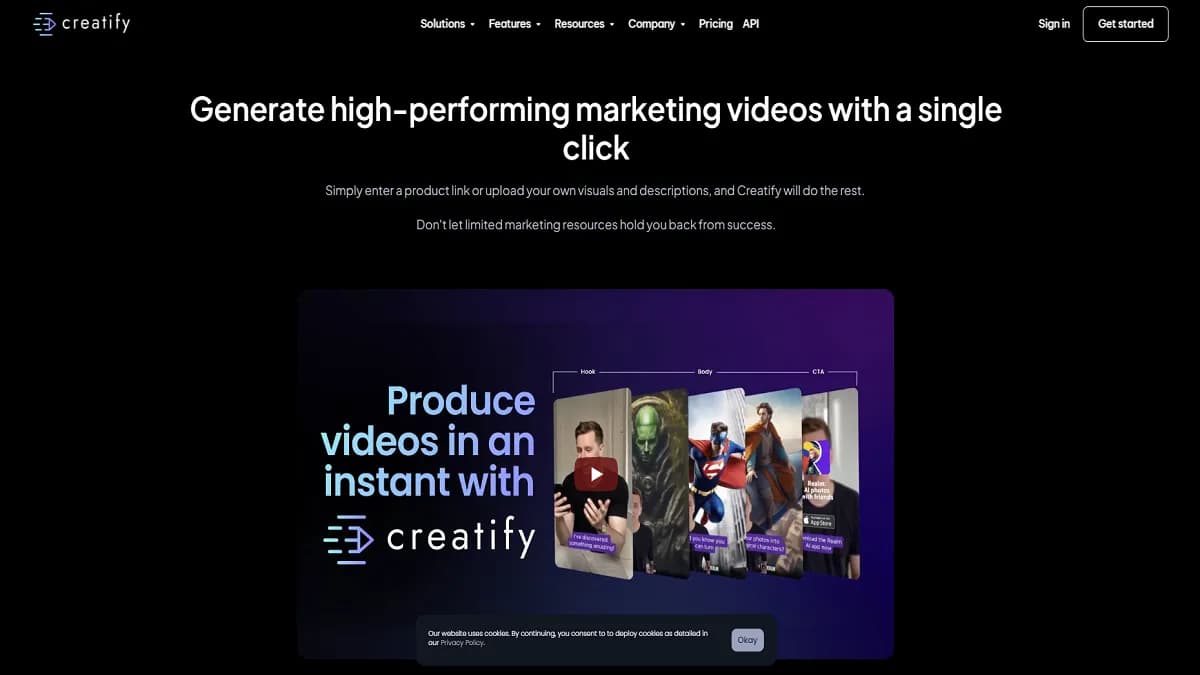
Creatify Review: AI-Powered Video Ad Creation Platform
Explore Creatify's AI-driven video ad creation features, benefits, and alternatives. Learn how this tool revolutionizes marketing with AI avatars and URL-to-video technology.
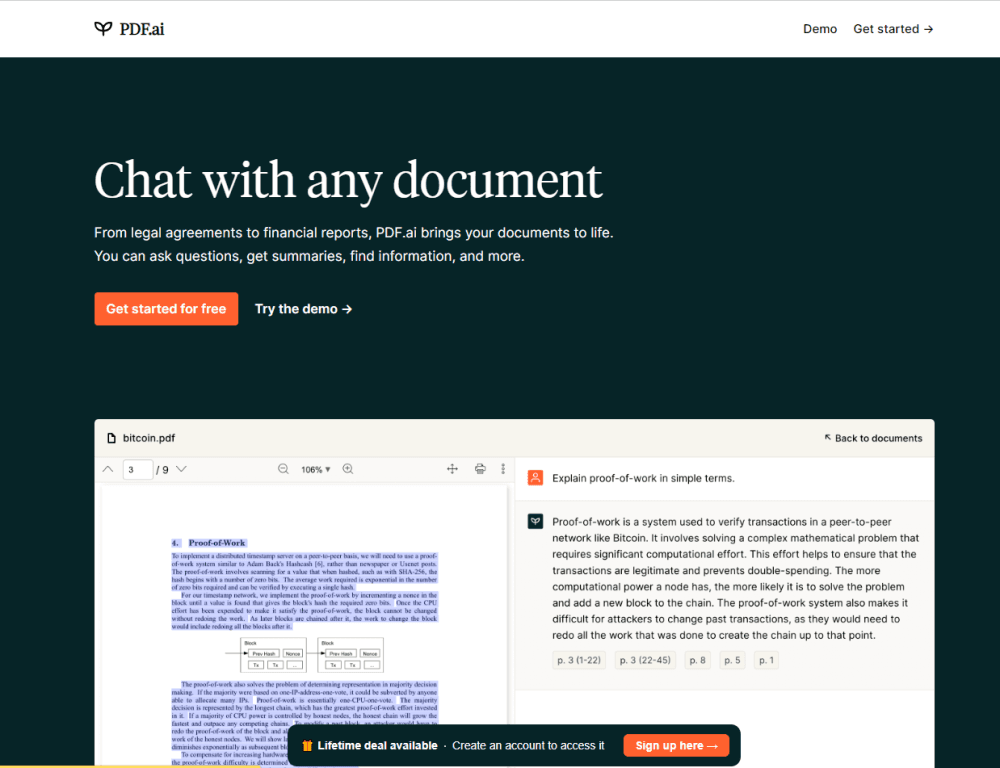
How to Use PDF.ai: A Comprehensive Guide for Beginners
Discover how to leverage PDF.ai's AI-powered features to interact with your documents efficiently. Learn tips, tricks, and best practices in our in-depth guide.

Eagle AI Review: Revolutionizing Risk Management with AI
Discover how Eagle AI transforms risk management in finance. Explore features, benefits, and alternatives in our comprehensive guide to AI-powered compliance.

SLIDESGO Review: AI-Powered Presentation Templates | 2024
Discover how SLIDESGO revolutionizes presentation creation with AI-powered templates, extensive customization options, and educational resources. Read our full guide!
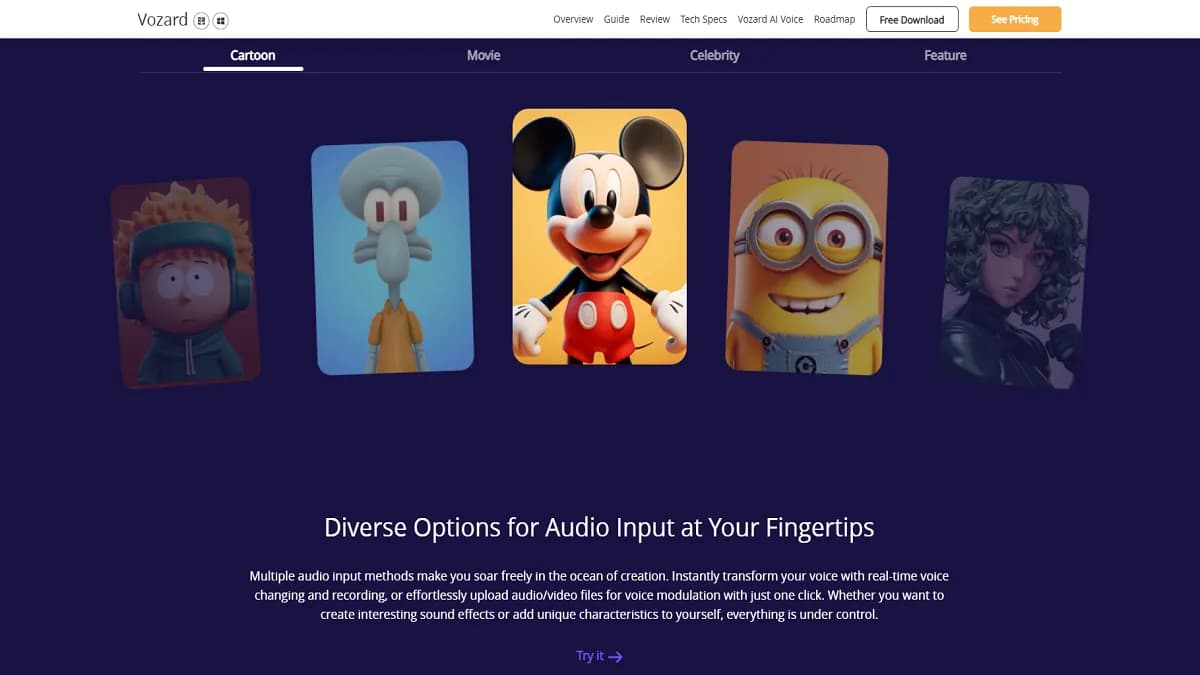
Vozard Review: AI Voice Changer for Gaming & Streaming
Discover Vozard, the AI-powered voice changer revolutionizing online interactions. Explore 180+ effects, real-time modulation, and cross-platform compatibility. Read our full guide!