
Explore The Best AI Websites & Tool
Your all-in-one toolkit for productivity, creativity, and development. Over 40 powerful tools to streamline your workflow.
SearchKling AI 1.5 Released with Motion Brush Feature and 1080p HD Videos
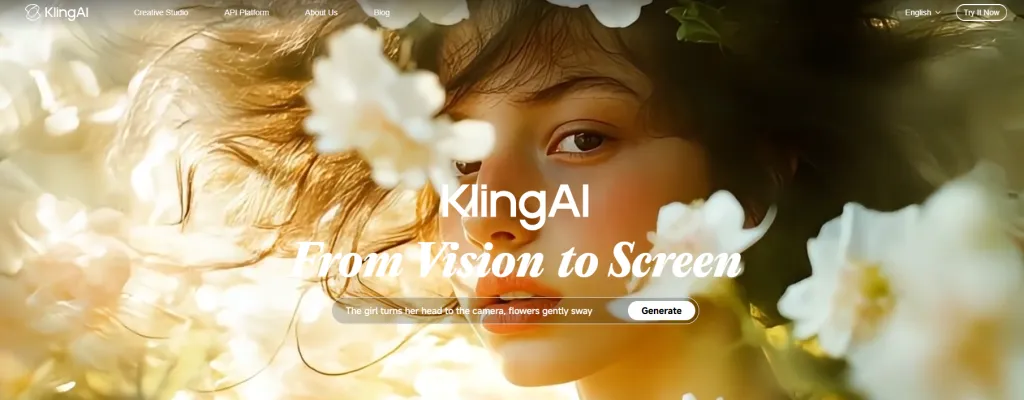
KLING AI 1.5 Release Date
KLING 1.5, the latest upgrade to the innovative AI video generation tool, was officially released on September 19, 2024 (today), according to the company's official X (formerly Twitter) account. This release marks a significant milestone in AI-powered video creation, bringing advanced features and improvements to creators worldwide.
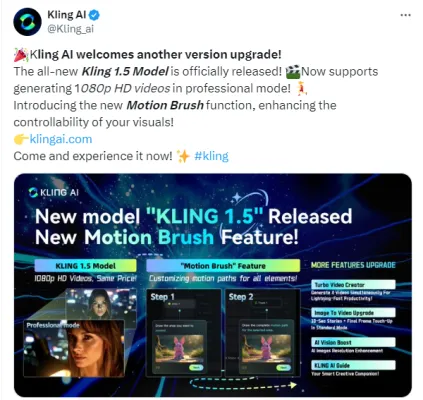
(KLING AI 1.5 Release Twitter Post: https://x.com/Kling_ai/status/1836615107918598236)
KLING AI 1.5 Features
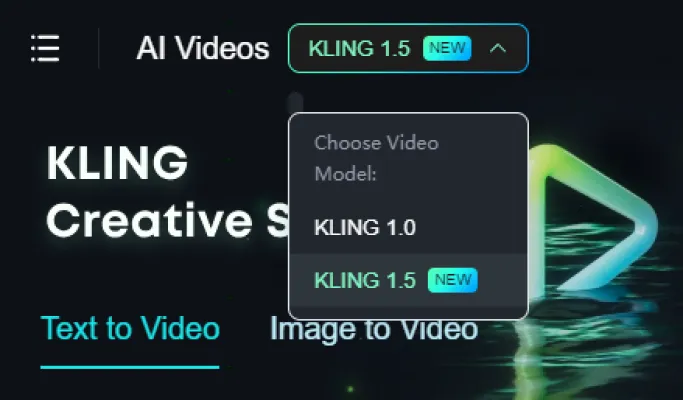
KLING 1.5 introduces several groundbreaking features that elevate the AI video generation experience:
- 1080p HD Video Generation: The new foundation model offers stunning 1080p HD videos optimized for large screens, with improved motion quality and enhanced text responsiveness.
- Motion Brush Feature: This innovative tool allows users to precisely define the movement of up to six elements within an image, including characters and objects. It provides unprecedented control over motion and performance in videos.
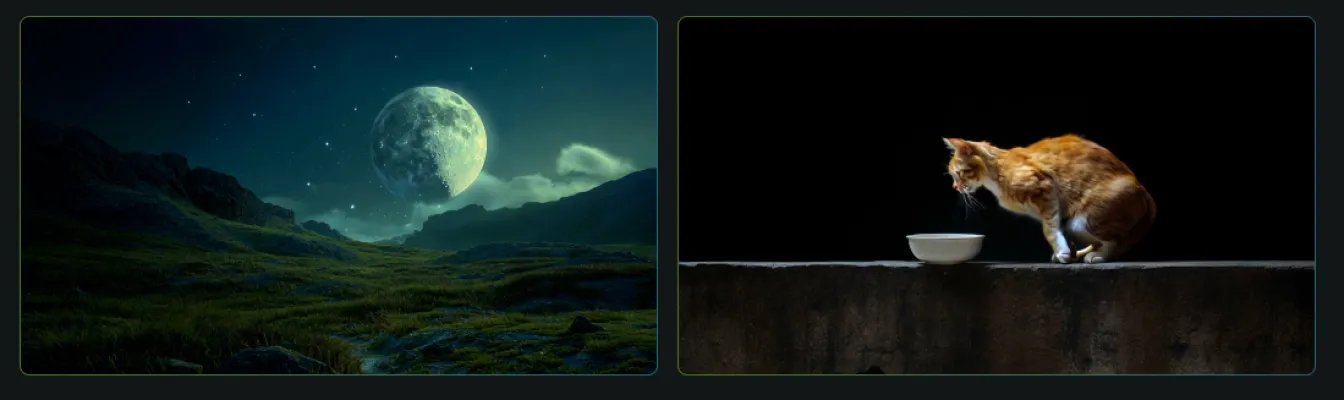
- High-Quality Mode: The new "High-Quality Mode" is now available at no additional cost, making professional-grade video creation more accessible.
- Improved image Quality: KLING 1.5 shows significant improvements in image composition and video clarity.
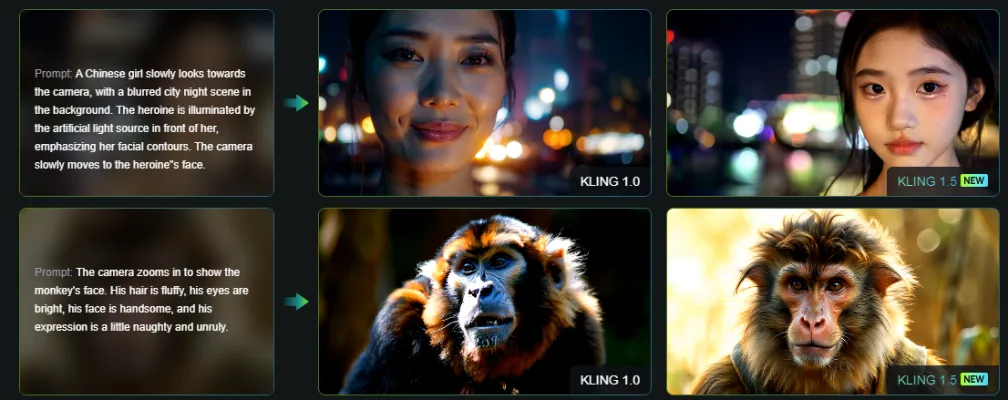
- Enhanced Dynamic Quality: The new version offers improved motion rationalization, resulting in more natural and fluid movements.
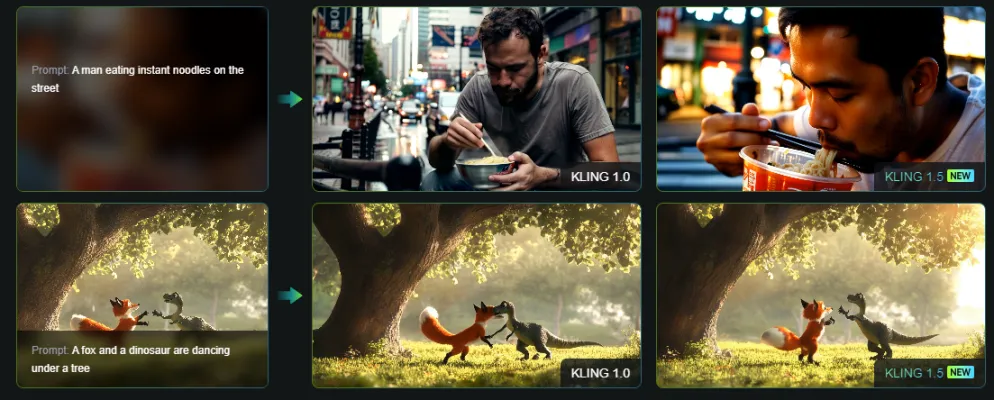
- Better Prompt Relevance: KLING 1.5 can now handle more complex text prompts, translating them more accurately into visual content.
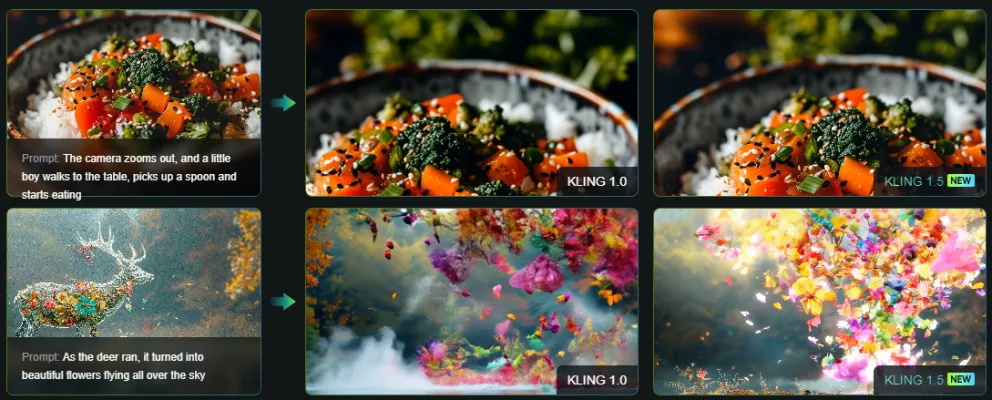
KLING AI 1.0 vs KLING AI 1.5
| Feature | KLING 1.0 | KLING 1.5 |
| Video Resolution | 720p in Professional Mode | 1080p HD in Professional Mode |
| image Quality | Standard | Significantly improved composition and clarity |
| Dynamic Quality | Basic | Enhanced motion rationalization |
| Prompt Relevance | Limited | Improved handling of complex text |
| Motion Brush | Not available | Supported for up to 6 elements |
KLING AI 1.5 Other Updates
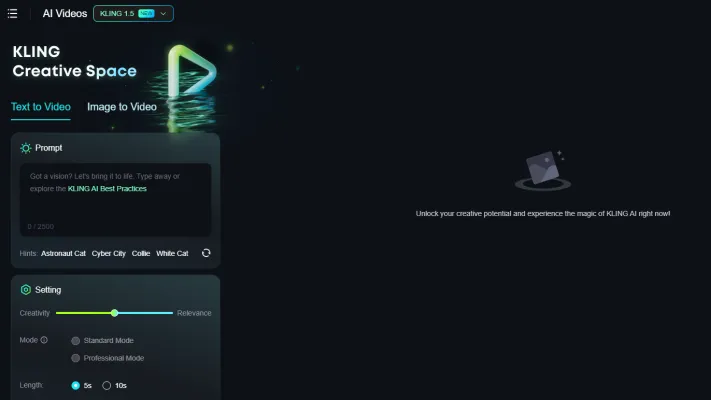
In addition to the core improvements, KLING 1.5 brings several other notable updates:
1.Faster Video Generation: KLING AI now supports simultaneous generation of up to 4 videos, significantly speeding up the creative process.
2.Extended Video Duration: The "image to Video" feature now supports 10-second clips with final frames in Standard Mode.
3.Improved AI image Resolution: AI-generated images now boast up to 4x higher resolution, ensuring every detail is crystal clear.
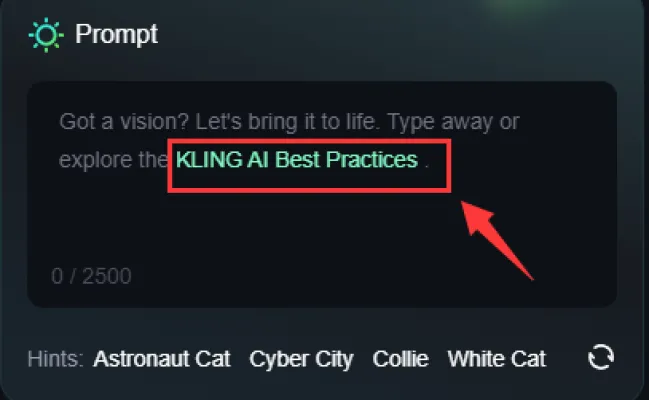
4.KLING AI Guide: Users can now access the KLING AI Guide by clicking hyperlinks in prompt boxes or the profile icon in the top right corner.
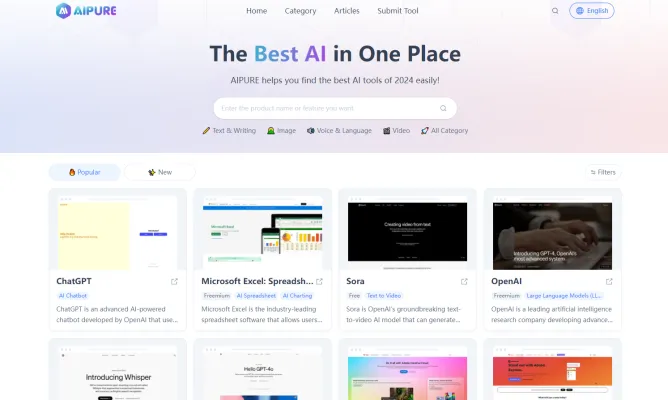
To stay up-to-date with the latest AI news, discover the best AI applications, and access comprehensive guides on using AI to generate income, visit AIPURE( https://aipure.ai). Our platform offers cutting-edge insights and resources to help you navigate the rapidly evolving world of artificial intelligence.
Trending

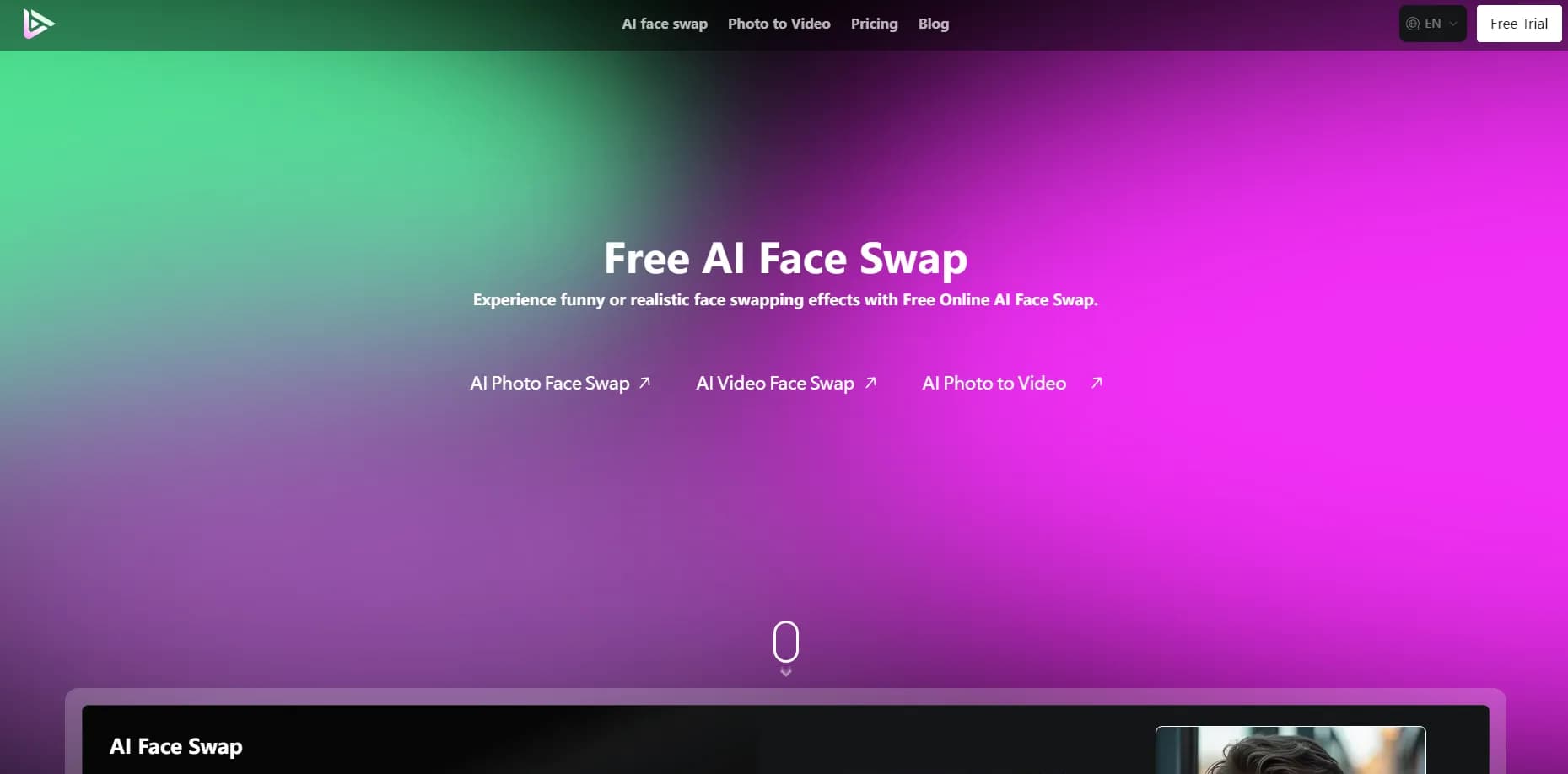
How to Use AI Face Swap: Ultimate Guide & Tips
Master AI Face Swap with our comprehensive guide. Learn step-by-step techniques, explore use cases, and discover pro tips for creating stunning face-swapped content.
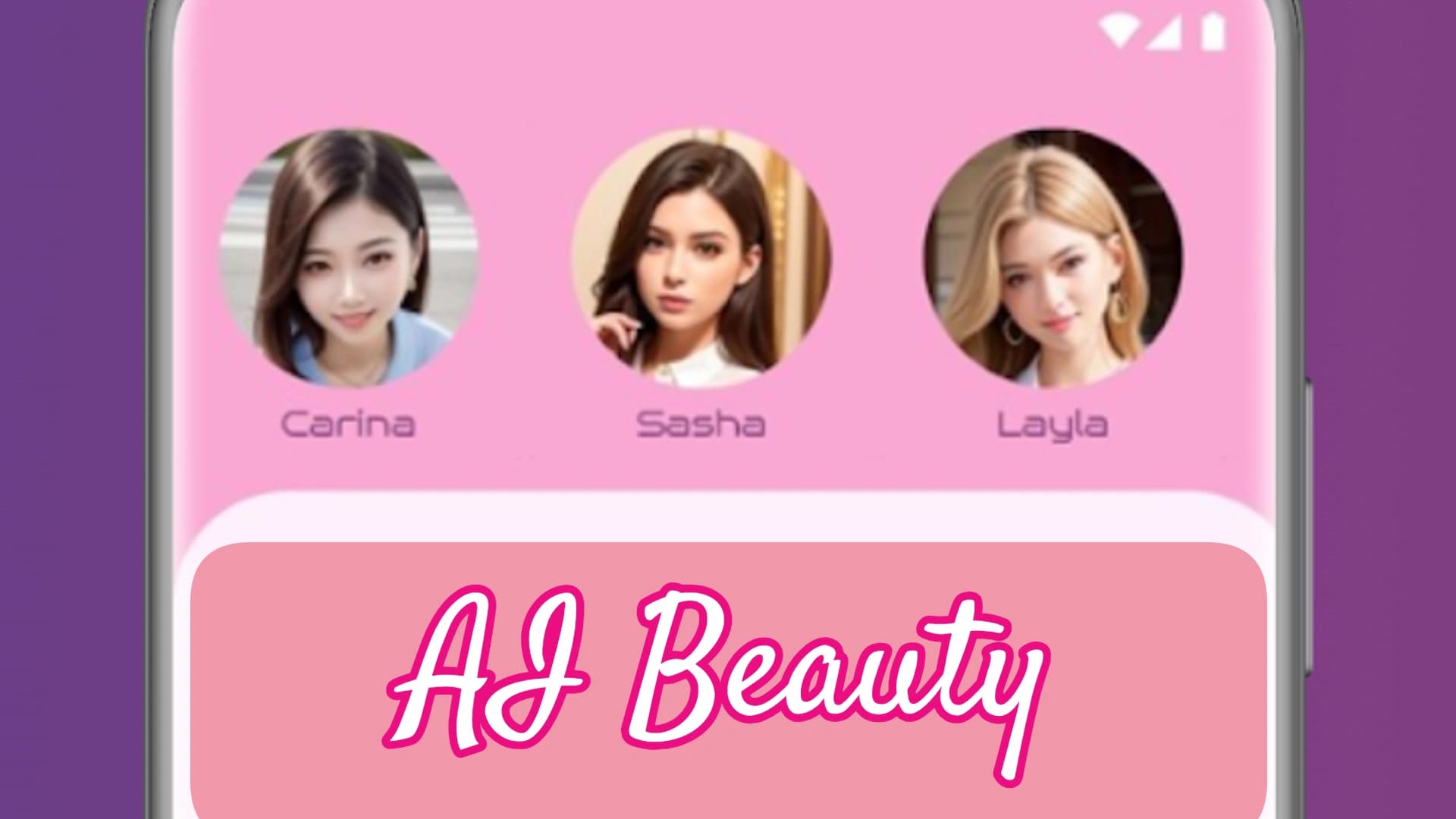
How to Use AI Beauty: The Ultimate Guide to Digital Aesthetics
Discover how to leverage AI beauty apps for personalized skincare, virtual makeup try-ons, and trend forecasting. Explore our practical guide for expert tips.
ChatGPT's Windows App Challenges Office Software Dominance
OpenAI's latest move brings ChatGPT to Windows desktops, signaling a potential shift in how we interact with computers and process information. This strategic expansion could reshape the enterprise software landscape.
PixVerse WebUI Overhaul: Introducing Floating Create Hub, Discovery Pool, and More
PixVerse launches a groundbreaking WebUI update, introducing Floating Create Hub, Discovery Pool, and Creation Dashboard features to streamline AI-powered video creation across all devices.

How to Use AI Photo Editor: A Comprehensive Guide
Discover how to transform your images with AI photo editing. Learn practical tips and techniques for efficient, professional-quality results. Explore our full guide now!