
Explore The Best AI Websites & Tool
Your all-in-one toolkit for productivity, creativity, and development. Over 40 powerful tools to streamline your workflow.
SearchHow to Use Vocareum: A Comprehensive Guide for AI Learning
What is Vocareum
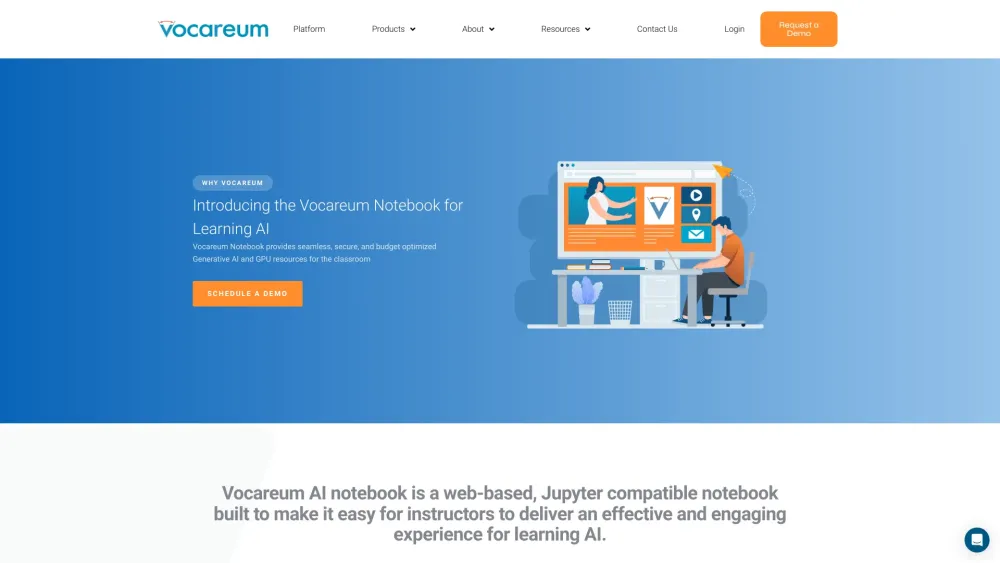
Vocareum is a cutting-edge platform that seamlessly integrates AI, cloud computing, and data science into the educational landscape. Designed to enhance teaching and learning outcomes, Vocareum offers a suite of tools that provide secure, accessible, and scalable environments for hands-on learning and experimentation.
At the heart of Vocareum's offerings is the AI Gateway, which centralizes the management of AI resources, ensuring compliance and efficient budgeting. The AI Notebook, powered by Jupyter, integrates smoothly with Learning Management Systems (LMS) and offers essential data science libraries and GPU resources. Additionally, Cloud Labs provide controlled, hands-on experiences with leading cloud platforms like AWS, Azure, and Google Cloud.
Vocareum also supports adaptive learning through AI-generated assessments, personalizing student experiences and enhancing engagement. Trusted by over 7,000 institutions and 4 million learners, Vocareum is committed to democratizing access to cutting-edge technologies, making advanced education more accessible and efficient.
Use Cases of Vocareum
Vocareum's versatility shines through its various use cases:
- Automated Grading and Submission Management: Vocareum streamlines the grading process with its automated submission check and centralized grading system. This feature is particularly useful in large computer science classes, allowing professors to manage thousands of submissions efficiently.
- Cloud-Based Learning Environments: The platform's cloud labs and sandboxes provide secure, controlled environments for hands-on learning. For instance, Georgia Institute of Technology uses Vocareum notebooks to integrate GPU resources, allowing students to run complex models and compare performance between CPUs and GPUs.
- AI-Generated Assessments: Vocareum's adaptive learning feature personalizes the learning experience by adjusting content difficulty based on individual student performance. This is especially beneficial in courses where individualized support is crucial.
- Collaboration and Version Control: With Git integration, Vocareum facilitates version control and collaboration, making it easier for students to work on group projects. This feature is particularly useful in software engineering and project-based courses.
- Plagiarism Detection: Vocareum's plagiarism detection tool helps maintain academic integrity by identifying potential plagiarism in student submissions, crucial for large classes where manual checks are impractical.
How to Access Vocareum
Accessing Vocareum is straightforward:
- Determine Your Access Method: You may access Vocareum through your Learning Management System (LMS) or via a direct Vocareum invitation.
- Log In to Vocareum: Use the login link provided in your invitation email or navigate to the Vocareum login page.
- Navigate to Your Course: Once logged in, you'll see your enrolled courses in the "Classes" section.
- Access Your Assignments: Within each course, select "My Work" to view your assignments.
- Utilize the JupyterLab Environment: Many assignments are completed within the JupyterLab environment, which provides a powerful interface for coding and data analysis.
- Submit Your Work: Complete your assignment and use the submission button to submit your work. You can then view your grades and feedback on the assignment dashboard.
How to Use Vocareum
Using Vocareum effectively involves the following steps:
- Register and Log In: Navigate to the Vocareum login page and create an account or log in with your credentials.
- Access Your Courses: After logging in, you'll see a list of your courses on the dashboard. Click on the course you want to access.
- Navigate to Assignments: Within the course, click on "My Work" to see a list of assignments.
- Work on Assignments: Use the JupyterLab environment for coding. Remember to save your work frequently.
- Submit Assignments: Once ready, click the "Submit" button. You can submit multiple times, with the latest submission considered for grading.
- Review Grades and Feedback: After submission, grades and feedback will be available on the assignment dashboard.
How to Create an Account on Vocareum
Creating a Vocareum account is a simple process:
- Navigate to the Vocareum login page.
- Click on "Register" or "Sign Up".
- Enter your email address.
- Create a strong password.
- Agree to the Terms and Conditions.
- Submit the form.
- Verify your email by clicking the link in the confirmation email.
- Log in to your new account.
Tips for Using Vocareum
To make the most of Vocareum:
- LMS Integration: Always access Vocareum through your LMS if available.
- Regular Submissions: Utilize the unlimited submission feature before due dates.
- Manage Jupyter Cells: Keep your notebooks organized and avoid unnecessary print statements.
- LTI Settings: For instructors, ensure correct LTI configuration when publishing assignments.
- Grace Periods: Set up grace periods for late submissions.
- Use the Help Center: Familiarize yourself with the Help Center for detailed guides and troubleshooting tips.
- Check the Dashboard: Regularly review the assignment dashboard for feedback and grading reports.
By following these guidelines and tips, you can maximize your experience with Vocareum, whether you're a student engaging in hands-on learning or an educator managing courses and assignments. Vocareum's robust features and user-friendly interface make it an invaluable tool in the realm of AI and cloud-based education.
Trending

LockedIn AI Review: Revolutionize Job Interviews & Meetings
Discover how LockedIn AI transforms job interviews and professional meetings with real-time coaching, multilingual support, and advanced AI features. Explore our guide!
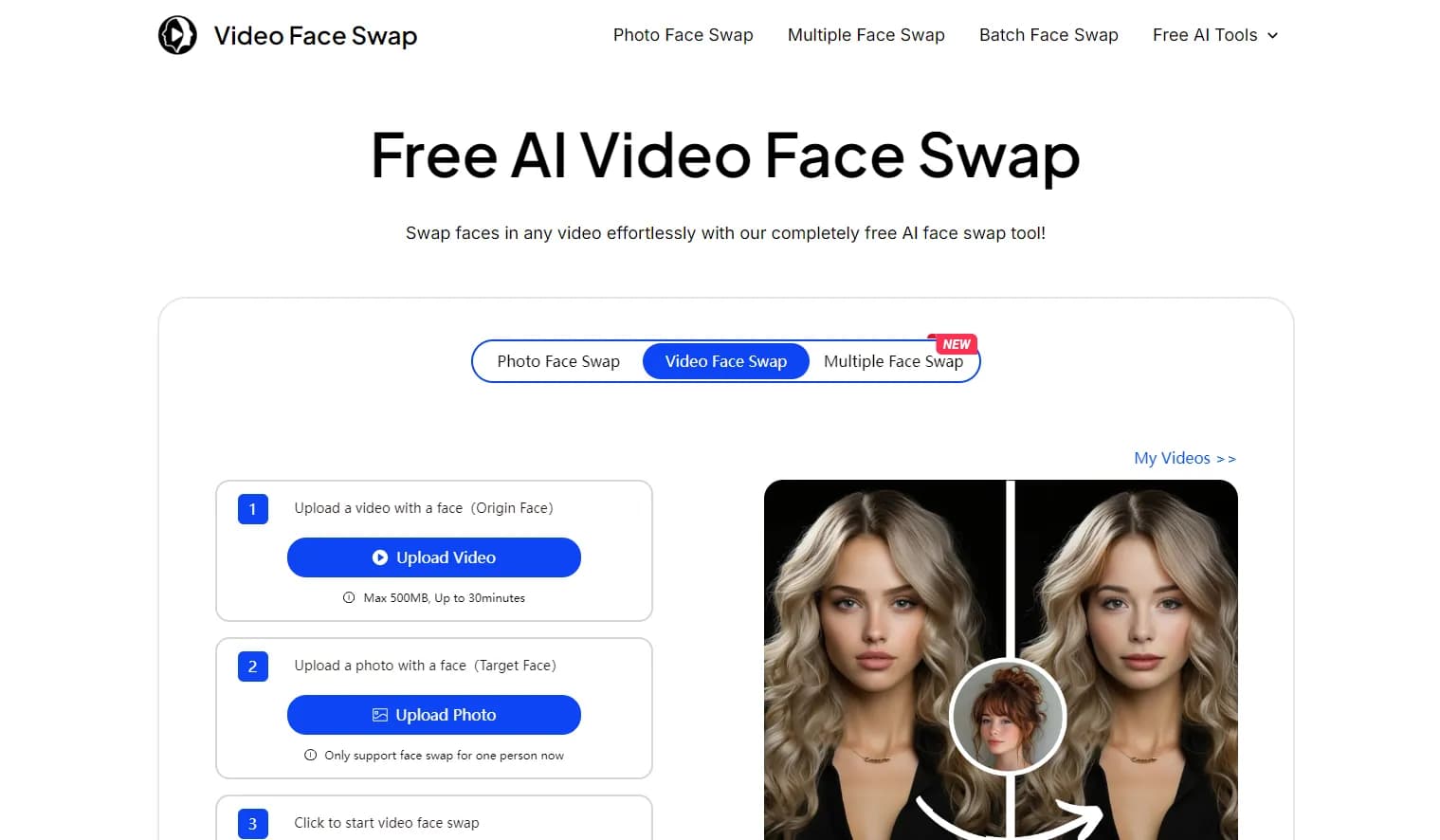
Video Face Swap Review: AI-Powered Content Creation Tool
Explore our comprehensive Video Face Swap review. Learn about its features, benefits, and alternatives. Discover how this AI tool revolutionizes content creation.
How to Use eMastered: AI Audio Mastering Guide
Learn how to use eMastered's AI-powered audio mastering service. Discover step-by-step instructions, tips, and best practices for professional-quality sound.
timeOS Review: AI-Powered Meeting Management Tool | Boost Productivity
Discover how timeOS revolutionizes productivity with AI-powered meeting management. Explore features, benefits, and alternatives in our comprehensive guide.
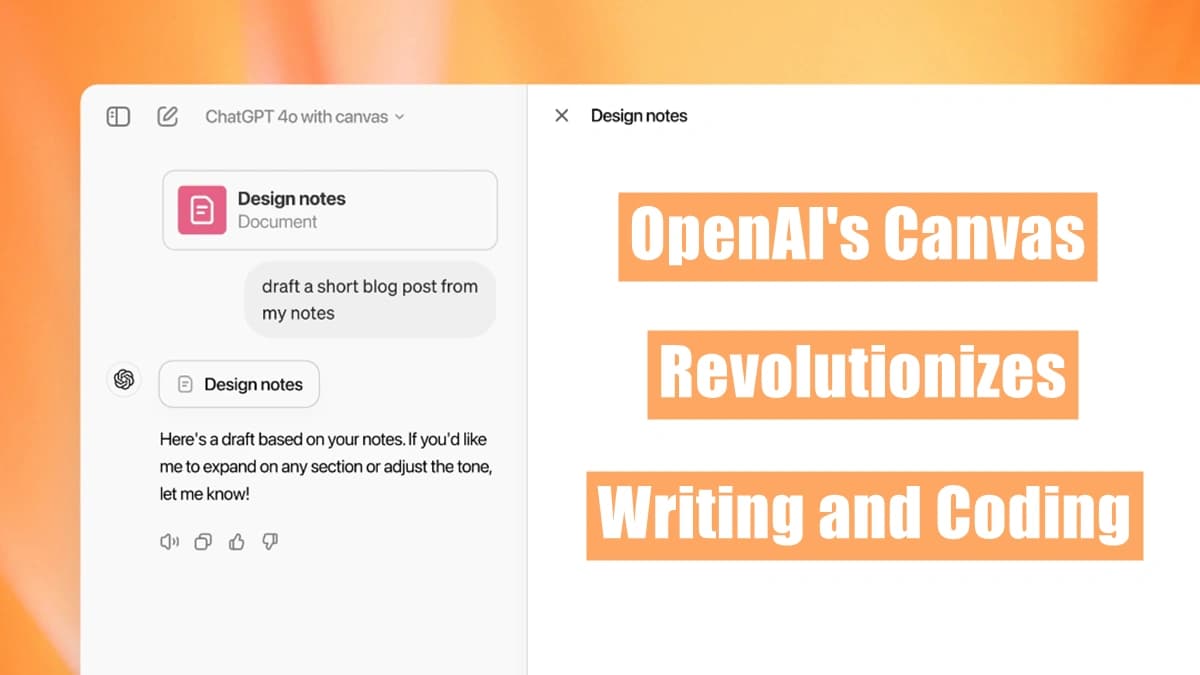
OpenAI's ChatGPT 4o with Canvas Revolutionizes Writing and Coding
OpenAI's Canvas, launched on October 3, 2024, transforms ChatGPT into a collaborative workspace, offering a groundbreaking approach to AI-assisted writing and coding projects. This innovative tool marks a significant leap in human-AI interaction.