
Explore The Best AI Websites & Tool
Your all-in-one toolkit for productivity, creativity, and development. Over 40 powerful tools to streamline your workflow.
SearchHow to Play Minecraft Free with Decart AI: Beginner's Tutorial

Decart AI has unveiled Oasis, an innovative AI model that creates a real-time, playable version of Minecraft, marking a significant advancement in the gaming industry. This technology allows players to immerse themselves in a dynamically generated environment where the game evolves based on their interactions. With Oasis Minecraft AI(https://oasis-model.github.io/), players can experience a new level of engagement and creativity.
Oasis Decart AI Features
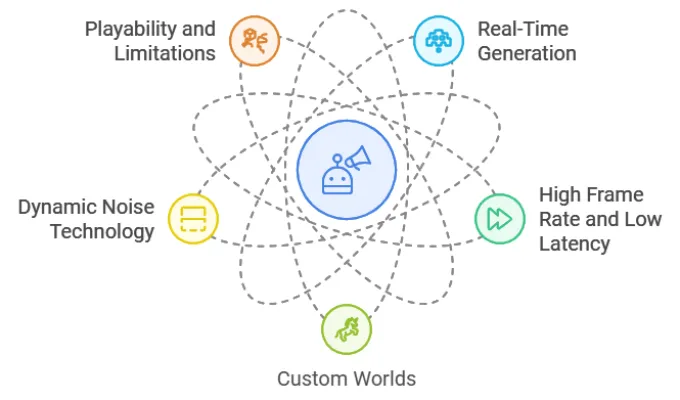
- Real-Time Generation: Oasis Minecraft AI utilizes advanced AI architecture to generate gameplay elements, including physics and visuals, in real-time. This allows for a seamless experience where player actions directly influence the game world.
- High Frame Rate and Low Latency: Unlike traditional game engines, Oasis can produce 20 frames per second with zero latency, generating a new frame every 0.04 seconds. This is achieved through a combination of Vision Transformer technology and diffusion models.
- Custom Worlds: A recent update introduced the "Custom Worlds" feature in Oasis Minecraft AI, enabling users to upload their own images for the AI to transform into playable environments. This opens up endless possibilities for personalized gaming experiences.
- Dynamic Noise Technology: To maintain visual consistency and prevent errors from accumulating over time, Oasis employs a technique known as dynamic noising. This approach adds randomness during the initial frame generation, allowing the AI to refine images progressively.
- Playability and Limitations: While Oasis Minecraft AI offers an engaging experience, it currently operates at a resolution of 720p and is prone to "hallucinations," where the environment may change unexpectedly. Players have reported issues with object permanence, leading to disorientation as landscapes shift when turning around.
How to Play Minecraft with Oasis Decart AI
Playing Minecraft with Oasis Decart AI is straightforward and can be done by following these steps:
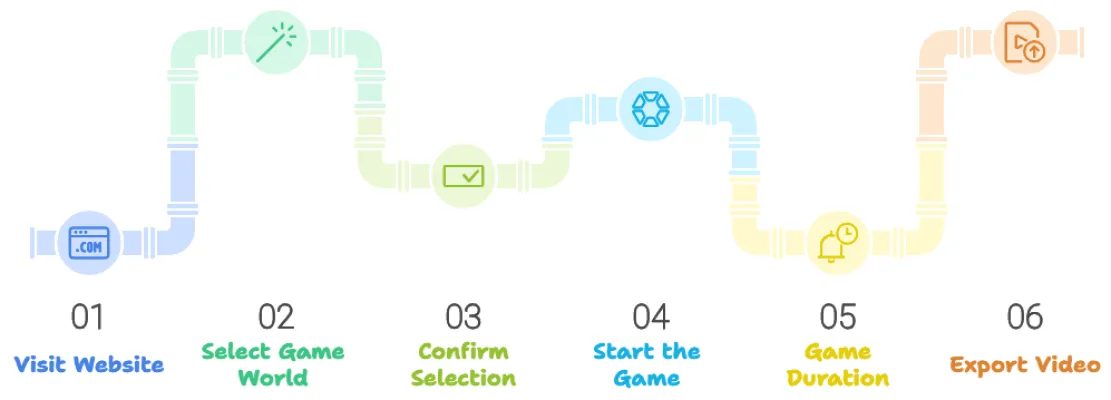
Open a Chromium-based browser (like Google Chrome) and navigate to the Oasis AI website. Or access through AIPURE.

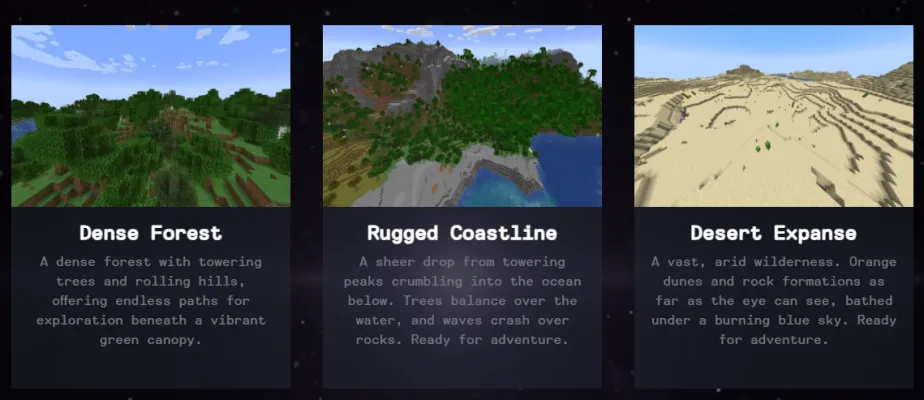
Choose from one of the currently available five worlds:
- Mountain Meadow
- Village Outpost
- Dense Forest
- Rugged Coastline
- Desert Expanse
After selecting your desired world, confirm your choice and wait if necessary for your turn to play.
Once the game world loads, you can move freely within the square window that generates the game in real-time. The controls will be displayed at the bottom of the window.
You will have approximately 2 to 4 minutes to explore and interact within the generated environment.
After your session ends, you have the option to export your gameplay as a video.
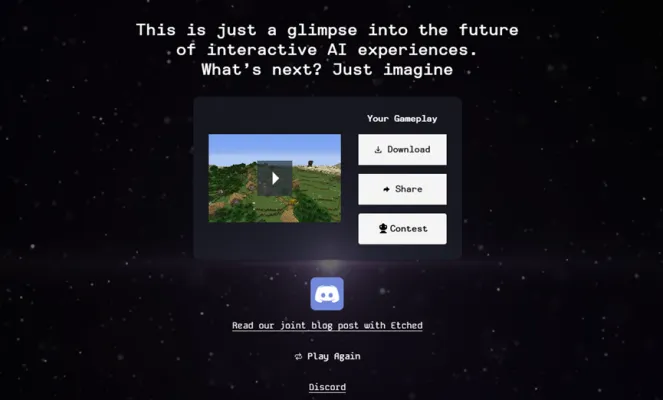
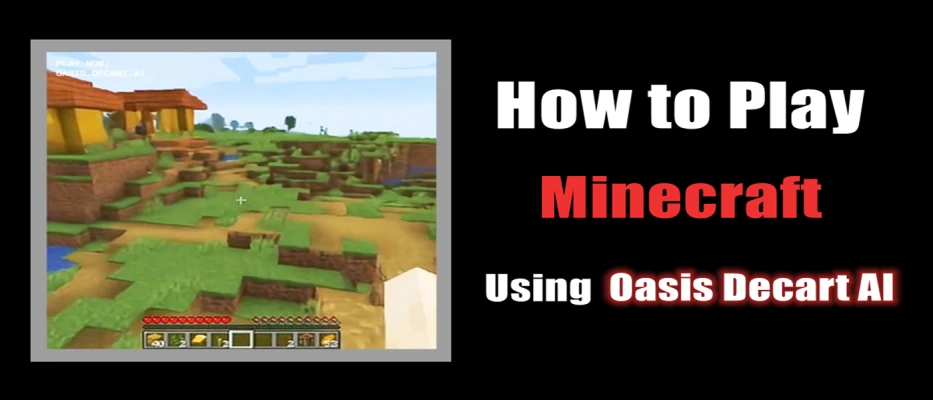
Oasis represents an exciting glimpse into the future of gaming, combining real-time AI generation with interactive gameplay in what can be described as AI generated Minecraft. As Oasis Minecraft AI continues to refine this technology, players can look forward to an increasingly immersive experience that could redefine how games are created and played in the realm of Minecraft AI. With Oasis Decart AI, gamers are poised to explore limitless possibilities in their favorite block-building universe.
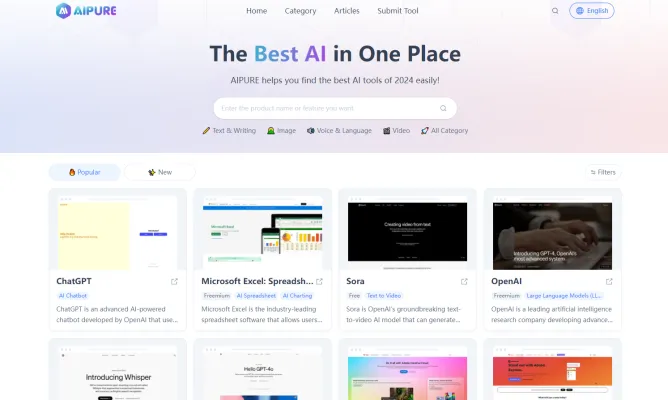
For those interested in staying updated on the latest in artificial intelligence news, top tools, and comprehensive tutorials on using AI effectively, visit AIPURE(https://aipure.ai/).
Trending


How to Use MagicSchool AI: A Guide for Educators
Discover how to leverage MagicSchool AI for enhanced teaching and learning. Explore practical tips for efficient use of this innovative educational platform.
DeePoster Review 2024: AI-Powered Poster Design Tool Guide
Discover how DeePoster's AI technology revolutionizes poster design. Learn about features, benefits, and alternatives in this comprehensive guide to automated design.
Ideogram Canvas: A New Era for AI-Generated Art
Discover how Ideogram's Infinite Canvas is revolutionizing image manipulation and creative design with cutting-edge AI tools.
Pixverse AI Video Venom Effect Review: Transform Your Content
Discover how Pixverse AI Video Venom Effect revolutionizes video creation. Explore features, benefits, and alternatives in our comprehensive guide.
How to Use NURIX: Revolutionize Enterprise Workflows
Discover how to use NURIX AI to transform your enterprise workflows. Learn about custom AI agents, integration tips, and maximizing productivity. Explore the full guide now!