
Explore The Best AI Websites & Tool
Your all-in-one toolkit for productivity, creativity, and development. Over 40 powerful tools to streamline your workflow.
SearchAdobe Unveils Firefly Video Generation Tools Before 2025
Adobe's Leap into AI-Powered Video Creation
Adobe, a pioneer in creative software, is poised to make a significant impact in the AI-generated video space with its forthcoming Firefly Video Model. Set to launch in beta later this year(2024), this innovative suite of AI-powered video generation tools marks a new era in content creation, democratizing video production for professionals and enthusiasts alike.
Groundbreaking Features of Firefly Video Model
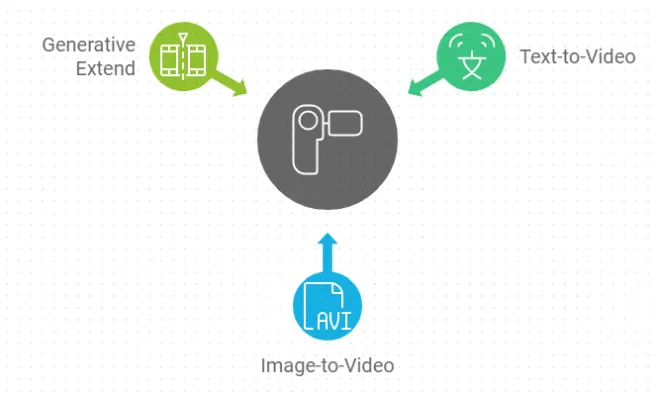
- text-to-Video Generation
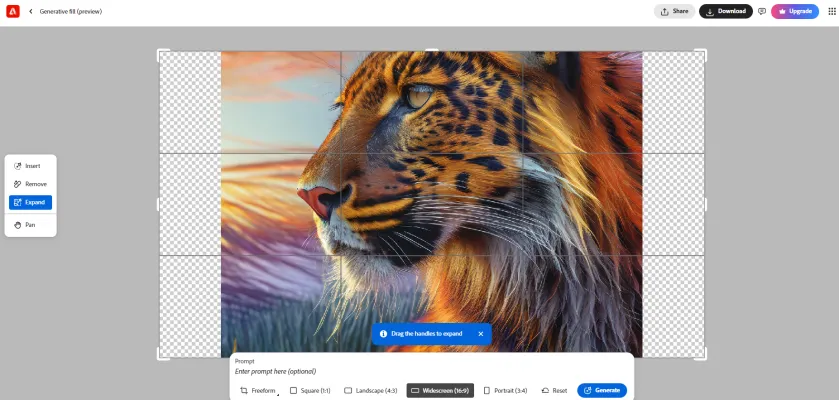
The Firefly Video Model introduces a powerful text-to-Video feature, allowing users to generate short video clips based on text prompts. This tool offers a wide variety of camera controls and even accepts reference images to create B-roll that seamlessly fills gaps in timelines. The model excels at generating videos of natural scenes, including landscapes, plants, and animals, making it invaluable for creating establishing shots or complementary footage.
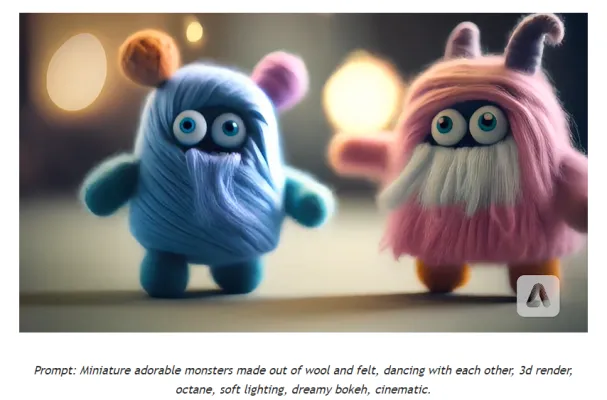
- image-to-Video Transformation
Another exciting feature is the ability to transform still images or illustrations into dynamic video clips. This tool breathes life into static visuals, opening up new possibilities for animating existing assets.

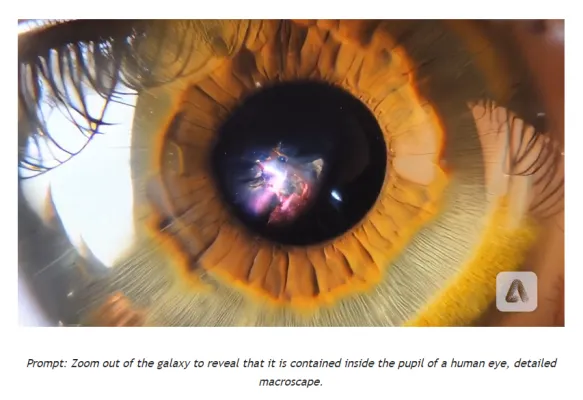
- Generative Extend in Premiere Pro
Coming to Adobe Premiere Pro's beta version, Generative Extend allows editors to extend clips to cover gaps in footage, smooth out transitions, or hold shots longer for perfectly timed edits. This feature demonstrates Adobe's commitment to integrating AI seamlessly into professional workflows.
Enhancing Creative Workflows
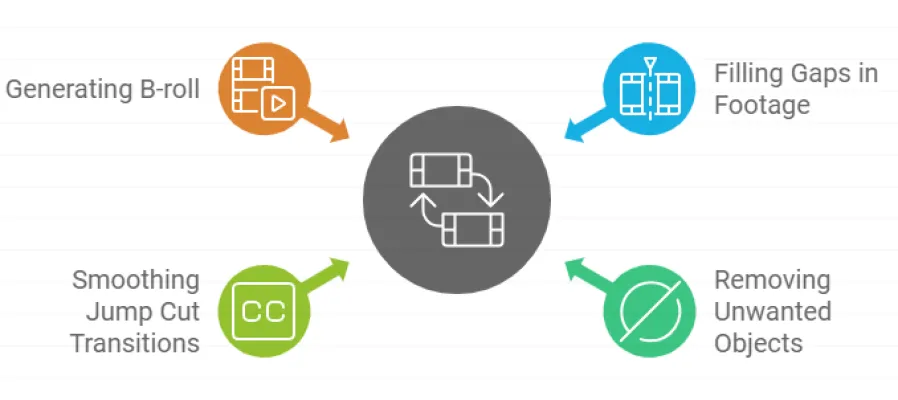
Adobe's Firefly Video Model is designed to address common challenges in video editing:
- Filling gaps in footage
- Removing unwanted objects from scenes
- Smoothing jump cut transitions
- Generating perfect B-roll
By automating these time-consuming tasks, editors can focus more on exploring creative ideas and less on tedious post-production work.
Commercial Safety and Ethical Considerations
Adobe emphasizes that the Firefly Video Model is designed with creators' rights in mind. The model is trained only on content that Adobe has permission to use, ensuring commercial safety for its users. This ethical approach sets Adobe apart in the AI-generated content landscape.
How to Access Adobe Firefly Video Model Now
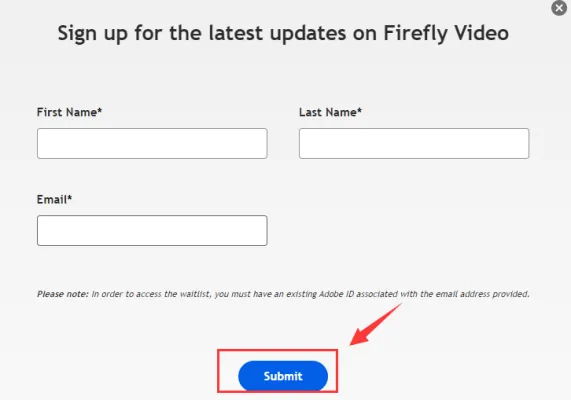
While the Firefly Video Model is not yet publicly available, Adobe has set up a waitlist for those eager to try it out:
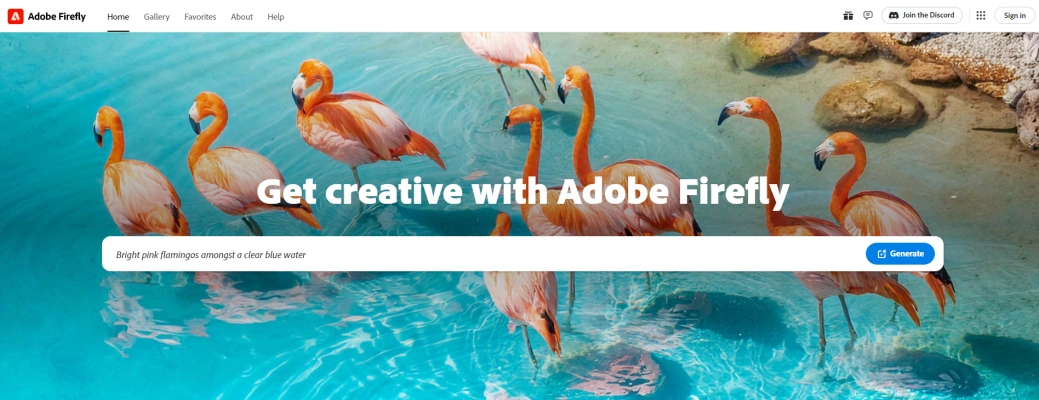
Step 1. Visit Adobe's official Firefly website (firefly.adobe.com).
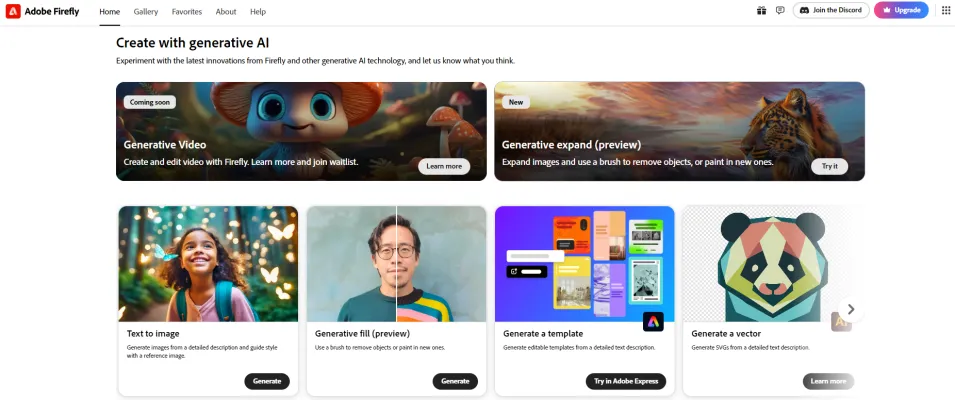
Step 2. Sign up for the waitlist to be notified when the beta version becomes available.
Step 3. Keep an eye on Adobe's blog and social media channels for the latest updates on the release.
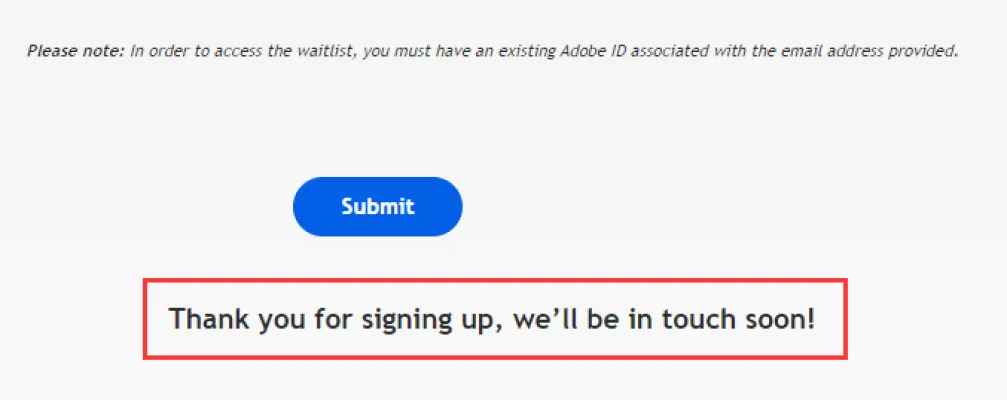
Adobe plans to make the tool available first on their Firefly website, including both text-to-video and image-to-video options. The beta version is expected to launch later this year, giving creators early access to these groundbreaking features.
The Future of Video Production
As AI continues to reshape the creative landscape, tools like Adobe's Firefly Video Model are set to significantly impact how we produce and consume video content. While offering exciting possibilities, these technologies also raise questions about the future of traditional video production roles and the authenticity of digital media.
For those interested in staying at the forefront of AI developments in creative tools and beyond, visit AIPURE (https://aipure.ai/) for the latest information and access to cutting-edge AI tools. As we enter this new era of AI-assisted creativity, it's crucial to stay informed and explore the potential of these innovative technologies.
Trending

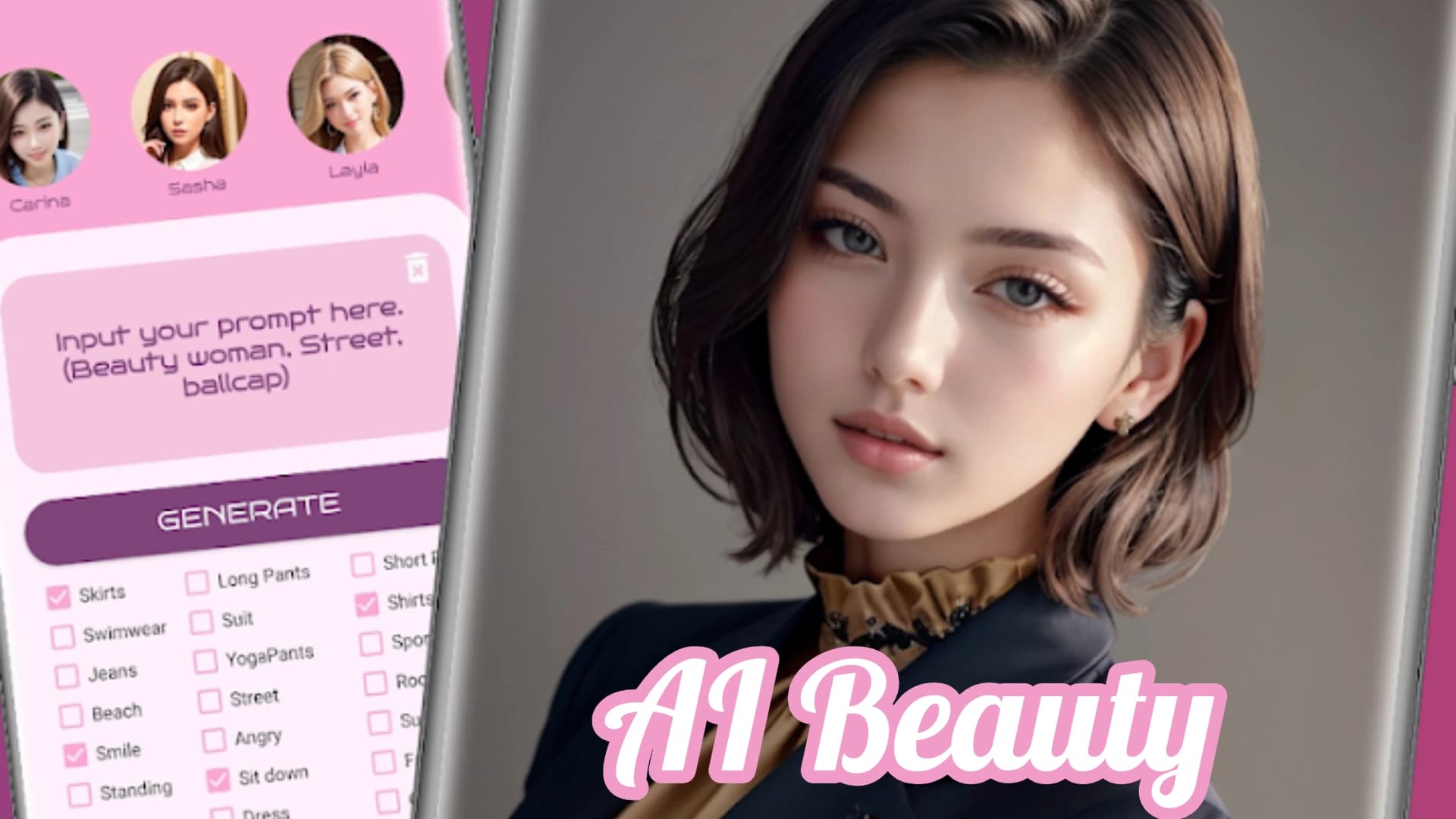
AI Beauty Review: Revolutionizing Personal Care | Guide
Explore the world of AI beauty apps and tools. Discover personalized skincare, virtual try-ons, and image generation. Learn how AI is transforming beauty routines.
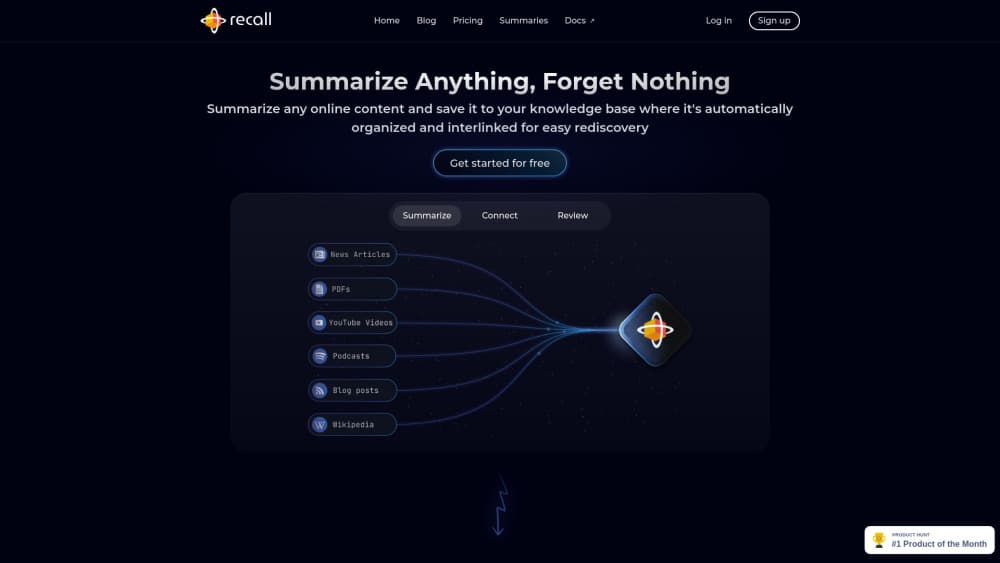
How to Use Recall: A Comprehensive Guide for Efficient Learning
Discover how to use Recall AI for efficient content management and learning. Explore features, best practices, and tips to maximize your knowledge retention.

How to Use Ami: Chat with AI Anime Characters Guide
Discover how to use Ami, the app for chatting with AI anime characters. Learn to create an account, start conversations, and maximize your experience.
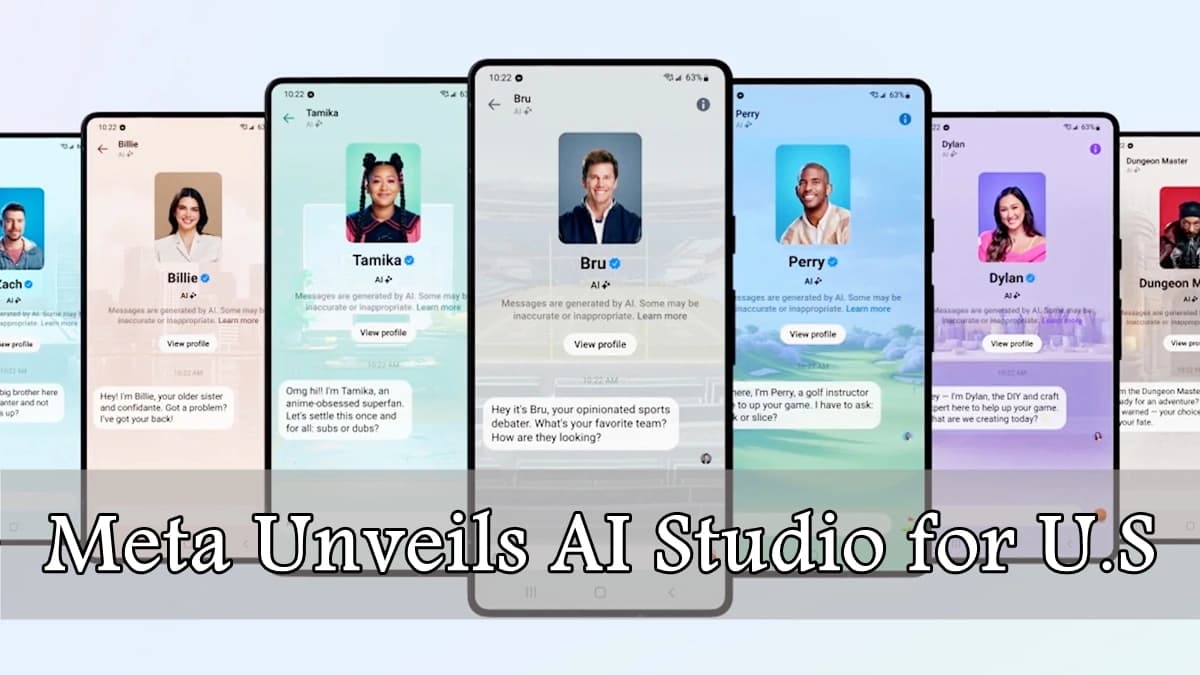
Meta Unveils AI Studio for U.S. Creators to Build Custom Chatbots
Meta is launching its AI Studio in the U.S., empowering creators to build personalized AI chatbots for enhanced fan engagement across Instagram, Messenger, and WhatsApp.

How to Use LiveLink: AI Video Clip Creation Guide
Discover how to use LiveLink's AI-powered platform to create engaging video clips from long-form content. Explore features, tips, and step-by-step instructions.