
Explore The Best AI Websites & Tool
Your all-in-one toolkit for productivity, creativity, and development. Over 40 powerful tools to streamline your workflow.
SearchHailuo AI Launches Groundbreaking image-to-Video Feature: A Game-Changer for Content Creators
The world of AI-generated content has taken another leap forward with the launch of Hailuo AI's highly anticipated image-to-video feature. This groundbreaking tool promises to transform the way content creators bring their visions to life, offering unprecedented control and versatility in video production.
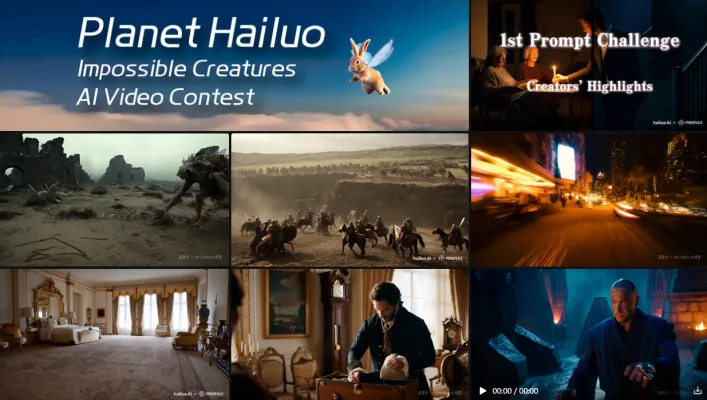
What's New in Hailuo AI's Latest Update?
Hailuo AI, developed by the Chinese startup MiniMax, is an AI-powered platform that has quickly gained popularity for its ability to generate high-quality videos from text prompts. On October 9, 2024, Hailuo AI unveiled its latest update, introducing the image-to-video feature. This new capability allows users to combine both text and image inputs, providing enhanced creative control over the generated videos. The update also brings powerful processing capabilities, enabling precise object manipulation and a wide array of style options, including super-realism, Eastern, anime (ACG), abstract, fantasy, and sci-fi.
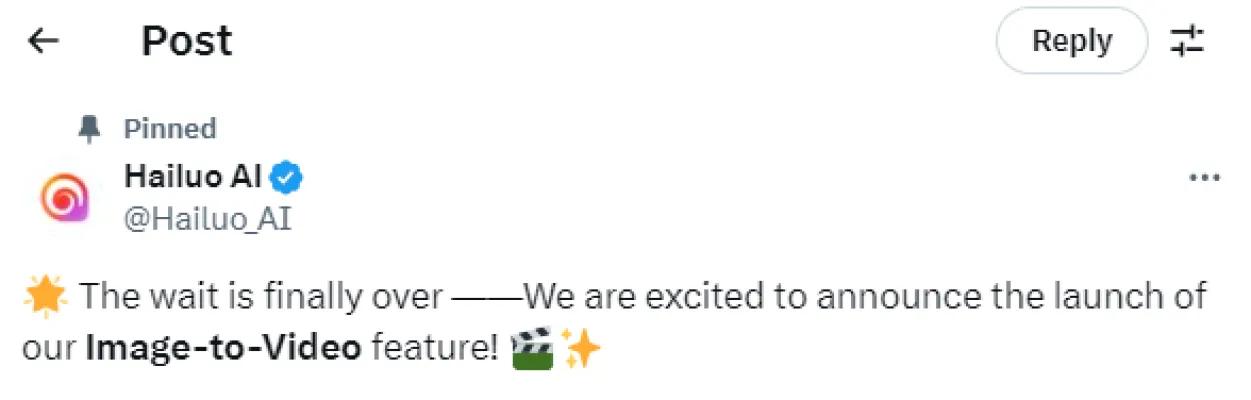
Explore the newest update from Hailuo AI, now with an image-to-video feature. See the Twitter post here: https://twitter.com/Hailuo_AI/status/1843614057229873419
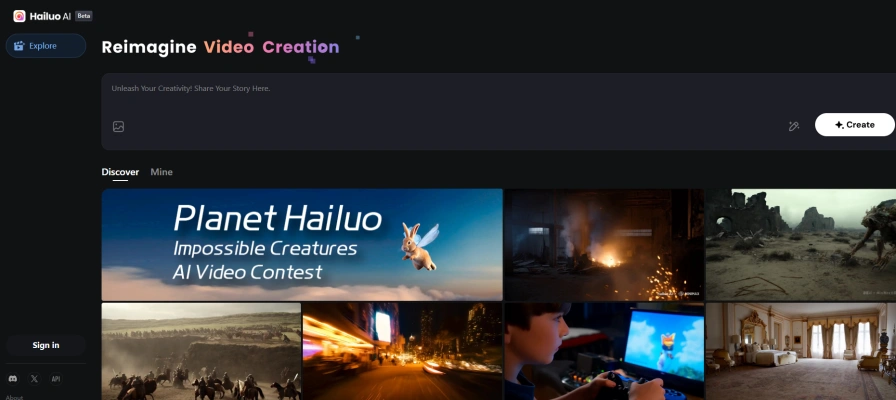
How to Use Hailuo AI's image-to-Video Feature
To use Hailuo AI's image-to-video feature, follow these steps:
Step 1: Visit the Hailuo AI website(https://hailuoai.video/) through AIPURE.
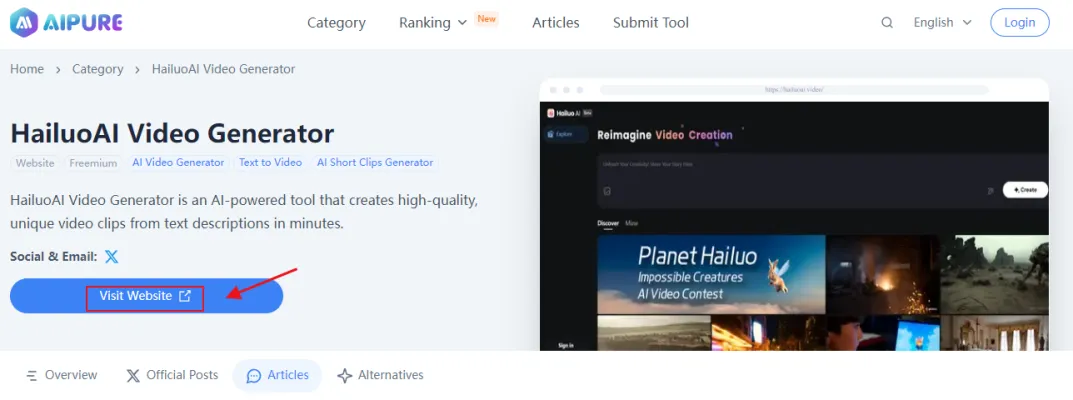
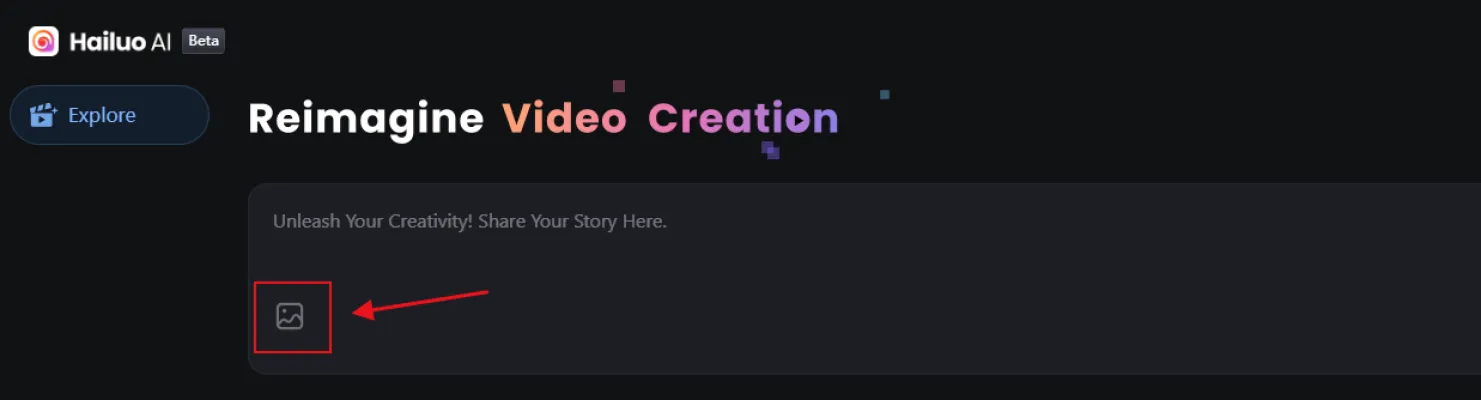
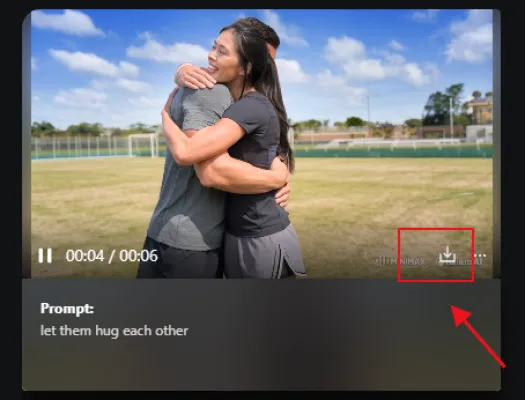
Step 2: Look for the image icon in the bottom left of the text field.
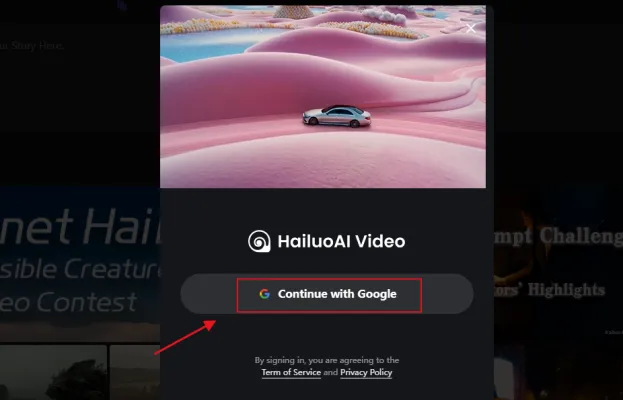
Step 3: Upload a single image in JPG, JPEG, or PNG format (up to 20MB).
Step 4: Enter a text prompt describing the desired video output. For example, "let them hug each other".
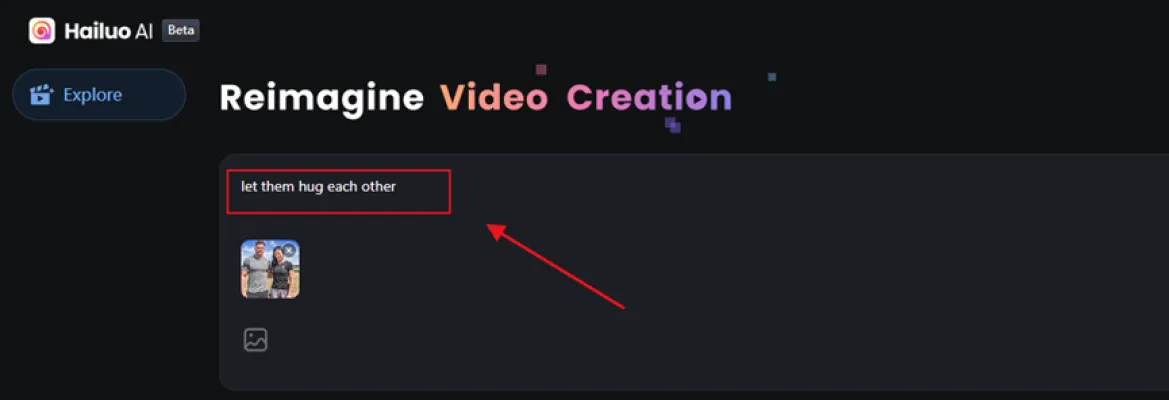
Step 5: Click the Create button to create your AI-generated video.

Step 6: Wait for Hailuo AI to process your request and produce the final video.
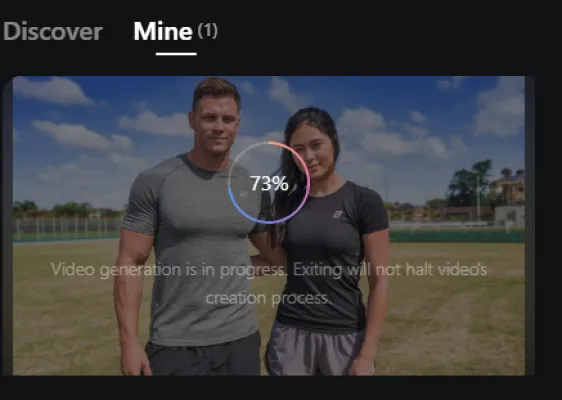
Step 7: Download the generated video.
The introduction of Hailuo AI's image-to-video feature marks a significant milestone in AI-generated content creation. By combining the power of text and image inputs with advanced processing capabilities, Hailuo AI is empowering creators to bring their most imaginative ideas to life with unprecedented ease and precision. As the platform continues to evolve, it's clear that Hailuo AI is poised to become a game-changing tool for content creators across various industries.
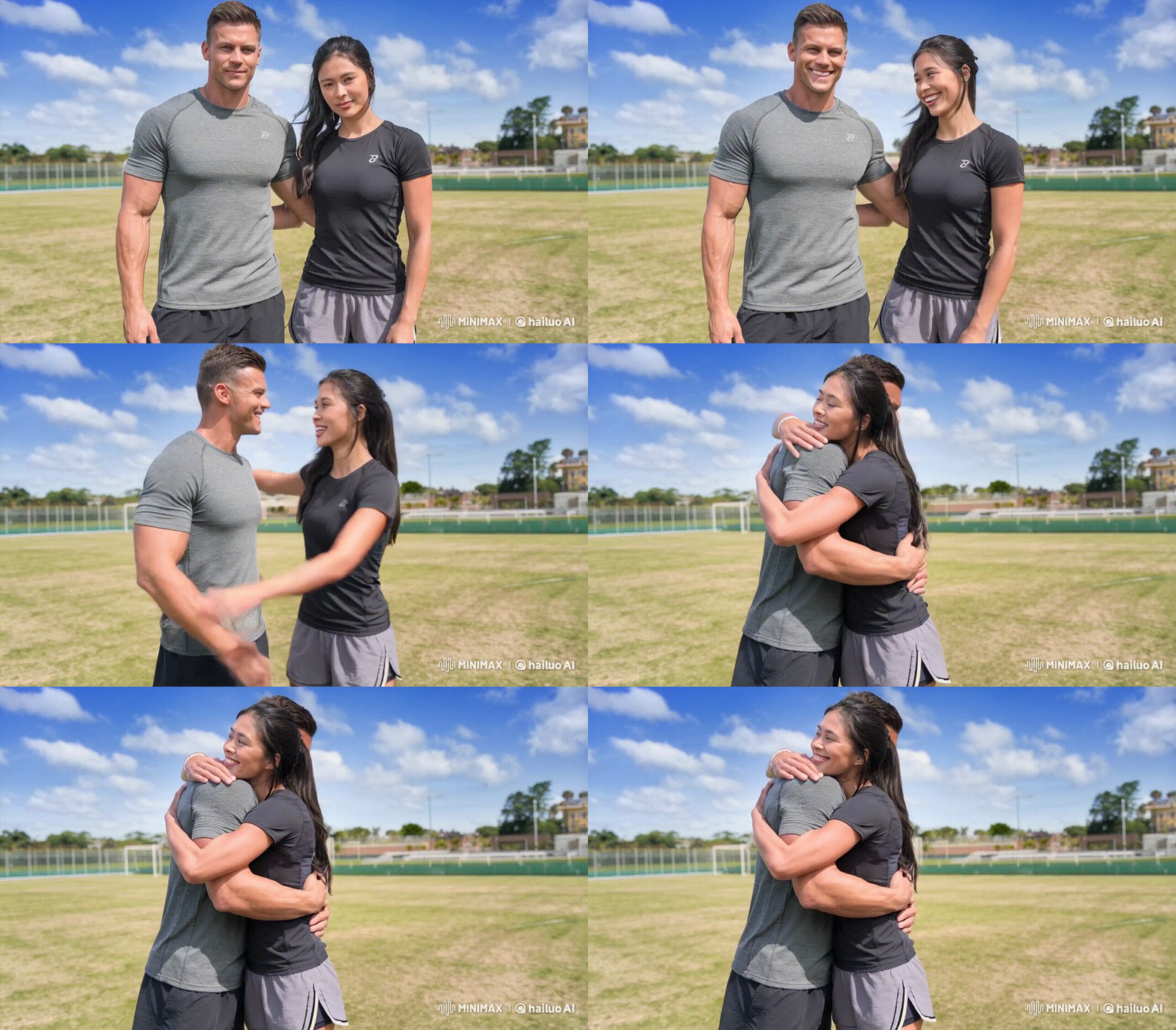
(Hug Video was generated by AIPURE using Hailuo AI)
For the latest AI news, best AI tools, and comprehensive guides on AI monetization, visit AIPURE(https://aipure.ai). Stay ahead of the curve and explore the endless possibilities of AI-powered content creation with AIPURE's expert insights and resources.
Trending

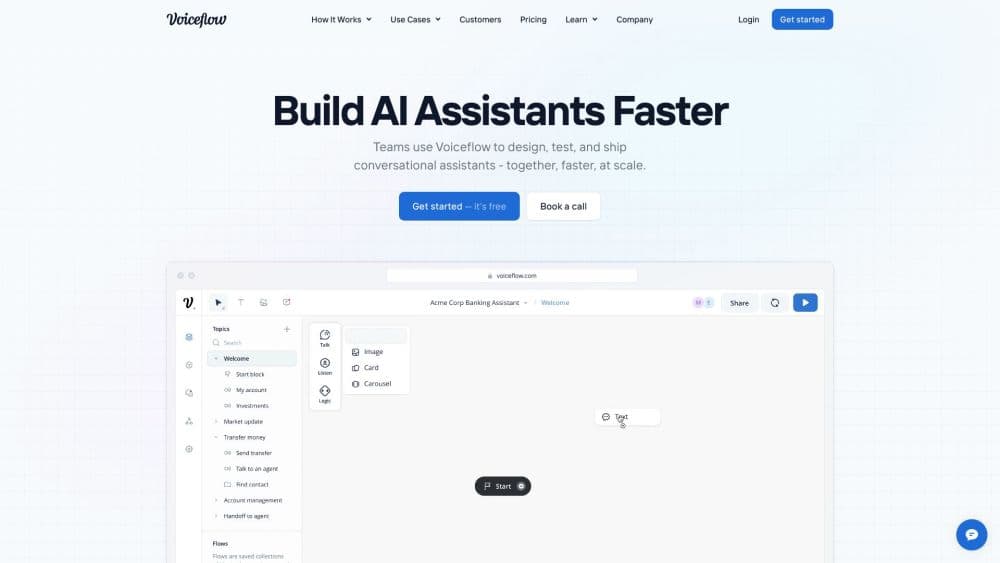
How to Use Voiceflow: A Comprehensive Guide for AI Agents
Learn to master Voiceflow for building AI agents. Explore practical tips on creating, testing, and deploying conversational experiences. Unlock the power of no-code AI.
How to Use ELSASpeak: Master English Pronunciation Guide
Discover how to use ELSASpeak effectively to improve your English pronunciation. Learn practical tips and techniques for mastering the language with this AI-powered app.
Folderr Review: AI-Powered Data Management & Automation
Explore Folderr's AI capabilities for data management and task automation. Learn how this platform revolutionizes file processing and workflow efficiency.
OpenAI's Strawberry: The Next Leap in AI Reasoning
This article explores OpenAI's secretive "Strawberry" project, a groundbreaking AI model aimed at enhancing reasoning capabilities and autonomous research.
Ideogram Canvas: A New Era for AI-Generated Art
Discover how Ideogram's Infinite Canvas is revolutionizing image manipulation and creative design with cutting-edge AI tools.