
Explore The Best AI Websites & Tool
Your all-in-one toolkit for productivity, creativity, and development. Over 40 powerful tools to streamline your workflow.
SearchHow to Use Persona.AI Pro: Ultimate Guide to AI Companions
Introduction to Persona.AI Pro
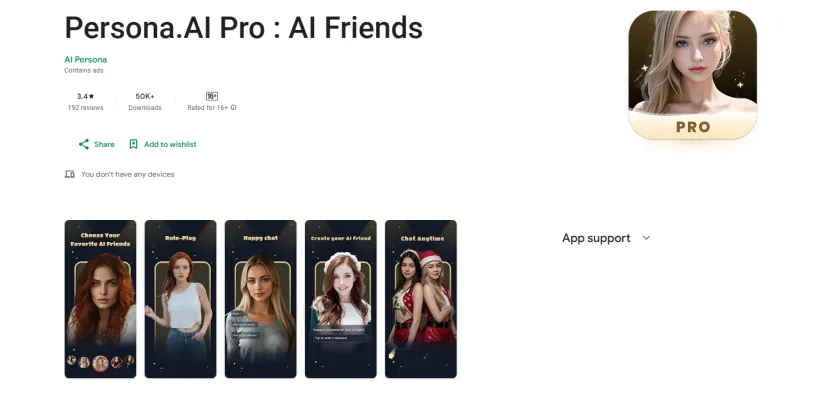
Persona.AI Pro is an innovative AI chat application designed to create a personalized and interactive experience for users. By utilizing advanced artificial intelligence, the app allows users to engage with a variety of virtual characters, including friends, romantic partners, and even professionals such as nurses and waiters. Each AI character is tailored to match user preferences, interests, and personalities, enabling a unique and intimate interaction.
The app leverages natural language processing and sentiment analysis to understand user emotions and intentions in real-time, providing thoughtful responses and suggestions. This emotional intelligence enhances the communication experience, making it feel more personal and relatable.
With features such as intelligent matching and personalized content recommendations, Persona.AI Pro aims to offer users a platform where they can explore their individuality and engage in meaningful conversations. While the app is free to download, it includes in-app purchases and advertisements, which has drawn some criticism regarding its monetization strategy. Overall, Persona.AI Pro stands out as a compelling option for those seeking a dynamic AI chat experience.
Use Cases of Persona.AI Pro
Persona.AI Pro offers a variety of engaging use cases that leverage its AI-driven virtual characters to enhance user experiences. Here are some notable applications:
- Emotional Companionship: Users can interact with AI characters designed to provide emotional support. These virtual companions respond to users' feelings and moods, making them ideal for individuals seeking comfort during challenging times or those who desire a friendly conversation partner.
- Role-Playing Scenarios: The app allows users to engage in role-playing with customized AI characters. Whether simulating a romantic relationship or practicing social interactions in a professional setting, users can dictate the behavior and personality traits of their AI companions, creating a safe space for exploration and practice.
- Personalized Recommendations: Utilizing natural language processing and sentiment analysis, Persona.AI Pro offers personalized content suggestions based on user interactions. This feature helps users discover new interests or hobbies, enhancing their experience through tailored recommendations that resonate with their preferences.
- Entertainment and Storytelling: Users can immerse themselves in interactive storytelling by conversing with AI characters that can take on various narratives. This functionality allows for a unique blend of entertainment, creativity, and engagement, where users can influence the story's direction through their interactions.
- Learning and Skill Development: Persona.AI Pro can serve as a tool for language learners or those looking to improve their conversational skills. Users can practice dialogue with AI characters, receiving instant feedback and developing their communication abilities in a low-pressure environment.
These use cases demonstrate Persona.AI Pro's versatility in providing companionship, entertainment, and personal development through engaging AI interactions.
How to Access Persona.AI Pro
Accessing Persona.AI Pro is a straightforward process. Follow these steps to get started:
Step 1: Download the App
- Open Google Play Store on your Android device.
- Search for "Persona.AI Pro : AI Friends" in the search bar.
- Select the app from the search results.
Step 2: Install the App
- Tap on the "Install" button on the app's page.
- Wait for the app to download and install automatically.
Step 3: Open the App
- Launch Persona.AI Pro by tapping on its icon on your home screen or in the app drawer.
Step 4: Create an Account
- Sign up as a new user or log in if you already have an account.
Step 5: Explore Features
- Start interacting with AI characters and exploring the app's features.
How to Use Persona.AI Pro: A Step-by-Step Guide
- Download and Install the App Visit the Google Play Store and search for "Persona.AI Pro: AI Friends." Click on the install button to download the app to your device.
- Create Your Account Open the app and sign up using your email or social media account. Follow the on-screen prompts to set up your profile and preferences.
- Explore Virtual Characters Navigate to the character selection screen to choose from various AI characters. Customize their personalities to suit your preferences.
- Start Chatting Select a character and initiate a conversation by typing or using voice input. The AI uses natural language processing to respond based on your emotional tone and conversation context.
- Utilize Personalized Recommendations Engage with the app regularly to allow it to learn your interests. Explore personalized content suggestions that cater to your preferences.
- Manage In-App Purchases Access premium features by navigating to the subscription section in the app. Choose a pricing tier to unlock additional functionalities.
- Data Privacy Settings Review your data safety options in the settings menu. Manage your personal information and data sharing preferences.
How to Create an Account on Persona.AI Pro
- Download the App from the Google Play Store.
- Open the App and select "Sign Up" on the welcome screen.
- Enter Your Information, including email address and password.
- Agree to Terms and Conditions after reading them carefully.
- Verify Your Email by clicking the link sent to your inbox.
- Complete Your Profile by providing additional information about your interests and preferences.
- Start Exploring the app's features and interacting with AI characters.
Tips for Using Persona.AI Pro Efficiently
- Explore Character Customization: Take full advantage of the app's customization features to create more personalized AI companions.
- Utilize Intelligent Matching: Engage with the app's intelligent matching system for more meaningful interactions.
- Set Clear Expectations: Be specific in your instructions to improve the quality of AI responses.
- Monitor Subscription Usage: Be aware of the app's paywall structure and use free features wisely before making in-app purchases.
- Provide Feedback: If you encounter issues, provide feedback to the developers to help improve the app.
By following these tips and guidelines, you can maximize your experience with Persona.AI Pro and enjoy more fulfilling conversations with your AI companions. Whether you're seeking emotional support, entertainment, or personal growth, Persona.AI Pro offers a unique platform to explore the possibilities of AI-powered interactions.
Trending

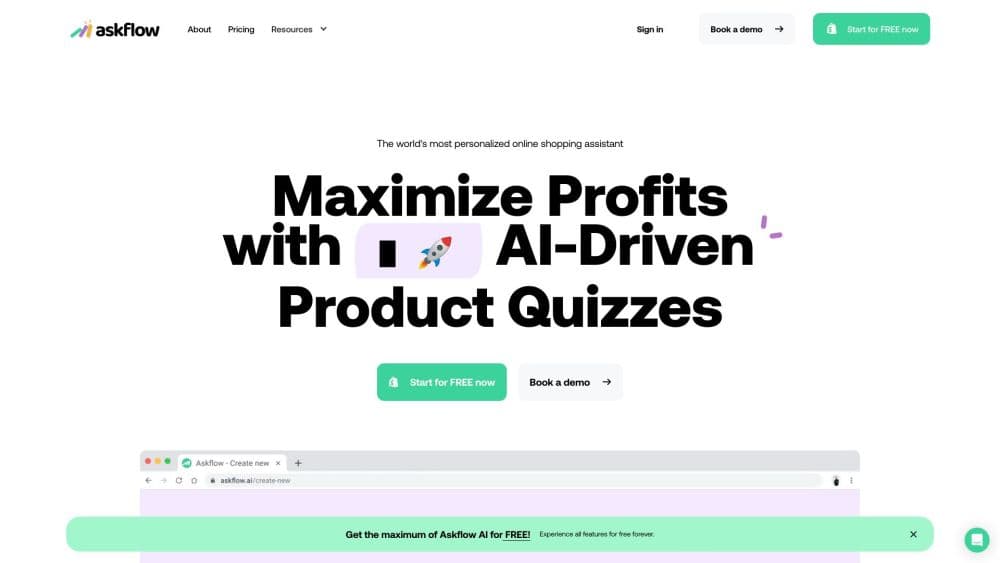
How to Use Askflow: Boost Shopify Sales with AI Quizzes
Learn how to use Askflow AI to create engaging product quizzes for your Shopify store. Boost sales and customer engagement with personalized recommendations.
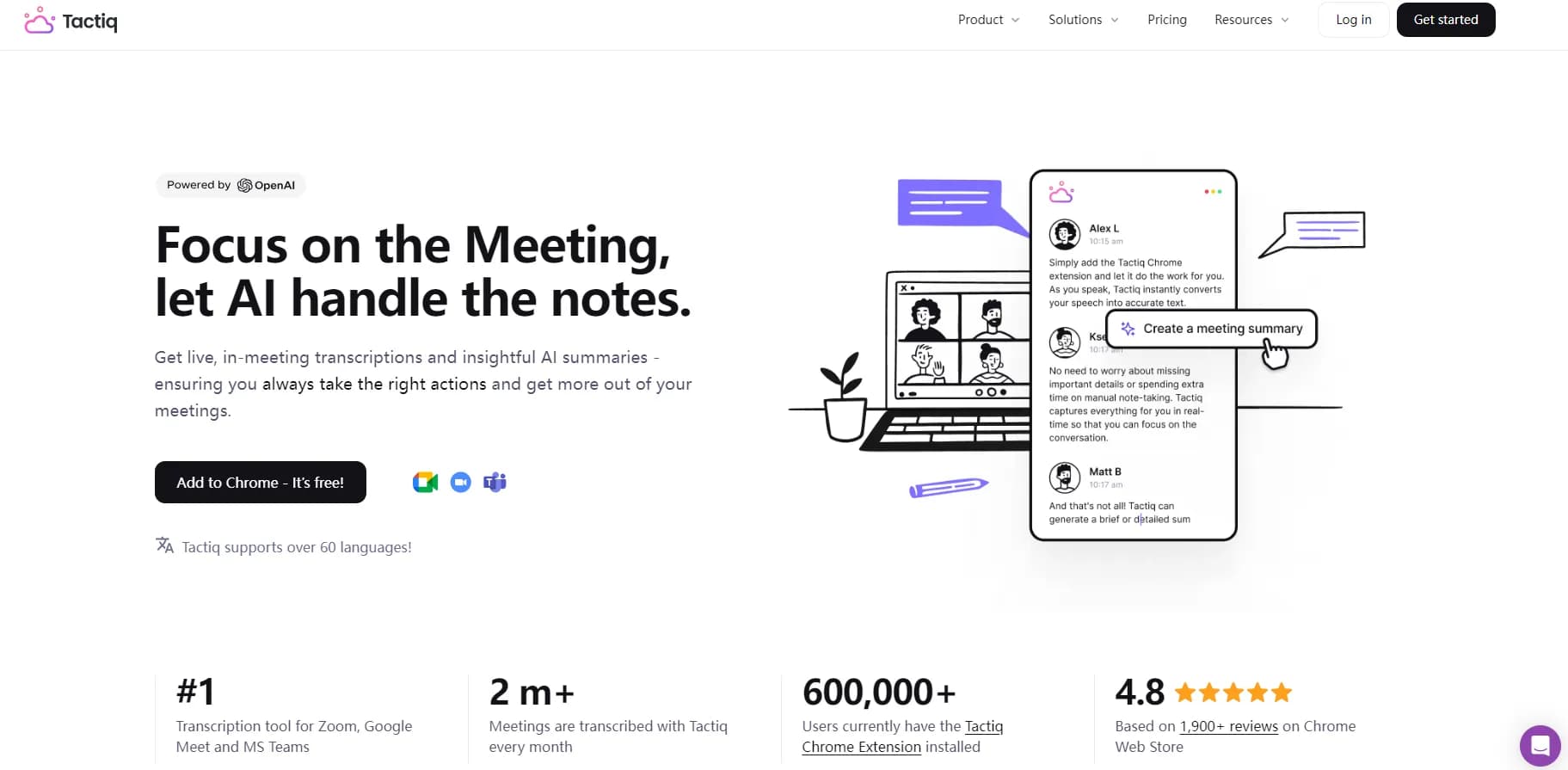
How to Use Tactiq.io: AI Meeting Assistant Guide
Discover how to maximize productivity with Tactiq.io, the AI-powered meeting assistant. Learn setup, features, and tips for efficient virtual meetings. Explore now!
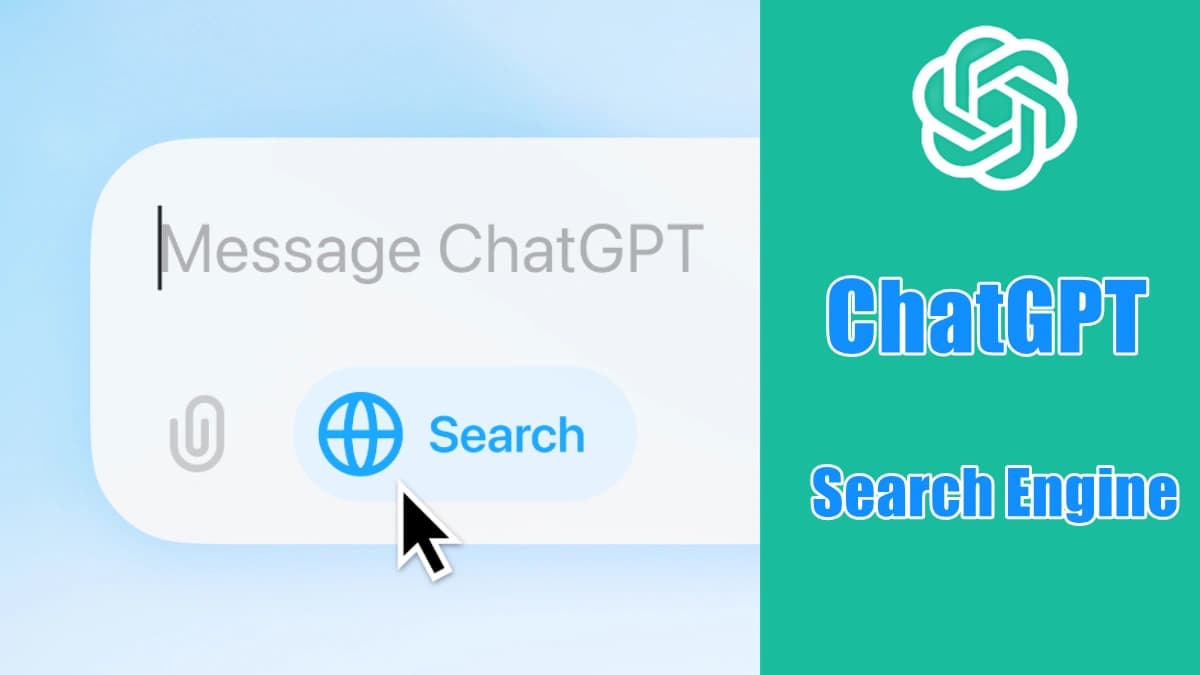
OpenAI Officially Launches ChatGPT Search Engine: A Challenger to Google
OpenAI has launched a revolutionary ChatGPT search engine on October 31, 2024, integrated into its ChatGPT platform, directly challenging Google’s dominance in the search engine market. This new capability allows users to query real-time information, including news updates and sports scores, all delivered through a conversational interface.

Luma AI Launches Luma Photon and Photon Flash: A New image Generation Model
Luma AI has officially launched its innovative image generation models, Luma Photon and Photon Flash, on December 3, 2024. These models are set to transform the creative landscape by offering high-quality image generation at an unprecedentedly low cost.
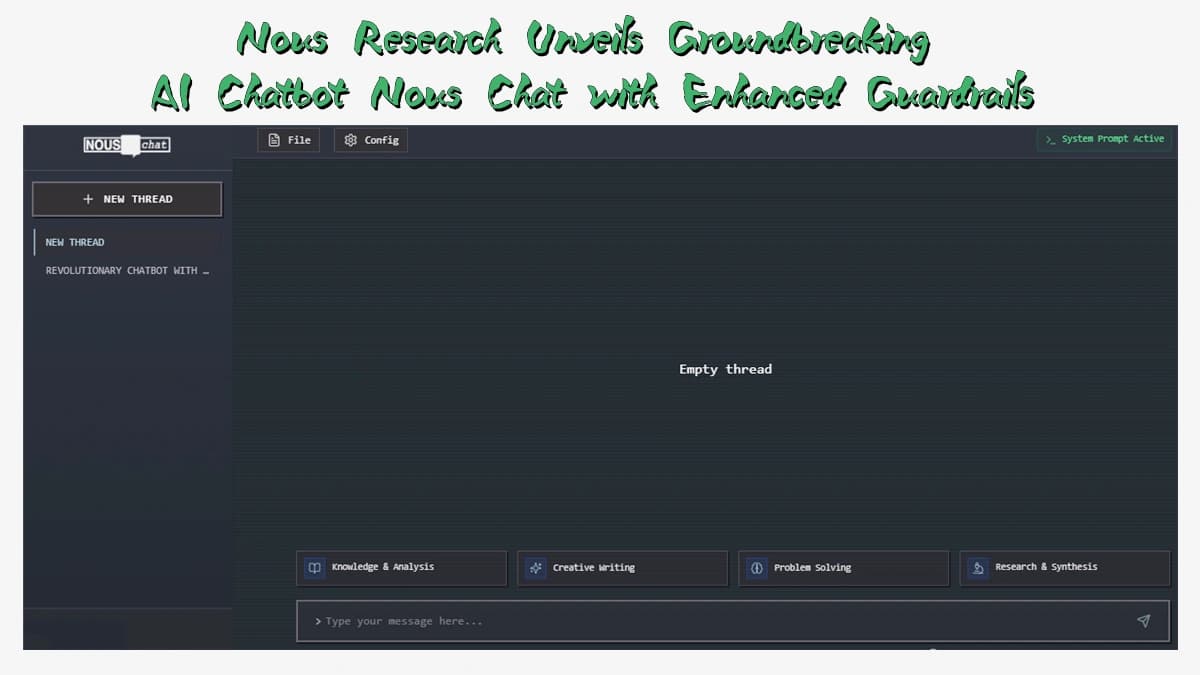
Nous Research Unveils Groundbreaking AI Chatbot Nous Chat with Enhanced Guardrails
Nous Research has launched Nous Chat on November 7, 2024, a cutting-edge chatbot designed with advanced safety features, marking a significant step in the evolution of AI conversational agents. This innovative tool utilizes the Hermes 3-70B model, a fine-tuned variant of Meta's Llama 3.1, and aims to balance user interaction with robust guardrails to ensure privacy and security.