
Explore The Best AI Websites & Tool
Your all-in-one toolkit for productivity, creativity, and development. Over 40 powerful tools to streamline your workflow.
SearchHow to Use Neural Writer: A Comprehensive Guide
In the ever-evolving landscape of artificial intelligence and content creation, Neural Writer emerges as a powerful ally for writers, students, and professionals alike. This comprehensive, free online paraphrasing tool is designed to revolutionize the way we approach text manipulation and content generation. With its advanced AI capabilities and user-friendly interface, Neural Writer is poised to become an indispensable resource in the digital writing toolkit.
What is Neural Writer?
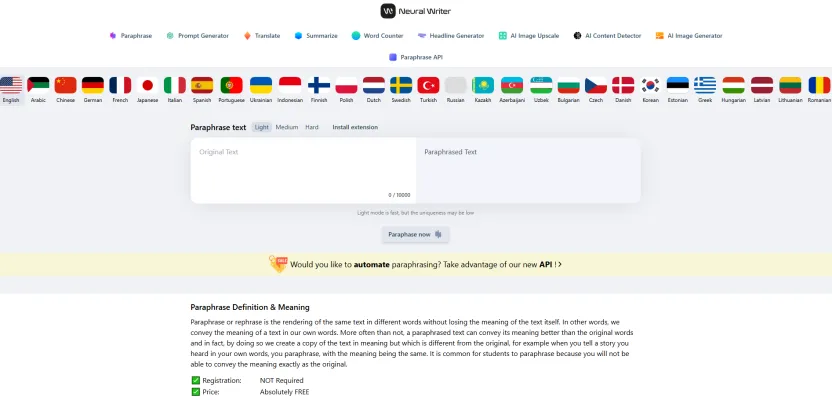
Neural Writer is a cutting-edge, AI-powered online paraphrasing tool that offers a wide array of features to enhance and streamline the writing process. At its core, Neural Writer is designed to help users rewrite text while preserving the original meaning, a crucial function for maintaining content integrity. What sets Neural Writer apart is its impressive language support, catering to a global audience with over 27 languages at its disposal.
The tool offers three distinct AI modes—Light, Medium, and Hard—each providing varying levels of paraphrasing intensity. This flexibility allows users to choose the degree of change they need, from minor alterations to major rewrites. Beyond its primary paraphrasing function, Neural Writer boasts an impressive suite of additional features, including a prompt generator, translator, summarizer, word counter, and headline generator.
One of Neural Writer's standout capabilities is its ability to change entire phrases rather than just individual words. This approach results in more natural and original content, setting it apart from many other paraphrasing tools on the market. For developers looking to integrate paraphrasing capabilities into their own applications, Neural Writer offers an API, expanding its utility beyond the web interface.
Accessibility is a key feature of Neural Writer. With no registration required and a generous character limit of up to 10,000, it's a tool that's ready to use whenever inspiration strikes. This combination of powerful features and ease of use makes Neural Writer an invaluable resource for students striving to avoid plagiarism, writers seeking to enhance their prose, and researchers aiming to present their findings in fresh, engaging ways.
Use Cases of Neural Writer
Neural Writer's versatility makes it an asset across various fields and industries. Here are some key use cases:
- Academic Writing: Students and researchers can use Neural Writer to paraphrase complex academic papers, theses, and essays. This helps in avoiding plagiarism while ensuring the originality of their work.
- Content Creation: Bloggers and content creators can leverage the tool to quickly produce unique content, refresh old articles, or generate new ideas from existing material.
- Professional Reports: Business professionals can use Neural Writer to rewrite and summarize lengthy reports, making them more concise and readable without losing crucial information.
- SEO Optimization: SEO specialists can employ the tool to rewrite meta descriptions, headers, and body content, improving search engine rankings while maintaining the original message.
- Social Media Management: Social media managers can utilize Neural Writer's prompt and headline generators to create engaging posts and captions across various platforms.
- Educational Materials: Educators can use the tool to create diverse learning materials, rewrite textbook passages, and develop study guides, ensuring clarity and accessibility for students.
How to Access Neural Writer
Accessing Neural Writer is a straightforward process:
- Visit the Neural Writer website at https://neuralwriter.com/.
- Choose your preferred language from the dropdown menu in the top right corner.
- Select the tool you need from the main section of the website (e.g., Paraphrase, Translate, Summarize).
- Input your text into the provided box.
- For paraphrasing, choose your desired AI mode (Light, Medium, or Hard).
- Click the appropriate button (e.g., "Paraphrase Now") to generate your output.
- Review the result and make any necessary adjustments.
How to Use Neural Writer
To make the most of Neural Writer's features:
- Paraphrasing: Input your text, choose an AI mode, and click "Paraphrase now."
- Prompt Generation: Enter a starting prompt and click "Generate" for an enhanced version.
- Translation: Input text, select source and target languages, and click "Translate."
- Summarization: Paste your text and click "Summarize" for a concise version.
- Word Counting: Input text and click "Analyze" for detailed statistics.
- Headline Generation: Enter your text and click "Generate" for catchy headlines.
- AI Content Detection: Paste text and click "Detect" to analyze for AI-generated content.
How to Create an Account on Neural Writer
While Neural Writer can be used without an account, creating one can provide additional benefits:
- Navigate to https://neuralwriter.com/ and click "Sign up."
- Choose between social login options or email registration.
- If using email, create a strong password and agree to the Privacy Policy.
- Complete the registration by clicking "Sign up."
- Verify your email if required.
- Log in to access your account dashboard and start using Neural Writer's features.
Tips for Using Neural Writer
To maximize your experience with Neural Writer:
- Choose the appropriate AI mode based on your needs for speed vs. uniqueness.
- Utilize the multilingual support for global content creation.
- Leverage the Prompt Generator for enhanced AI interactions.
- Always check the uniqueness of your paraphrased content.
- Use the summarization feature for long texts to save time.
- Combine translation and paraphrasing for multilingual content creation.
- Explore additional tools like the word counter and headline generator to enhance your writing process.
By following these tips and exploring all of Neural Writer's features, you can significantly improve your writing efficiency and content quality across various applications.
Trending

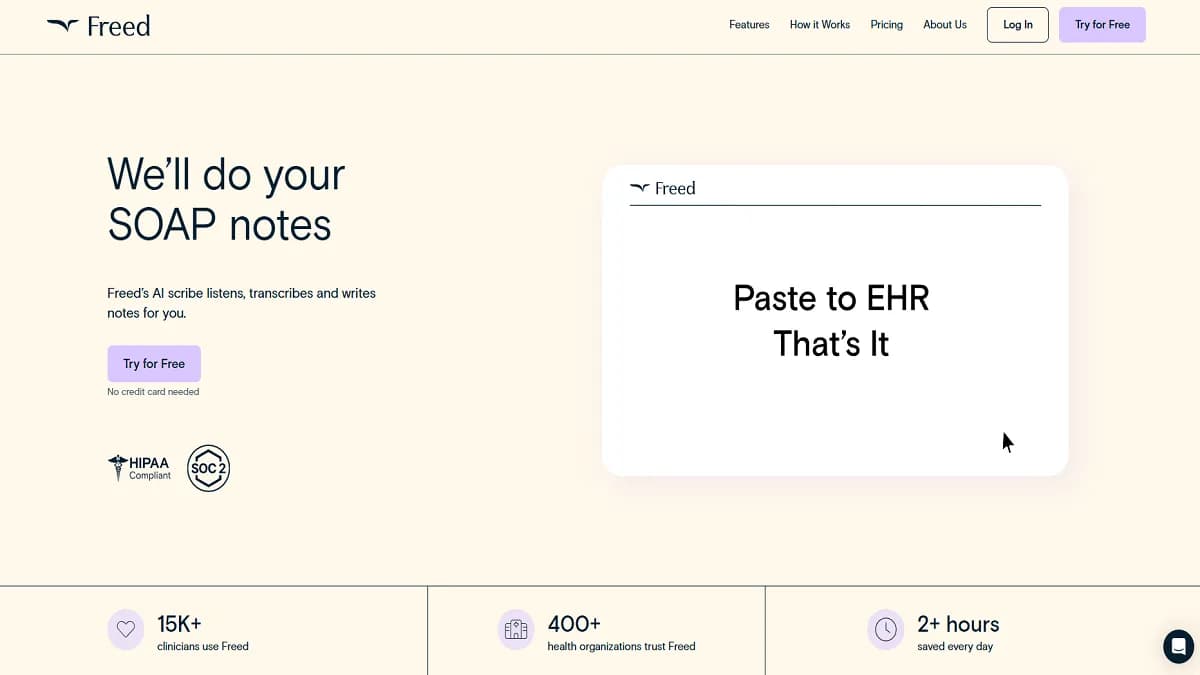
Freed | The AI Medical Scribe for Clinicians Review
Explore our comprehensive review of Freed, the AI medical scribe revolutionizing clinical documentation. Learn how it boosts efficiency and improves patient care.
How to Use Relevance AI: A Comprehensive Guide
Discover how to leverage Relevance AI for business automation. Learn to create, deploy, and optimize AI agents for improved efficiency. Explore our full guide now!
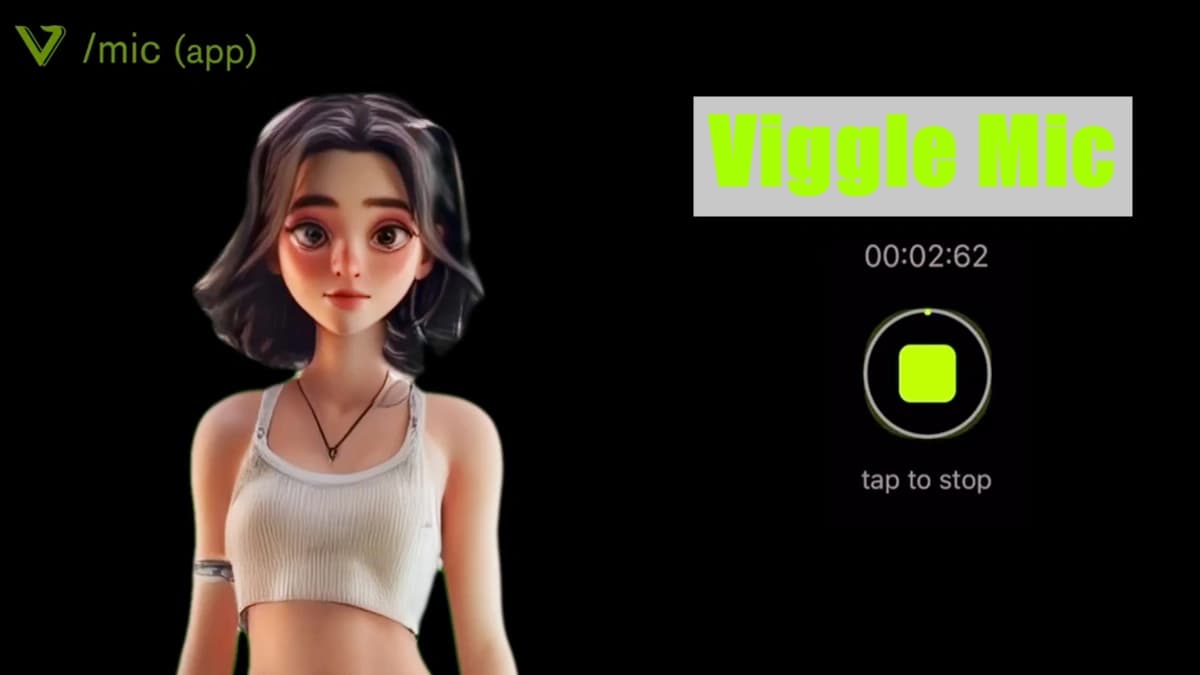
Viggle AI Introduces Groundbreaking Mic Feature
Viggle AI has launched an innovative new feature known as "Mic," enhancing user interaction with advanced lip-syncing capabilities. Available on both Android and iOS, this feature seamlessly integrates voice and motion, offering users complete control over their characters.
LiveLink Review: AI-Powered Video Editing for Social Media
Discover how LiveLink revolutionizes social media content creation with AI-powered video editing. Explore features, benefits, and alternatives in our comprehensive guide.
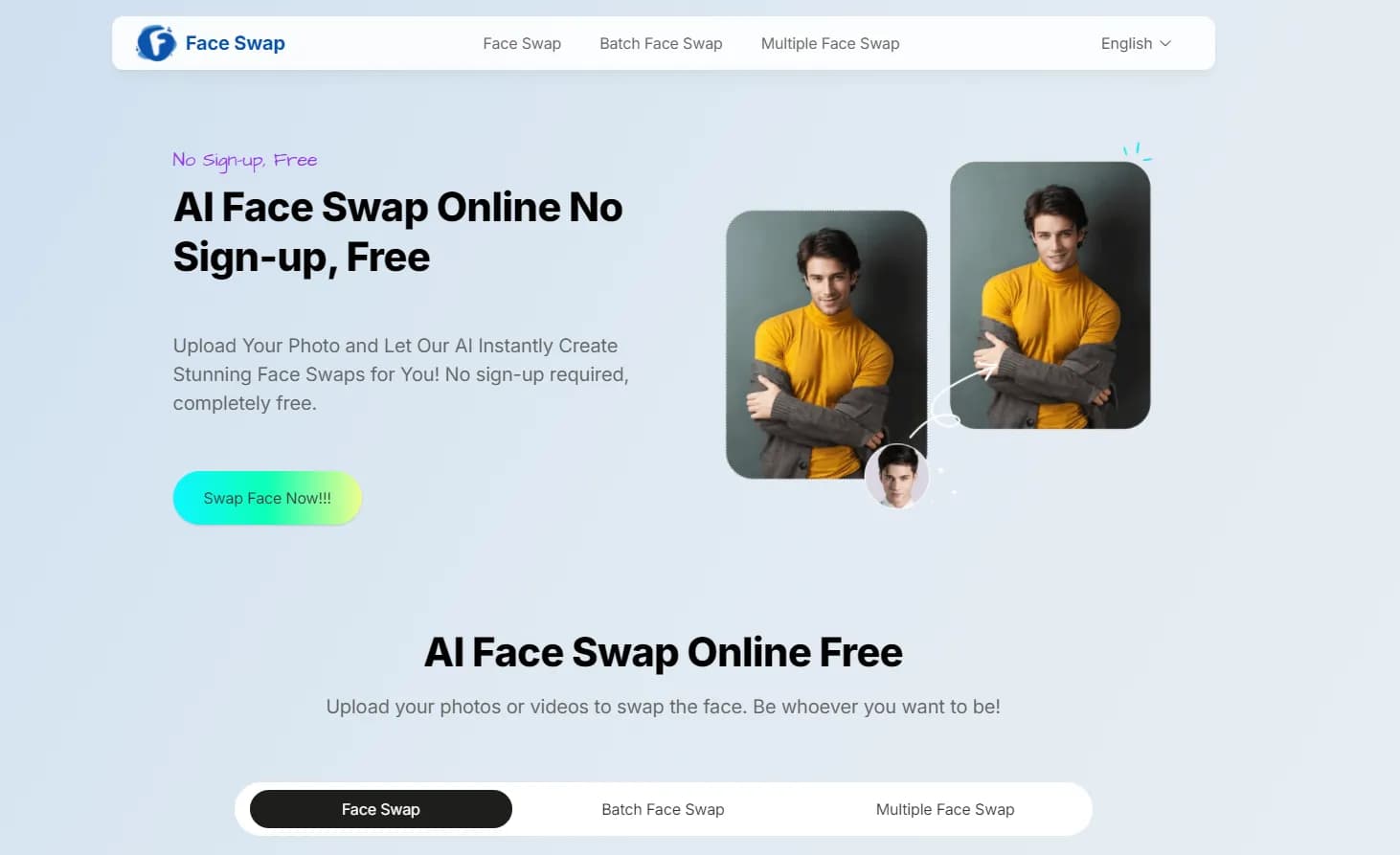
AI Face Swap Online Review: Transform Photos & Videos
Discover the power of AI Face Swap Online. Learn how to create stunning face swaps, explore key features, and find alternatives. Read our comprehensive guide now!