
Explore The Best AI Websites & Tool
Your all-in-one toolkit for productivity, creativity, and development. Over 40 powerful tools to streamline your workflow.
SearchKLING AI 1.5's Latest Update: Introducing a Revolutionary Face Model Feature
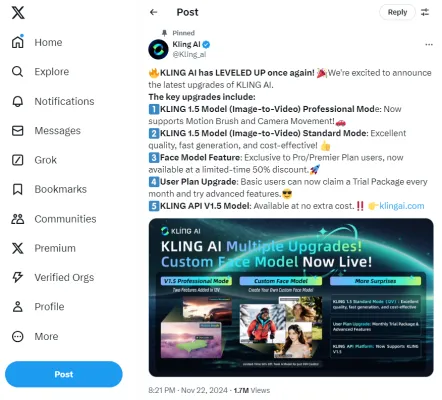
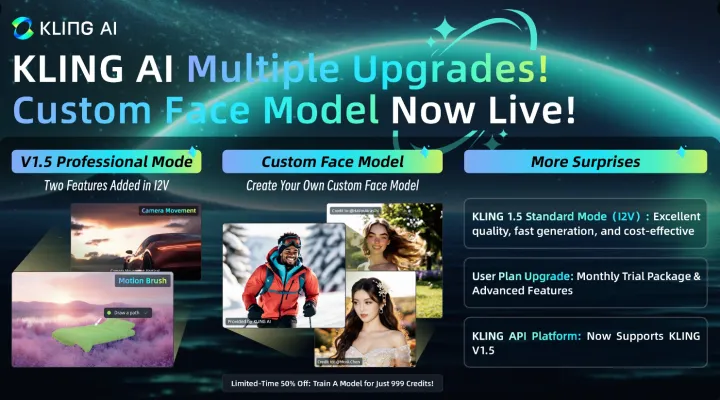
On November 22, 2024, KLING AI announced on its official Twitter account the latest update to Kling V1.5. This updated version is completely free and introduces new features such as "Motion Brush" and "Camera Movements", enhancing the speed and quality of video creation while significantly improving cost-effectiveness!
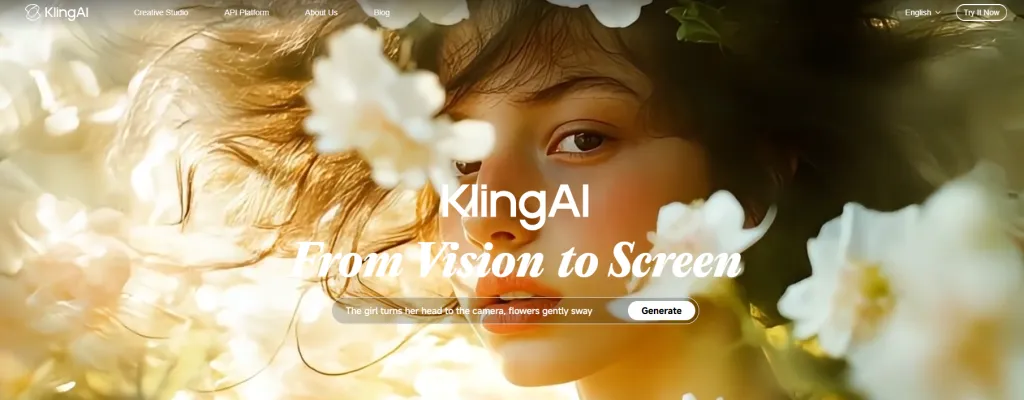
KLING 1.5 Model (image-to-Video) Professional Mode
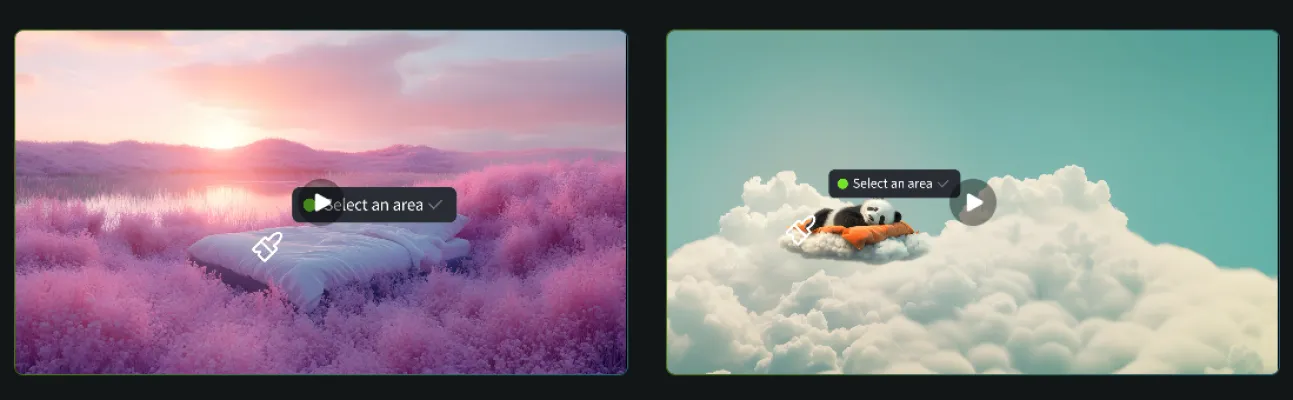
This mode now supports high-quality video generation at 1080p resolution, featuring a Motion Brush tool that allows users to define specific motion paths for elements within their videos, enhancing the dynamism and realism of animations. Users can select parts of an image and dictate how they should move, which is particularly useful for creating engaging cinematic scenes.
KLING 1.5 Model (image-to-Video) Standard Mode
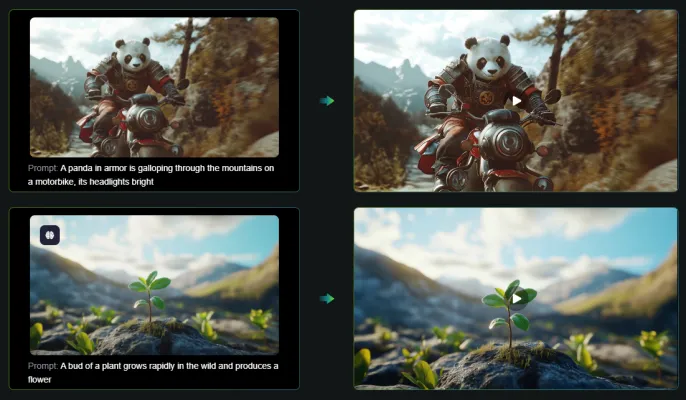
The update significantly enhances video quality across both professional and standard modes. Users can now generate videos with sharper details and smoother motions at a resolution of 1080p and 30 frames per second. This improvement makes Kling V1.5 a strong competitor in the AI video generation space, rivaling platforms like OpenAI’s Sora and Runway Gen-3.
KLING 1.5 Face Model Feature
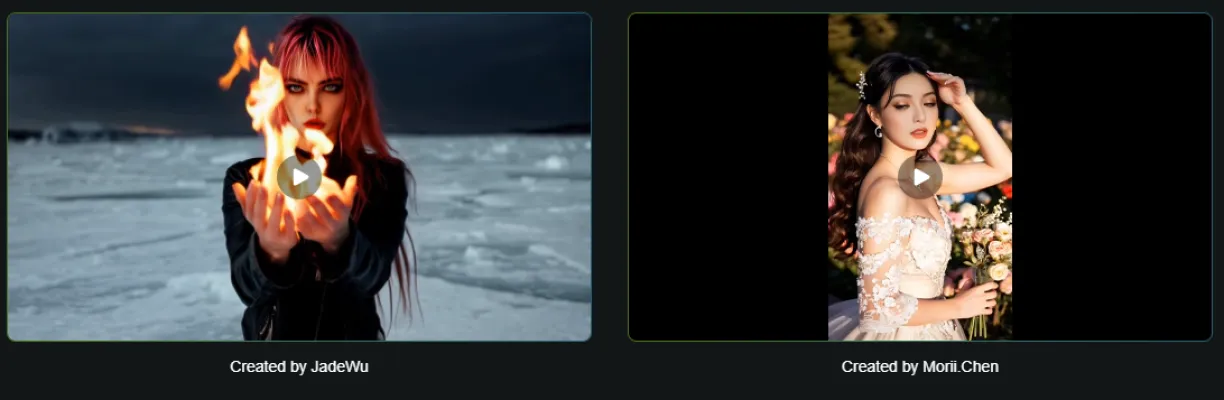
The introduction of the Face Model feature is a game-changer for content creators. This tool enables users to create videos featuring custom facial models based on their specifications. But it is exclusively available for Pro and Premier Plan users and it's offered at a limited-time 50% discount now, making it an attractive option for those looking to personalize their content.
Kling V1.5 User Plan Upgrade
Basic plan subscribers can now access advanced features through trial packages each month, encouraging the exploration of new tools without financial risk.
KLING API V1.5: Now Available for Free
The KLING API provides businesses and developers with free access to KLING's advanced technology, enabling them to seamlessly integrate these capabilities into their own platforms. This broadens the range of applications across various industries without incurring additional costs.
Conclusion
With its latest updates, KLING AI 1.5 sets a new standard in AI video generation by combining advanced features like the Motion Brush tool and customizable Face Models with improved video quality. These innovations not only empower content creators but also open up new avenues for storytelling in digital media.
Explore these exciting features and discover more about how KLING AI can transform your video creation process by visiting AIPURE for additional insights into cutting-edge AI tools!
Trending

How to Use PicLumen AI image Generator: Ultimate Guide
Discover how to harness PicLumen AI image Generator for stunning visuals. Learn tips, tricks, and best practices in our comprehensive guide.
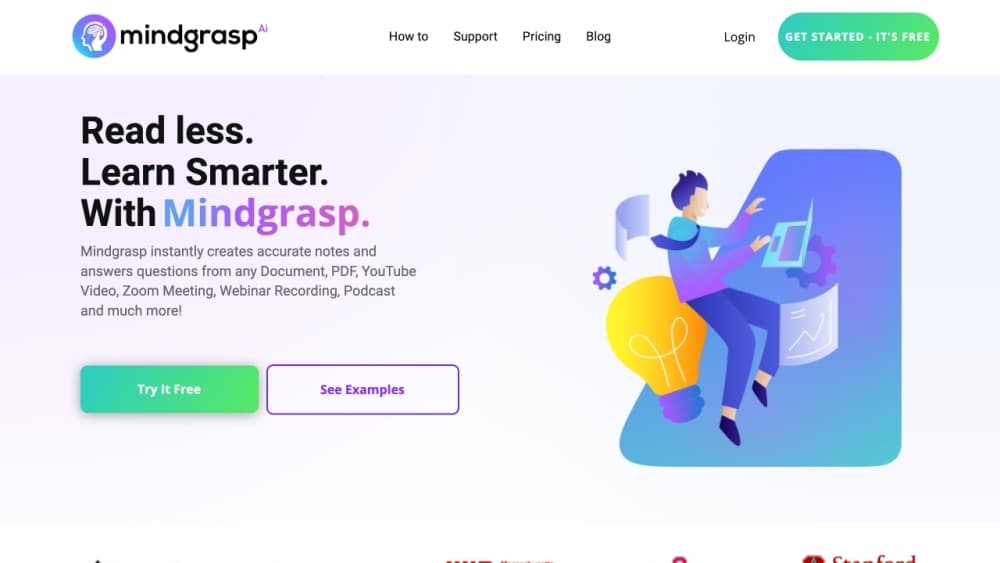
How to Use Mindgrasp AI: Unlock Your Learning Potential
Discover how to use Mindgrasp AI effectively. Learn to create an account, upload content, and leverage AI features for enhanced studying and research. Explore now!
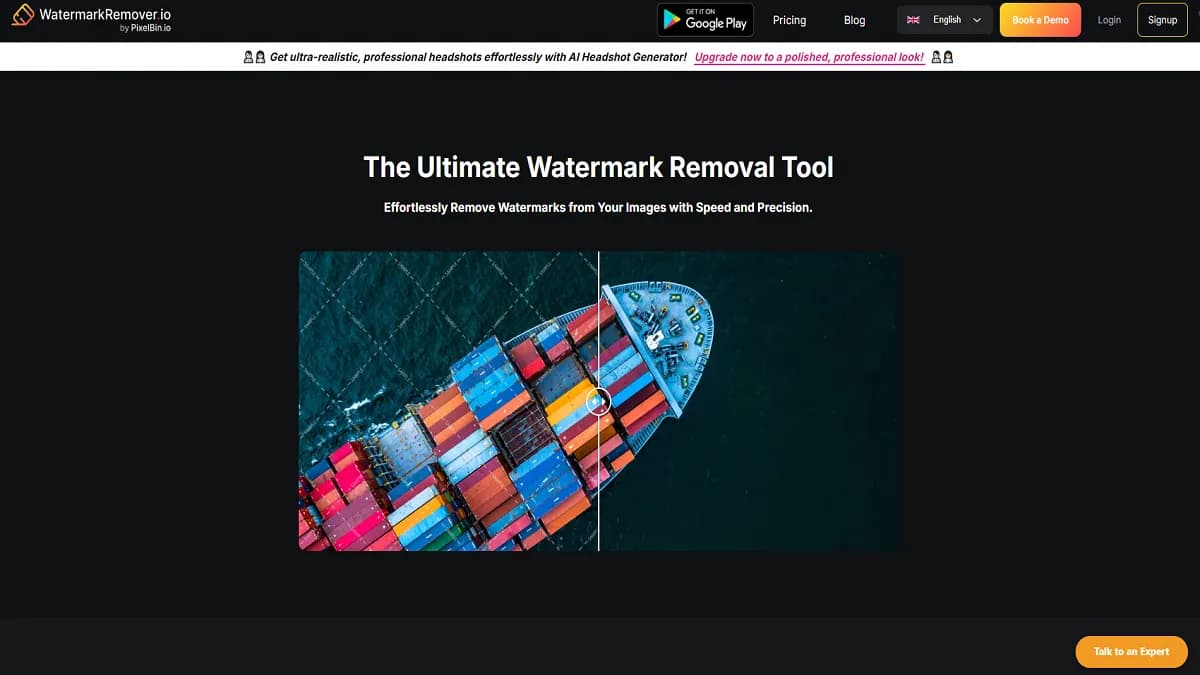
WatermarkRemover.io Review: AI-Powered image Editing Tool
Discover how WatermarkRemover.io uses AI to effortlessly remove watermarks from images. Explore features, benefits, and alternatives in our comprehensive guide.
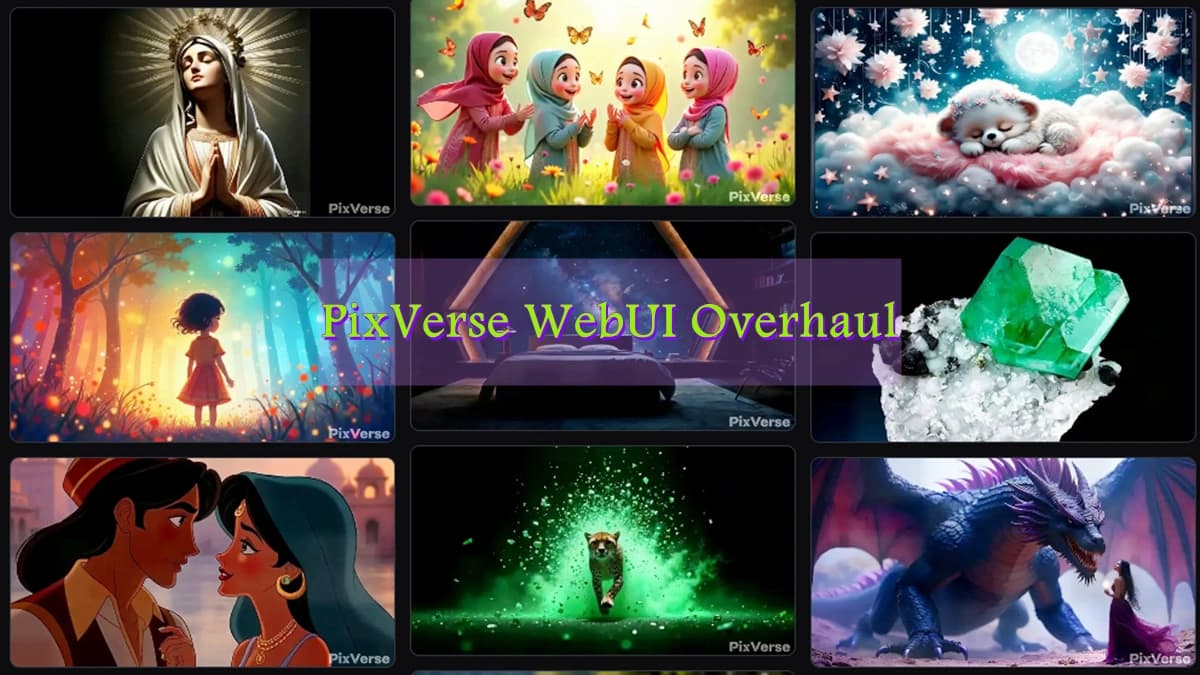
PixVerse WebUI Overhaul: Introducing Floating Create Hub, Discovery Pool, and More
PixVerse launches a groundbreaking WebUI update, introducing Floating Create Hub, Discovery Pool, and Creation Dashboard features to streamline AI-powered video creation across all devices.
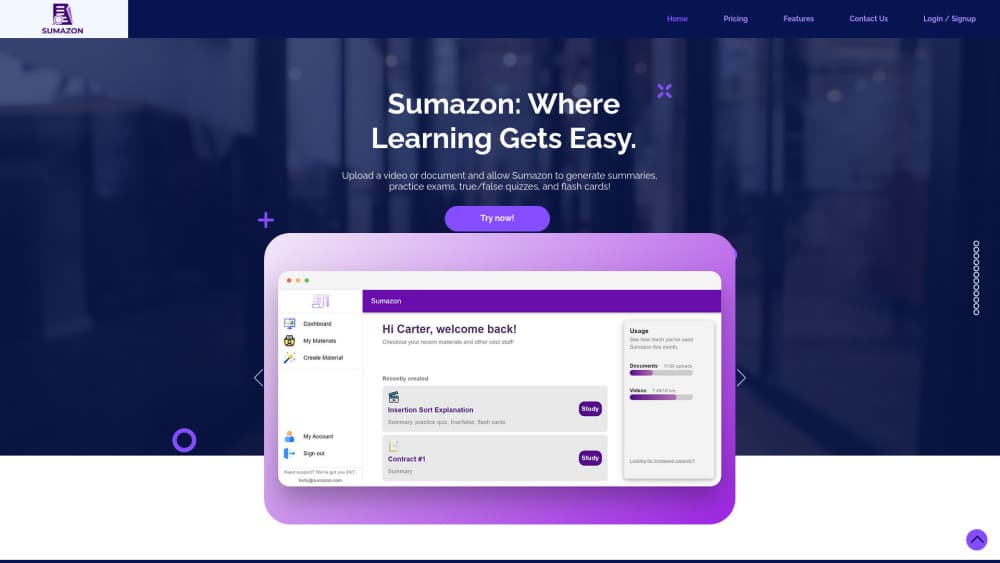
How to Use Sumazon: Unlock Your Study Potential
Discover how to use Sumazon, the AI-powered learning platform. Learn to create an account, upload materials, and generate study sets for efficient learning.