
Explore The Best AI Websites & Tool
Your all-in-one toolkit for productivity, creativity, and development. Over 40 powerful tools to streamline your workflow.
SearchHow to Use Freed | The AI Medical Scribe for Clinicians
What is Freed | The AI Medical Scribe for Clinicians
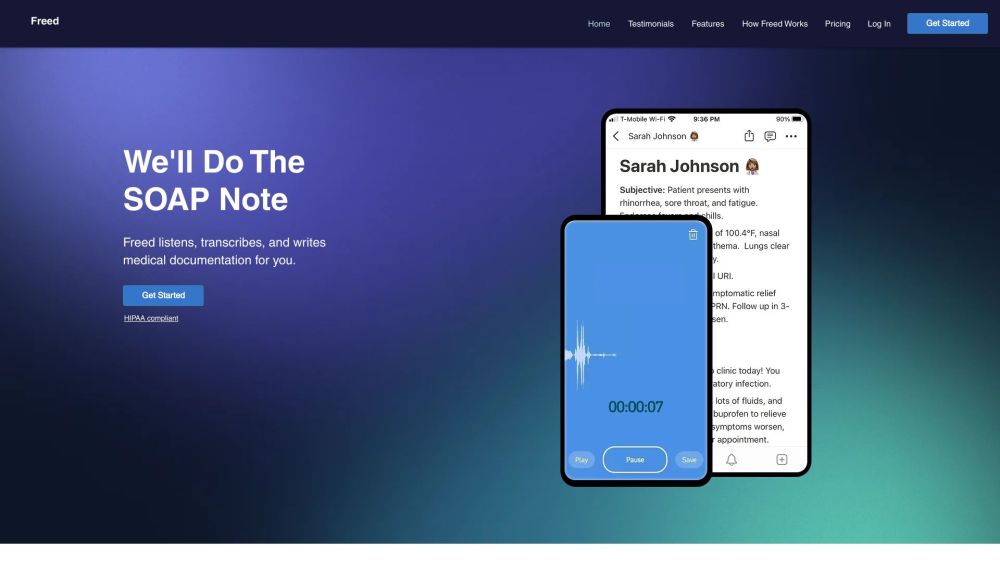
Freed is an advanced AI-powered medical scribe that automates the time-consuming process of clinical documentation. By utilizing state-of-the-art speech recognition, natural language processing, and machine learning technologies, Freed transcribes and organizes patient interactions into accurate SOAP notes within seconds. This innovative tool is designed to adapt to each clinician's unique style, continuously improving its performance with every use.
One of the key features of Freed is its seamless integration with existing Electronic Health Records (EHRs), making data management effortless for healthcare professionals. The platform supports various medical specialties and languages, making it a versatile solution for diverse healthcare settings. Clinicians can capture up to two hours of patient encounters, whether in-person or virtual, and easily edit and sign off on notes as needed.
Importantly, Freed is fully HIPAA-compliant, ensuring the highest standards of patient data security. The platform offers a free trial period and flexible pricing options, including discounts for students and trainees, demonstrating its commitment to making clinical documentation more efficient and stress-free for all healthcare professionals.
Use Cases of Freed | The AI Medical Scribe for Clinicians
Freed offers numerous benefits that enhance efficiency and improve patient care across various scenarios:
- Streamlined Note-Taking: Freed automates the creation of clinical notes, reducing a 20-minute task to just one minute, allowing clinicians to focus more on patient interactions.
- Customized Documentation: The AI adapts to each clinician's style, providing personalized and efficient note-taking that improves with each use.
- EHR Integration: Seamless integration with various EHR systems ensures up-to-date and accessible patient data, improving continuity of care.
- Support for Multiple Specialties: Freed is versatile across various medical fields, recognizing specific terminology and speech patterns for high accuracy.
- Enhanced Work-Life Balance: By reducing after-hours charting, Freed helps clinicians improve their work-life balance and reduce burnout risk.
- Support for Virtual and In-Person Visits: Freed accommodates both telemedicine and traditional office visits, capturing relevant information for up to two hours.
How to Access Freed | The AI Medical Scribe for Clinicians
Accessing Freed is a straightforward process:
- Create a Freed account by visiting getfreed.ai and signing up.
- Activate your free trial and set up your profile.
- Log in and start capturing your first visit.
- Edit the generated note for accuracy and completeness.
- Sign off and integrate the note with your EHR system.
How to Use Freed | The AI Medical Scribe for Clinicians
Using Freed effectively involves the following steps:
- Create and verify your Freed account.
- Capture the patient visit by starting a recording session.
- Let Freed generate the SOAP note automatically.
- Review and edit the note to match your preferences.
- Add patient instructions if needed.
- Sign off and integrate the note with your EHR system.
How to Create an Account on Freed | The AI Medical Scribe for Clinicians
To create a Freed account:
- Visit getfreed.ai and click "Try for Free."
- Enter your personal and professional information.
- Select your role and agree to the terms and conditions.
- Complete the CAPTCHA and sign up.
- Verify your email and log in to start using Freed.
Tips for Using Freed | The AI Medical Scribe for Clinicians
To maximize the benefits of Freed:
- Start with the free trial to explore its features.
- Capture visits promptly to ensure all details are recorded.
- Edit notes to train the AI to your style.
- Utilize the full transcript for complex cases.
- Integrate seamlessly with your EHR system.
- Customize note formats to match your practice's standards.
- Maintain HIPAA compliance by reviewing security measures.
- Use the patient instructions feature for clear communication.
By following these guidelines and tips, clinicians can harness the full potential of Freed to streamline their documentation process, enhance patient care, and improve their overall work-life balance. As healthcare continues to evolve, tools like Freed are paving the way for more efficient and effective clinical practices, allowing healthcare professionals to focus on what matters most – their patients.
Trending

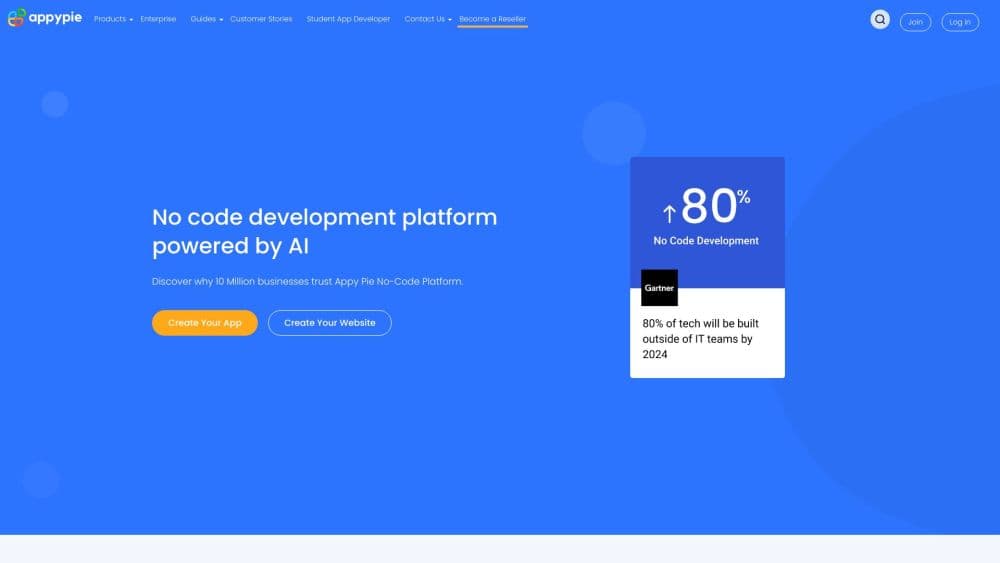
How to Use Appy Pie: A Guide to No-Code Development
Discover how to use Appy Pie for creating apps and websites without coding. Learn practical tips and unlock the power of no-code development. Explore now!
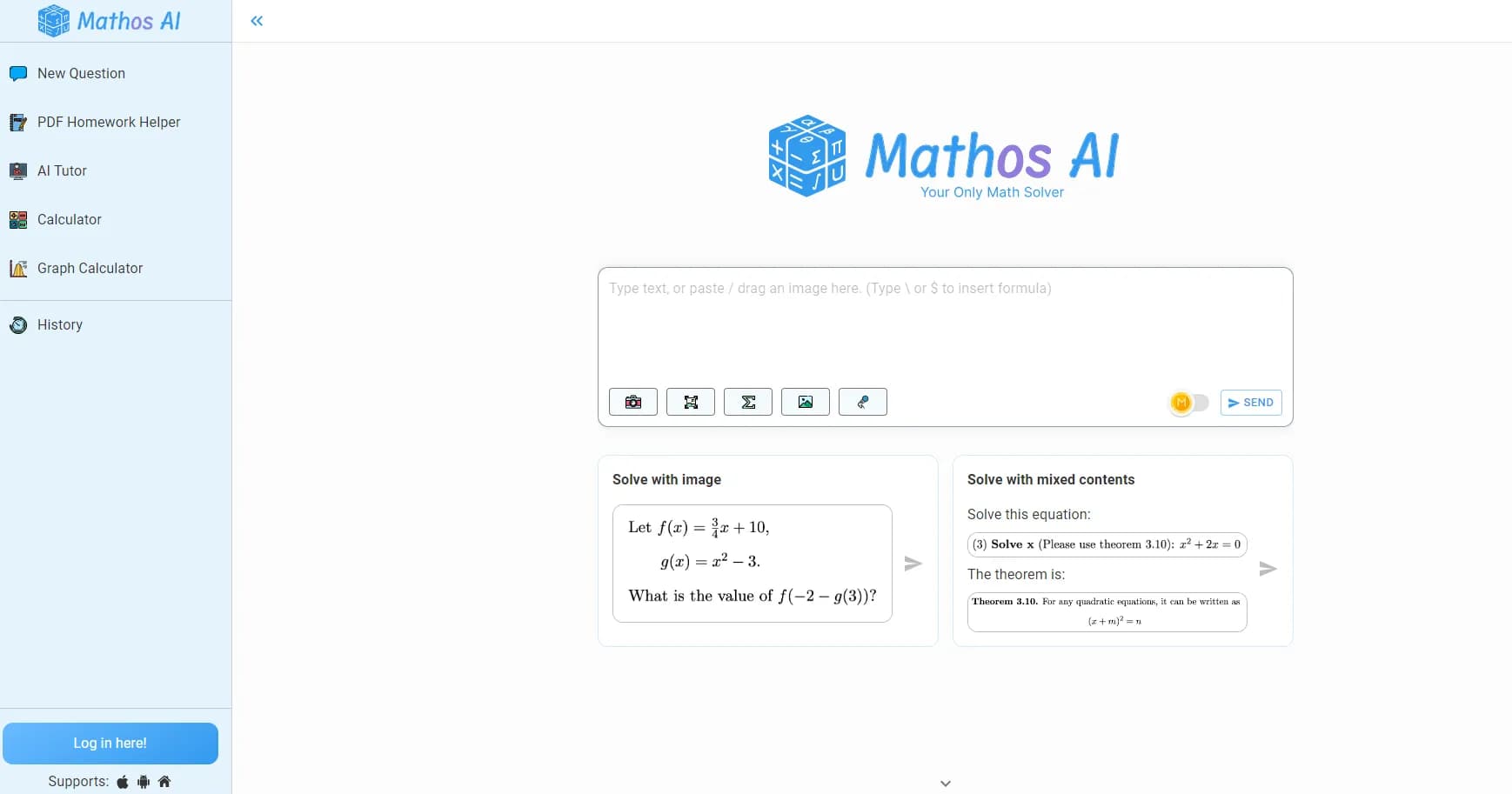
Mathos AI Review: Revolutionizing Math Learning with AI
Explore our comprehensive Mathos AI review. Learn how this AI-powered math solver enhances learning with personalized tutoring and innovative features.
Voicemaker® Review: AI text-to-Speech Platform Explored
Discover Voicemaker®'s features, benefits, and alternatives in our comprehensive review. Learn how this AI-powered text-to-speech tool can enhance your content creation.
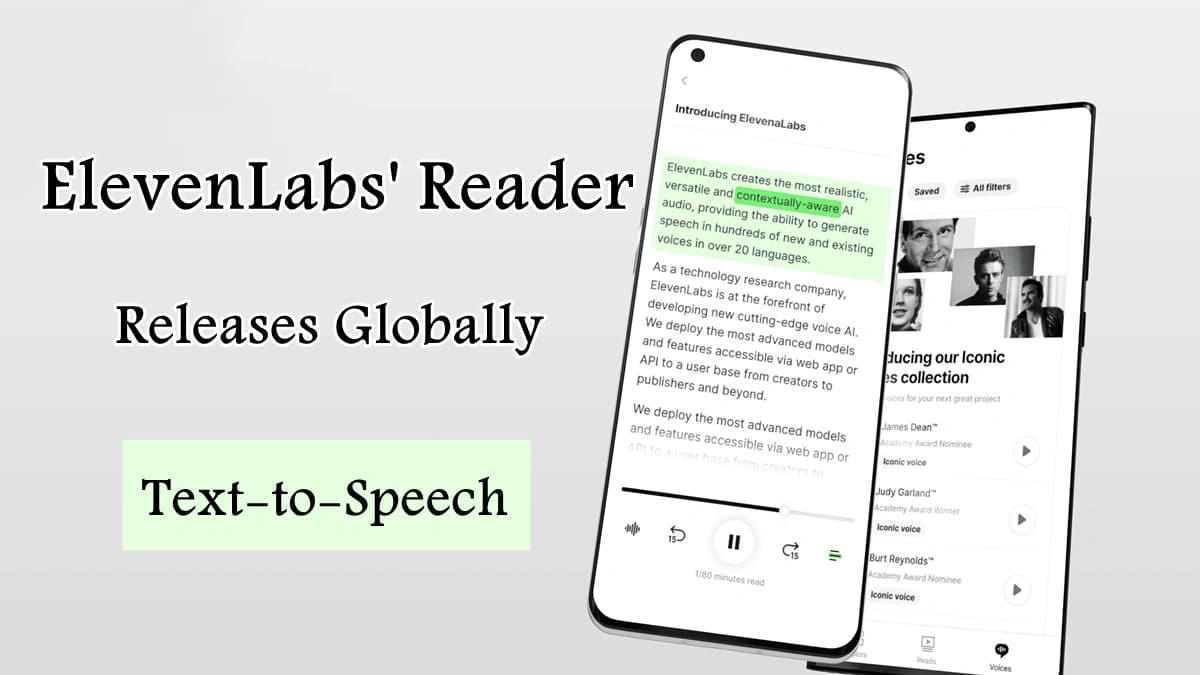
ElevenLabs' Reader App Releases Globally with Multilingual text-to-Speech Support
ElevenLabs expands its AI-powered text-to-speech Reader app worldwide, now supporting 32 languages and offering enhanced voice options for a more immersive listening experience.
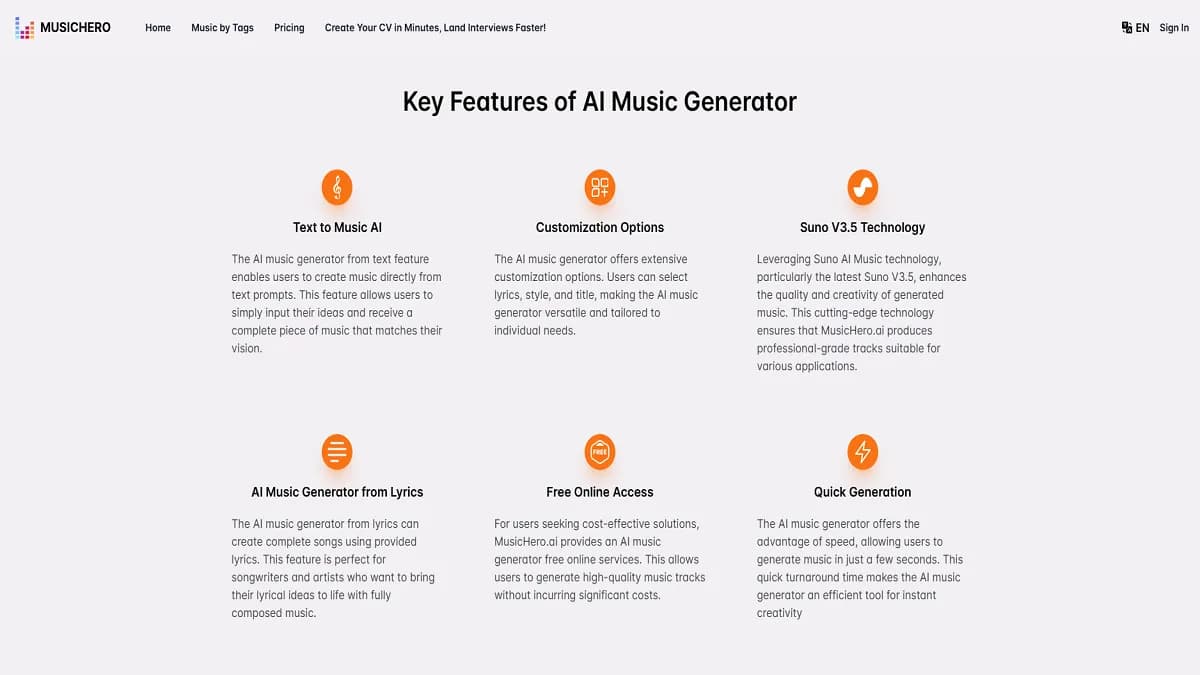
MusicHero.ai Review: AI-Powered Music Creation Tool
Explore MusicHero.ai, the innovative AI music generator. Learn how it transforms text into professional tracks, its key features, and benefits for creators.