
Explore The Best AI Websites & Tool
Your all-in-one toolkit for productivity, creativity, and development. Over 40 powerful tools to streamline your workflow.
SearchHow to Use YouLearn: AI-Powered Learning Guide
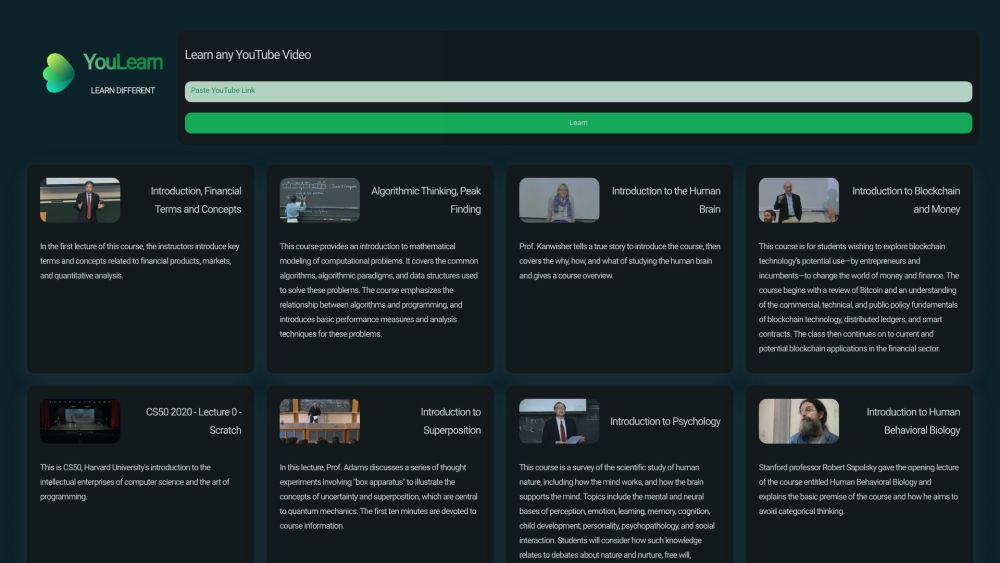
What is YouLearn?
YouLearn is a cutting-edge AI-powered learning platform that revolutionizes the way we interact with educational content. It's designed to cater to a wide range of users, from students to professionals and educators. The platform's core functionality revolves around its ability to process and analyze various types of content, including PDFs, YouTube videos, and slides.
At the heart of YouLearn is its advanced AI tutor. This intelligent system can answer questions about the uploaded content, provide comprehensive summaries, and generate chapter outlines. What sets YouLearn apart is its commitment to transparency and accuracy. The AI tutor not only provides information but also cites the sources of its answers, allowing users to verify the information independently.
YouLearn offers a tiered subscription model to cater to different user needs:
- Free tier: Provides basic access to the platform's features.
- Core tier: Offers expanded limits on AI chats and content uploads.
- Pro tier: Provides the highest limits on features, including recorded lectures.
With over 500,000 learners trusting the platform, YouLearn has proven its effectiveness in simplifying complex topics and enhancing the learning process. Its ability to provide personalized learning experiences makes it an invaluable tool for anyone looking to improve their understanding and retention of educational materials.
Use Cases of YouLearn: Enhancing Learning with AI
YouLearn is a versatile platform that can be applied in various learning scenarios. Here are some key use cases:
- Enhancing Student Learning: Students can upload lecture videos, PDFs, and slides, and receive AI-generated summaries, key points, and chapter outlines. This is particularly useful for complex subjects like economics, physics, or biology.
- Creating Custom Quizzes for Teachers: Educators can use YouLearn to generate custom quizzes based on uploaded content, helping them assess student progress more effectively.
- Self-Paced Learning for Professionals: Professionals can stay updated on industry trends by uploading relevant content and receiving AI-generated summaries and insights.
- Organizing Learning Materials: Users can organize their learning materials into spaces, making it easy to manage and access content across multiple courses or projects.
- Interactive Learning Modules: YouLearn incorporates interactive elements like quizzes, simulations, and games to reinforce learning and improve retention.
How to Access YouLearn: A Step-by-Step Guide
- Visit the YouLearn website at https://www.youlearn.ai.
- Click on "Get Started" to sign up for an account.
- Enter your email address, create a password, and provide any additional required information.
- Explore the platform's dashboard, including sections like "My Spaces," "Learn," and "Upload."
- Upload your learning materials (PDFs, YouTube videos, slides) using the "Upload" button.
- Interact with the AI tutor by asking questions about your uploaded content.
- Track your progress in the "Progress" section.
How to Use YouLearn: A Step-by-Step Guide
- Sign up or log in at app.youlearn.ai.
- Upload your content (PDF, YouTube video, or slides).
- Interact with the AI tutor by asking questions about the content.
- Explore summaries and chapter outlines provided by the AI.
- Review sources of information in the "Sources" tab.
- Organize your content using the "Spaces" feature.
- Consider upgrading to Core or Pro plans for enhanced features.
How to Create an Account on YouLearn
- Visit https://www.youlearn.ai/.
- Click on "Get Started."
- Choose to sign up with email or social media accounts.
- Enter your email and create a strong password.
- Agree to the Terms and Conditions.
- Click "Sign Up" and verify your email address.
- Complete your profile with additional information.
- Start exploring and using the platform.
Tips for Using YouLearn Efficiently
- Upload diverse content types for a rich learning experience.
- Ask specific questions to get more accurate AI responses.
- Utilize the summary feature to grasp key points quickly.
- Create personalized study guides using the AI.
- Practice active recall by asking the AI to quiz you.
- Organize your content using the "spaces" feature.
- Upload recorded lectures for AI transcription and summarization.
- Use YouLearn consistently to build effective learning habits.
By following this guide, you can harness the full potential of YouLearn to enhance your learning journey, whether you're a student, professional, or educator. The platform's AI-powered features offer a personalized and efficient way to interact with educational content, making complex topics more accessible and improving overall retention and understanding.
Trending

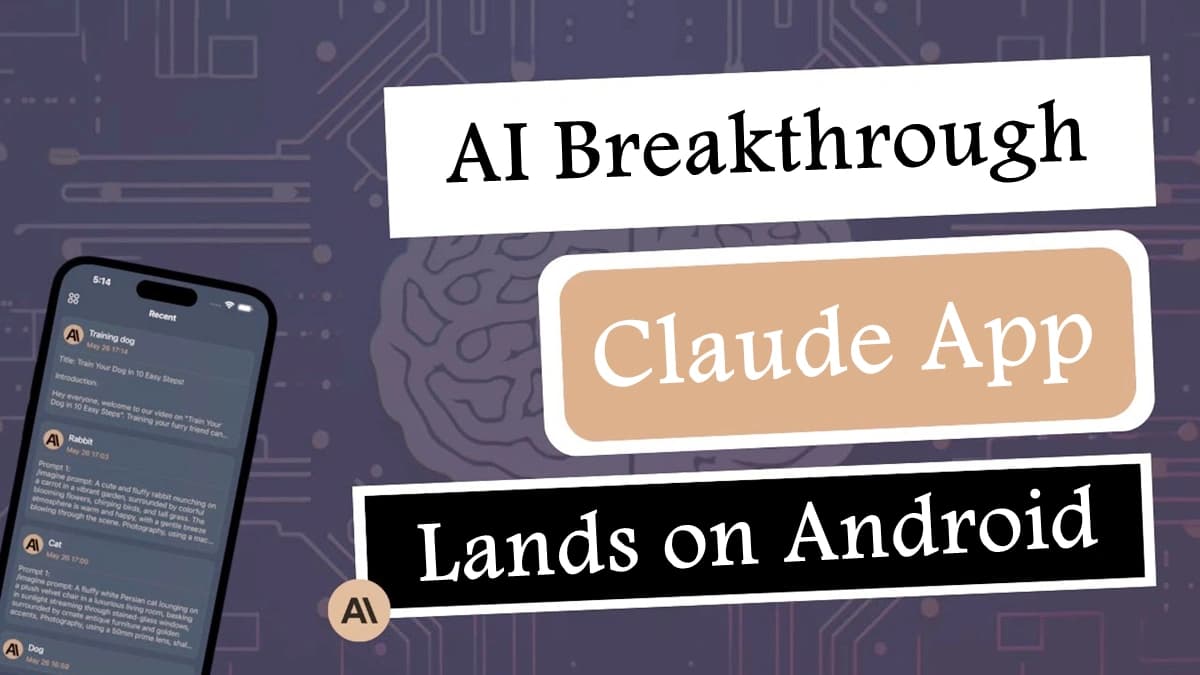
AI Breakthrough: Claude App Lands on Android, Expanding AI Accessibility
Explores Anthropic's release of the Claude AI app for Android, marking a significant step in making advanced AI assistants more accessible to mobile users.

Rosytalk Review: The Ultimate AI Companion App | 2023 Guide
Discover Rosytalk, the innovative AI companion app offering personalized interactions, emotional support, and creative expression. Explore our in-depth review for practical tips.
How to Use Neural Writer: A Comprehensive Guide
Discover how to leverage Neural Writer's AI-powered features for paraphrasing, translation, and more. Explore our guide for practical tips on enhancing your writing.
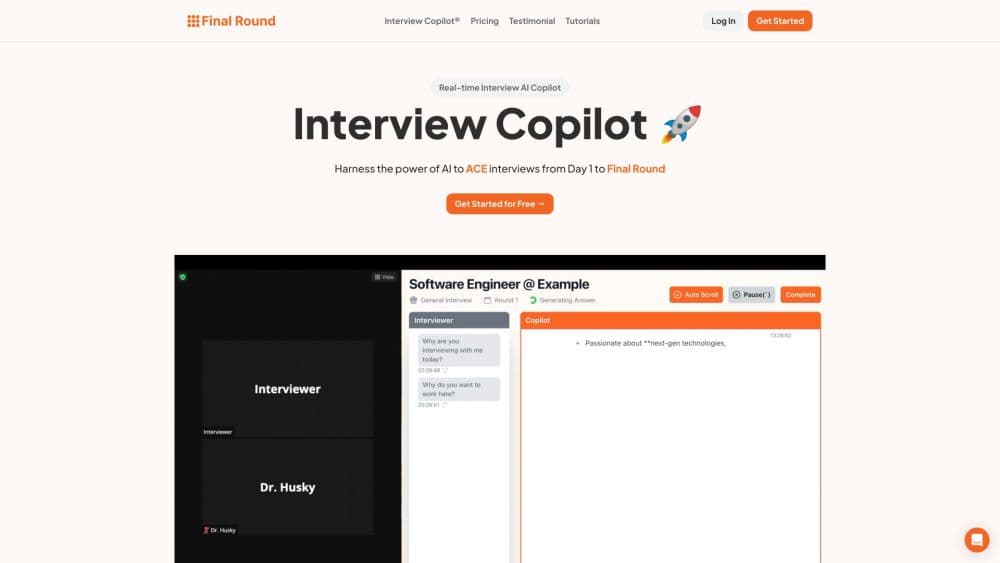
How to Use Final Round AI: Master Interviews with AI
Discover how to use Final Round AI to ace your job interviews. Learn practical tips for leveraging AI-powered tools to enhance your interview skills and land your dream job.

AI Startup Fal.ai Secures $23M for Media-Generating AI Models
Fal.ai, a platform hosting AI models for generating audio, video, and images, raises $23 million in funding to scale its infrastructure and expand its research team.