
Explore The Best AI Websites & Tool
Your all-in-one toolkit for productivity, creativity, and development. Over 40 powerful tools to streamline your workflow.
SearchApple Launches Final Cut Pro 11: AI Video Editing for Mac, iPad, and iPhone
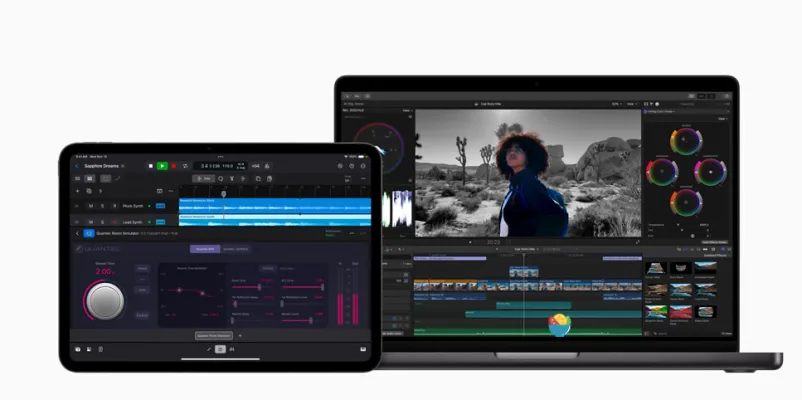
The introduction of Final Cut Pro 11 comes after a 13-year wait since the last major version update. With this release, Apple aims to empower video editors with advanced tools that leverage artificial intelligence, making the editing process more intuitive and efficient.
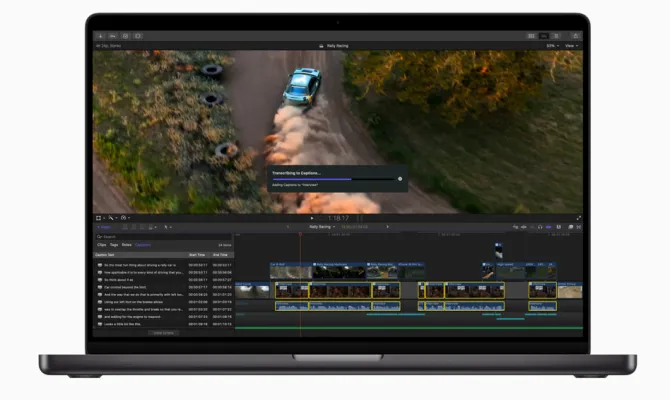
Final Cut Pro 11 Key Features
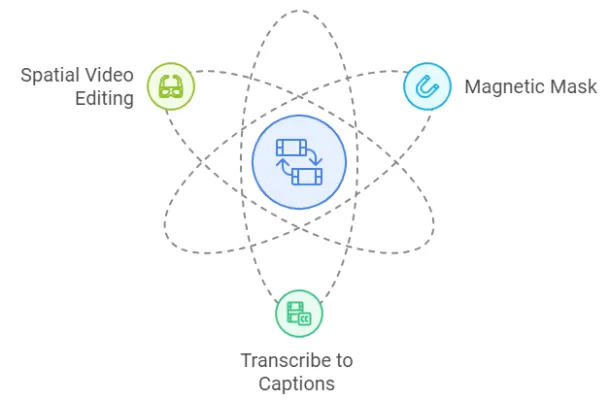
- Magnetic Mask: Revolutionizing Object Isolation
One of the most notable features in Final Cut Pro 11 is the Magnetic Mask tool. This AI-driven capability allows editors to isolate people and objects from their backgrounds without the need for a green screen or labor-intensive rotoscoping. The Magnetic Mask intelligently analyzes the video clip, ensuring that the mask remains accurate throughout edits. This feature not only saves time but also enhances creative possibilities by allowing for seamless background customization.
- Transcribe to Captions: Enhancing Accessibility
Another significant addition is the Transcribe to Captions feature, which automatically generates closed captions using an Apple-trained large language model. This tool streamlines the process of adding captions directly within the editing timeline, improving accessibility for viewers and saving editors valuable time in post-production.
- Spatial Video Editing: Immersive Experiences
Final Cut Pro 11 also supports spatial video editing, enabling users to import and edit immersive 3D content. This feature is particularly beneficial for projects intended for devices like the Apple Vision Pro headset. Editors can manipulate depth positioning and preview how their edits will appear in a spatial environment, making it easier to create engaging content that takes full advantage of modern technology.

Enhanced Workflow Features
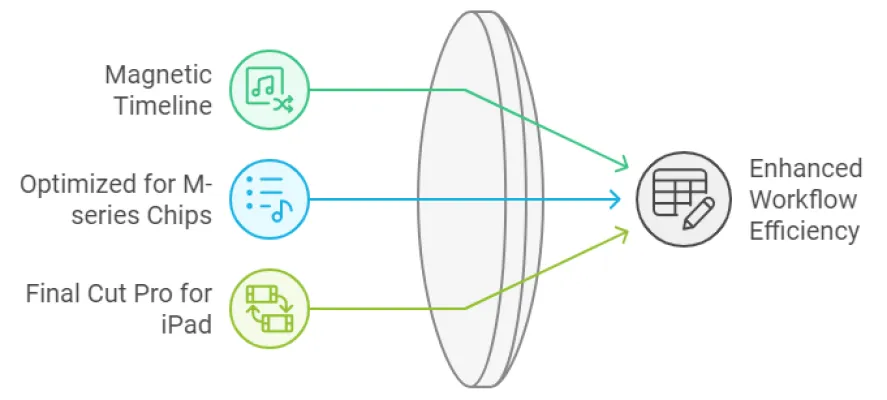
In addition to its AI innovations, Final Cut Pro 11 includes several enhancements aimed at improving workflow efficiency:
- Magnetic Timeline: Quickly rearrange clips while keeping audio synchronized.
- Optimized for M-series Chips: The software is designed to utilize Apple's latest silicon, allowing playback of more simultaneous 4K and 8K ProRes video streams.
- Final Cut Pro for iPad: The iPad version has been updated with new features like Live Drawing and improved color grading tools, making it a versatile option for mobile editing.
Conclusion
With the launch of Final Cut Pro 11 on November 13, 2024, Apple has significantly upgraded its video editing software by integrating powerful AI features that enhance usability and creativity. Whether you're a professional editor or a content creator, these tools are designed to streamline your workflow and elevate your projects. Discover these new capabilities today by visiting AIPURE for more information on AI tools and developments in the industry.
Trending


How to Use Animaker AI: Create Pro Animated Videos Fast
Learn to create stunning animated videos with Animaker AI. Our guide covers accessing the platform, account creation, and pro tips for optimal results.

How to Use Nemotron: NVIDIA's Advanced AI Language Model
Discover how to harness Nemotron, NVIDIA's powerful AI language model. Learn access steps, use cases, and tips for optimal performance. Explore the full guide now!

How to Use RisuAI: Ultimate Guide to AI Roleplay Platform
Discover how to use RisuAI, the innovative AI roleplay platform. Learn to create characters, explore RisuRealm, and enhance your roleplaying experience.

Meta Video Generator Movie Gen Arrives: A Strong Competitor to OpenAI Sora
Meta has launched Movie Gen, a groundbreaking Meta AI-powered video generation tool that challenges existing platforms like OpenAI's Sora. This innovative model allows users to create personalized videos and audio clips through simple text prompts, marking a significant advancement in the realm of AI video technology.
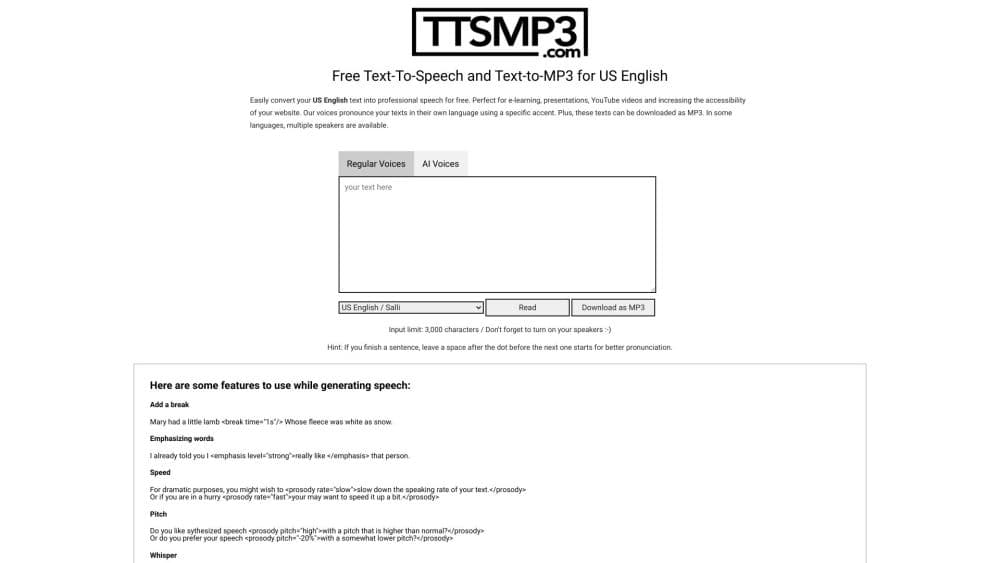
ttsMP3.com Review: Free AI text-to-Speech Service Guide
Explore our comprehensive ttsMP3.com review. Learn about features, benefits, and alternatives of this free AI text-to-speech tool. Discover practical tips for content creators.