
Explore The Best AI Websites & Tool
Your all-in-one toolkit for productivity, creativity, and development. Over 40 powerful tools to streamline your workflow.
SearchHow to Use Otio: AI-Powered Research & Writing Tool Guide
In the rapidly evolving landscape of artificial intelligence, Otio emerges as a game-changing platform for researchers, writers, and professionals across various industries. This advanced AI research and writing tool is designed to revolutionize how we approach information processing, analysis, and content creation. By leveraging cutting-edge AI models and intuitive features, Otio promises to enhance productivity, streamline workflows, and elevate the quality of research and writing outputs.
What is Otio?
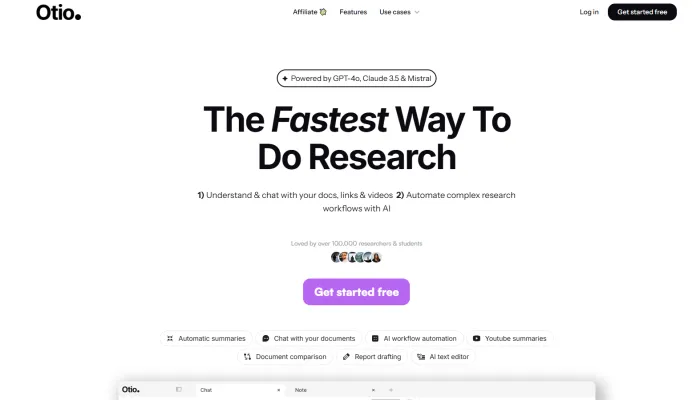
Otio is an advanced AI research and writing platform designed to streamline the research and writing process for professionals, students, and analysts. Powered by cutting-edge AI models like GPT-4o, Claude 3.5, and Mistral, Otio offers a comprehensive suite of tools to manage, summarize, and analyze various types of content, including PDFs, Word documents, blog posts, and YouTube videos.
Key features include automatic summarization, document comparison, interactive chat with documents, and an AI-powered text editor for writing and editing tasks. Otio's workflow automation builder helps users save time by automating repetitive tasks, while its ability to handle large files (up to 100 MB) and support for over 50 languages makes it a versatile tool for researchers and writers worldwide.
Trusted by over 100,000 users at top-tier institutions, Otio aims to enhance productivity and accuracy by providing grounded answers based on the user's sources, ensuring that the information is reliable and contextually relevant. Whether you're a master's student, a PhD candidate, or a policy analyst, Otio is designed to be your go-to AI research and writing partner.
Use Cases of Otio: Revolutionizing Research and Writing
1. Summarizing Complex Documents:
Otio excels at summarizing lengthy documents, from academic papers to business reports. This feature allows users to quickly grasp the key points and insights without having to read through hundreds of pages. Whether it's a detailed research article or a long-form blog post, Otio's AI-powered summarization ensures that you get the most important information in a concise and structured format.
2. Interactive Document Analysis:
With Otio, you can interact with your documents through a chat interface. This means you can ask specific questions about the content and receive detailed, contextually relevant answers. This feature is particularly useful for deep dives into complex topics, allowing you to extract specific insights and data points without having to manually search through the entire document.
3. Automating Research Workflows:
Otio's workflow automation builder is a game-changer for researchers and professionals who handle repetitive tasks. You can create custom workflows to automate tasks like data collection, document comparison, and report generation. This not only saves time but also ensures consistency and accuracy in your research processes.
4. Drafting and Editing Reports:
Otio's AI-powered text editor is designed to assist with writing and editing tasks. Whether you're drafting a research report, an essay, or a business proposal, Otio can help you outline, draft, and refine your content. The editor provides suggestions for grammar, style, and even paraphrasing, ensuring that your writing is polished and professional.
5. Managing and Organizing Research Materials:
Otio automatically tags and organizes your imported research materials into folders. This feature is invaluable for managing large volumes of information, making it easy to find and access the resources you need. The platform supports a wide range of content types, including PDFs, Word documents, blog links, and YouTube videos, ensuring that all your research materials are in one place.
6. Summarizing YouTube Videos:
For those who rely on video content for research, Otio's ability to summarize YouTube videos is a significant advantage. You can quickly get a summary of a lengthy video, allowing you to identify key points and decide whether the content is relevant to your needs. This feature is particularly useful for researchers, students, and content creators who need to process a lot of video content efficiently.
How to Access Otio
Accessing Otio is a straightforward process:
- Visit otio.ai.
- Click "Get started free" to sign up.
- Create an account using your email or Google account.
- Log in to access your Otio dashboard.
- Explore the various features like "Summarize & Chat," "Write & Edit," and "Automate Workflows."
- Import your research materials to start using Otio's powerful tools.
How to Use Otio: A Step-by-Step Guide
- Sign up for Otio at otio.ai.
- Import your sources (PDFs, Word documents, blog links, YouTube videos).
- Use the "Summarize" and "Chat" features to analyze your documents.
- Utilize the AI text editor for writing and editing.
- Create custom workflows in the "Automations" section.
- Organize your research using the automatic tagging and categorization features.
How to Create an Account on Otio
- Visit otio.ai.
- Click "Get Started Free."
- Choose to sign up with Google or create an account with email.
- Complete the sign-up form if using email.
- Verify your email address.
- Log in to your new Otio account.
- Start exploring Otio's features and importing your research materials.
Tips for Using Otio More Efficiently
- Organize your sources using Otio's automatic tagging features.
- Leverage AI summaries for quick overviews of long documents or videos.
- Use the chat feature to extract specific insights from your sources.
- Automate repetitive tasks with the workflow automation builder.
- Utilize the AI text editor for drafting and refining your writing.
- Regularly review and update your collections to keep your research current.
- Collaborate with team members by sharing your Otio workspace and using chat features.
By following these guidelines and tips, you can harness the full power of Otio to transform your research and writing processes, making them more efficient, accurate, and insightful.
Trending

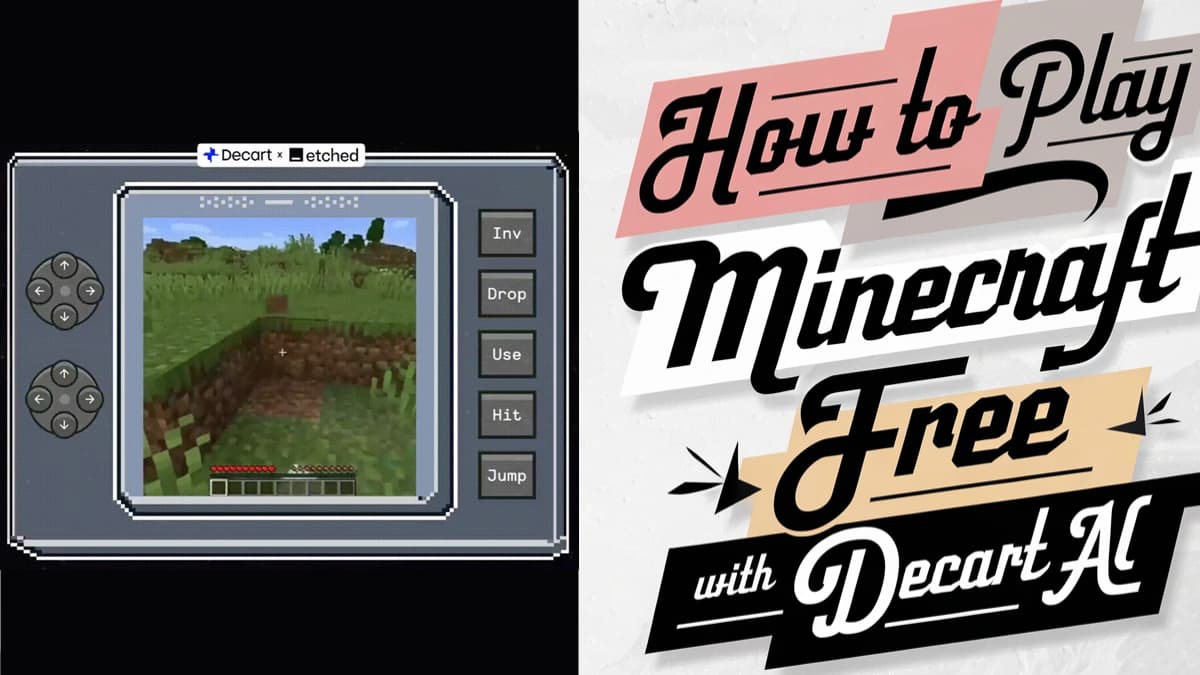
How to Play Minecraft Free with Decart AI: Beginner's Tutorial
Explore a new method to play Minecraft for free anywhere using Oasis Decart AI.

How to Use Gigi: Your AI Personal Development Assistant
Discover how to leverage Gigi, the AI-powered personal development assistant. Learn to create meal plans, workout routines, and study schedules with ease.

How to Use Resume Worded: Boost Your Job Search Success
Learn how to use Resume Worded effectively to optimize your resume and LinkedIn profile. Discover practical tips for AI-powered job application success.
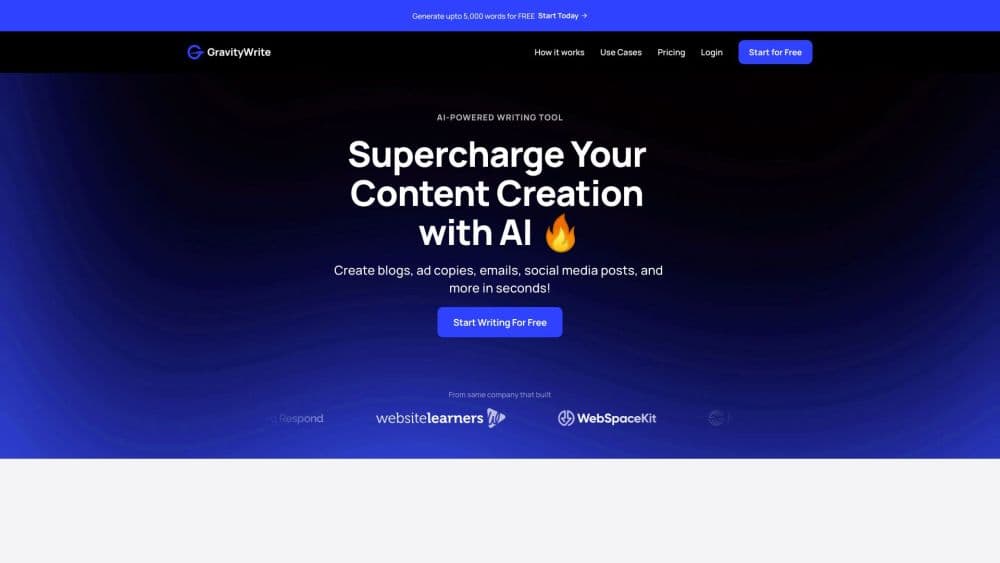
How to Use GravityWrite: Top AI Writer, Content Generator
Discover how to use GravityWrite, the leading AI content creator. Learn tips for optimizing your writing process and boosting SEO. Explore the full guide now!
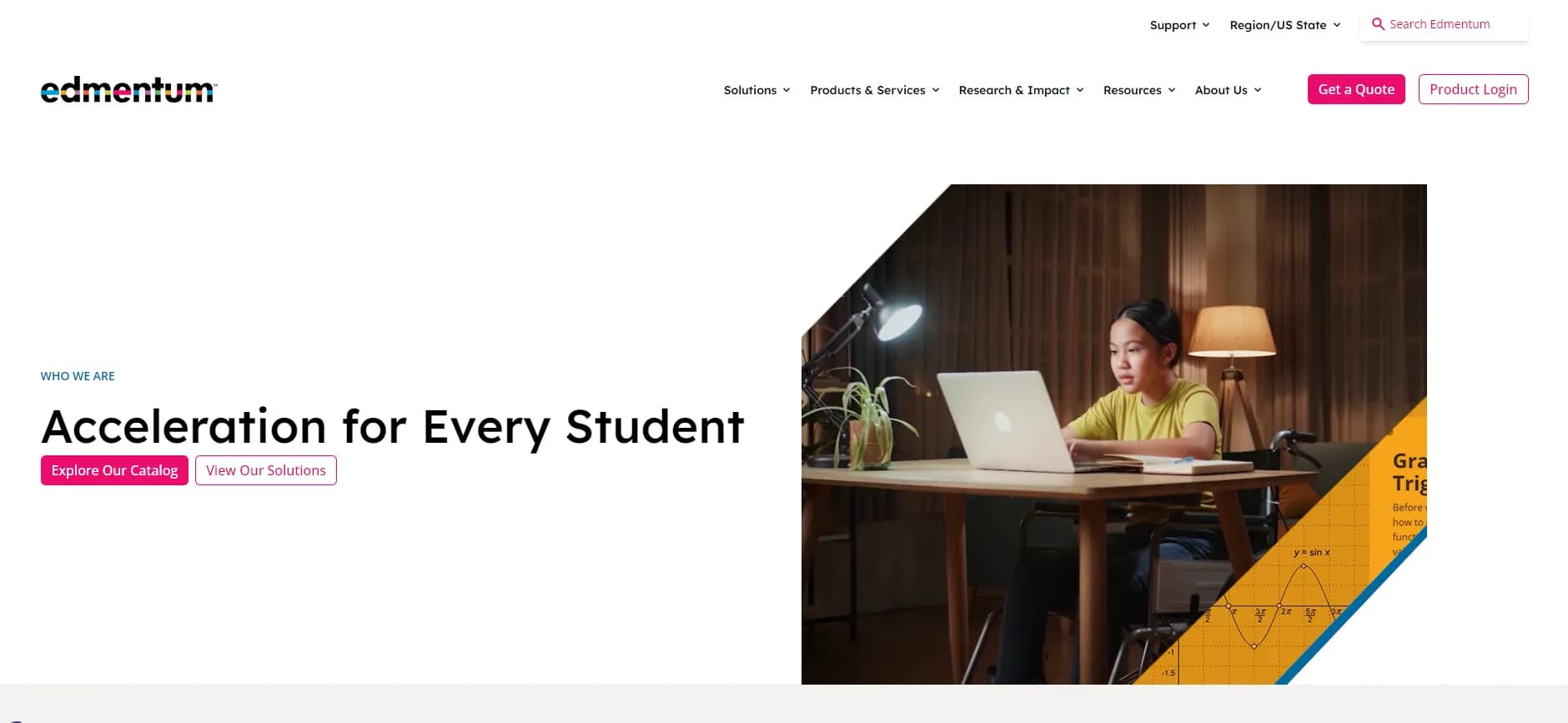
How to Use Edmentum Exact Path: A Comprehensive Guide
Discover how to maximize student achievement with Edmentum Exact Path. Learn key features, access tips, and best practices in this comprehensive guide.