
Explore The Best AI Websites & Tool
Your all-in-one toolkit for productivity, creativity, and development. Over 40 powerful tools to streamline your workflow.
SearchWhisk Review: Google's Revolutionary AI image Generator
What is Whisk?
Whisk is an innovative AI image generation tool developed by Google Labs, designed to simplify and accelerate the creative process. Unlike traditional text-based AI generators, Whisk uses a visual-first approach, allowing users to upload images to define the subject, scene, and style of the generated output. The tool leverages Gemini for image captioning and imagen 3 for image generation, ensuring that the AI understands and remixes the key elements of the input images.
Whisk's user-friendly interface supports multiple image prompts and text refinements, making it ideal for rapid ideation and experimentation. Whether you're creating digital art, designing product concepts, or generating visual ideas for marketing, Whisk offers a fast and intuitive way to bring your creative visions to life. Currently available in the US, Whisk is part of Google's ongoing efforts to make AI more accessible and user-friendly for creators and businesses alike.

Features of Whisk
Whisk boasts several key features that set it apart from other AI image-generation tools:
- Visual-First Input: Users can drag and drop images representing the subject, scene, and style, making it easier to convey ideas without precise text prompts.
- Gemini Integration: Gemini automatically generates detailed captions from input images, which are then used to create prompts for imagen 3, ensuring accurate and contextually relevant outputs.
- Rapid Ideation and Exploration: Whisk is designed for fast visual exploration, allowing users to quickly generate and refine multiple variations of their ideas.
- Flexible Prompt Editing: Users can view and edit the underlying prompts generated by Gemini to refine the results, providing greater control and customization.
- Creative Workflow Integration: Whisk is tailored for creative workflows, particularly in product design, such as generating digital plushies, enamel pins, and stickers.
- Limited Availability: Currently, Whisk is only available in the US, allowing Google to gather valuable user feedback and refine the tool before a potential global rollout.
How Does Whisk Work?
Whisk simplifies the image creation process by allowing users to input visual elements and provide textual guidance. The tool leverages the Gemini language model to create detailed captions of the input images, which are then used by the imagen 3 model to generate new images. Users can input up to three images representing the subject, scene, and style, and the tool will remix these elements to create a new, unique image.
The process works as follows:
- Users upload up to three images representing subject, scene, and style.
- Gemini analyzes the images and generates detailed captions.
- These captions are used as prompts for imagen 3.
- imagen 3 generates new images based on the prompts and visual inputs.
- Users can refine the results by editing the text prompts or uploading new images.
This approach allows for rapid exploration of ideas and encourages creative experimentation, making Whisk ideal for brainstorming and initial concept development.
Benefits of Using Whisk
Whisk offers several advantages over traditional text-based AI image generators:
- Visual Intuition: The ability to combine three images into a single, new image makes the tool more intuitive and accessible, especially for users who find text-based prompts challenging.
- Rapid Prototyping: Whisk enables quick exploration and iteration of creative ideas, enhancing the creative process and allowing users to generate multiple variations in a short time.
- Enhanced Creativity: By remixing different visual elements, Whisk fosters a new level of creativity, leading to unexpected and innovative results.
- Automatic Captions: The tool generates captions to guide the image creation process, ensuring coherence and context.
- Flexibility: While focusing on visual input, Whisk still allows users to refine generated images using text prompts, offering a more nuanced and precise output.
- User Feedback: The platform encourages user feedback, helping Google improve the tool and address user needs.
Alternatives to Whisk
While Whisk offers a unique approach to AI image generation, there are other tools in the market that provide similar functionality:
- DALL-E 2: OpenAI's image generation tool that uses text prompts to create images. It offers high-quality outputs but lacks Whisk's visual-first approach.
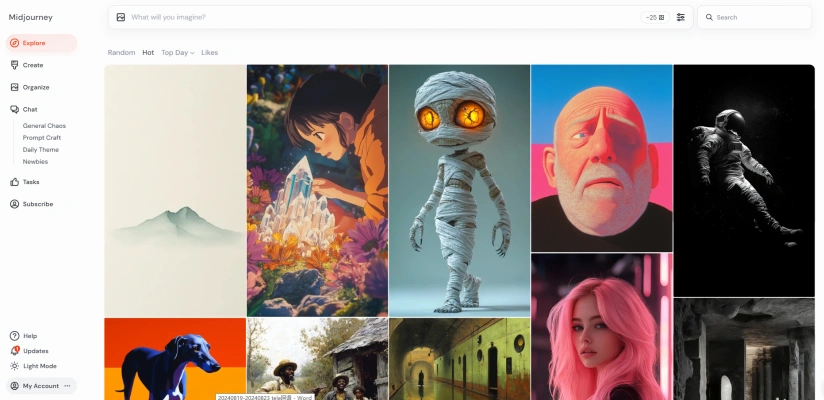
- Midjourney: A text-to-image AI tool known for its artistic and stylized outputs. It has a strong community but may be less intuitive for users unfamiliar with text prompts.
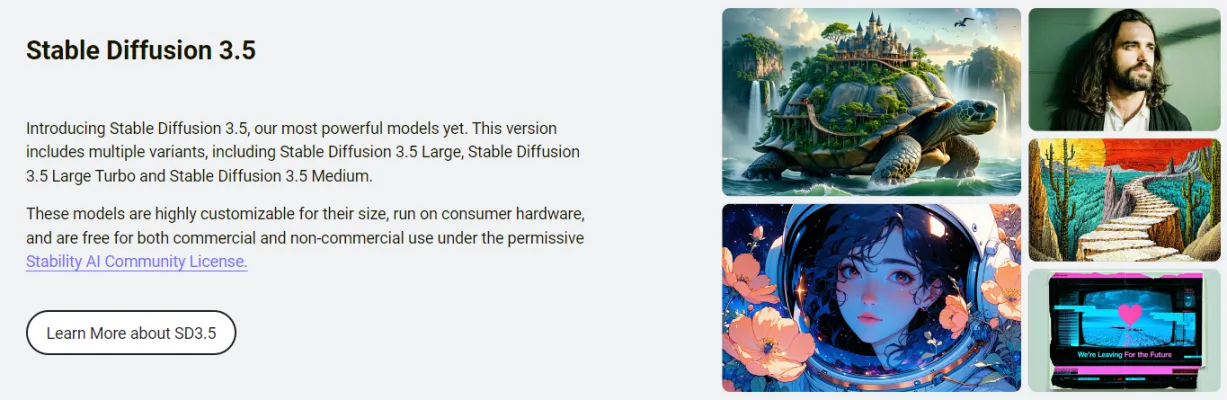
- Stable Diffusion: An open-source image generation model that can be run locally. It offers flexibility but may require more technical knowledge to use effectively.
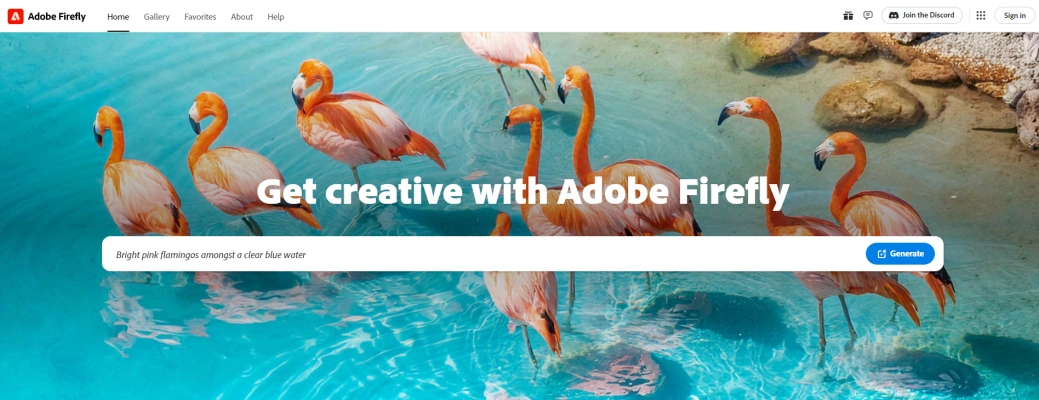
- Adobe Firefly: Adobe's AI image generation tool integrated into its Creative Cloud suite. It offers similar functionality to Whisk but is more focused on integration with Adobe's ecosystem.
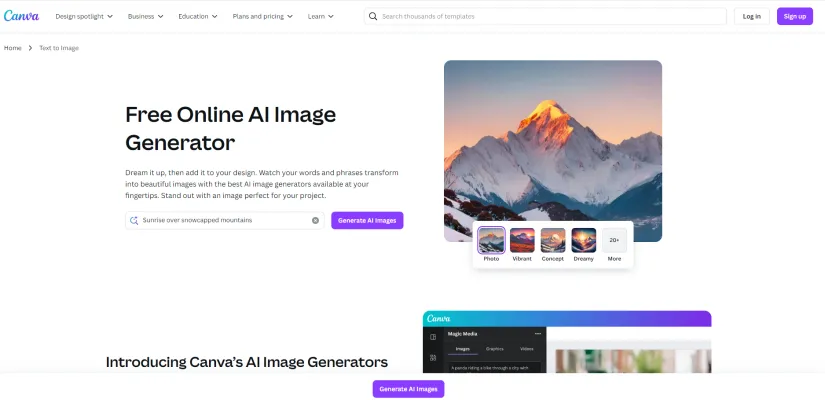
- Canva text to image: A simple, user-friendly tool integrated into the Canva platform. It's less powerful than Whisk but may be suitable for basic image generation needs.
In conclusion, Whisk represents a significant step forward in AI image generation, offering a unique visual-first approach that simplifies the creative process. Its integration of Gemini and imagen 3 technologies, combined with a user-friendly interface, makes it a powerful tool for rapid ideation and concept development. While it currently faces competition from established players in the market, Whisk's innovative features and focus on user feedback position it as a promising option for creators and businesses looking to streamline their visual content creation process. As Google continues to refine and expand the tool, Whisk has the potential to become a game-changer in the world of AI-assisted creativity.
Trending


How to Use Stable Diffusion 3.5 Free on ComfyUI: A Step-by-Step Guide
Don't miss this comprehensive guide from AIPURE on how to ComfyUI stable diffusion Stable Diffusion 3.5 for free to create your own AI-generated images!
GPT-4o Mini: Affordable AI Power Revolutionizing the Market
OpenAI's GPT-4o mini offers powerful AI capabilities at a fraction of the cost, making advanced AI accessible for a wider range of applications.
Typecast Review: AI Voice Generator Revolutionizing Content
Explore our comprehensive Typecast review. Learn how this AI voice generator is transforming content creation with 300+ voices and emotion control. Read more!

수상한 편의점 게임 Review: AI-Powered Retail Simulation
Explore our in-depth review of 수상한 편의점 게임, an innovative AI-driven retail simulation. Discover its features, benefits, and impact on the gaming industry.
How to Use DAN TalktoDAN: Your 24/7 AI Voice Chat Companion
Discover how to use DAN TalktoDAN, your AI voice chat companion. Learn setup, customization, and tips for engaging conversations. Explore the full guide now!