
Explore The Best AI Websites & Tool
Your all-in-one toolkit for productivity, creativity, and development. Over 40 powerful tools to streamline your workflow.
SearchHow to Create an AI Baby Face Free: Step-by-Step Guide by AIPURE
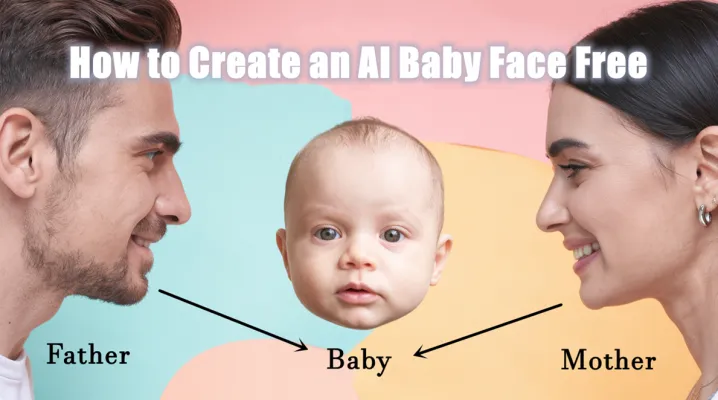
Creating a baby face using AI technology has become a popular trend among couples curious about their future children. With the advancement of artificial intelligence, it is now possible to visualize what your baby might look like by simply uploading photos of both parents. This guide will walk you through the process of creating an AI baby face for free, introducing you to various tools and providing detailed steps to get started.
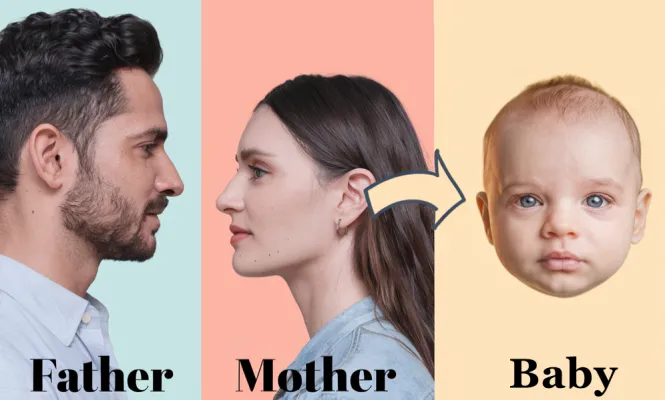
What is an AI Baby Face Generator?
An AI Baby Face Generator is a digital tool that uses artificial intelligence algorithms to create a lifelike image of what a future baby might look like based on the facial features of two parents. These generators analyze uploaded photos, taking into account various attributes such as eye color, skin tone, and facial structure to produce a composite image.
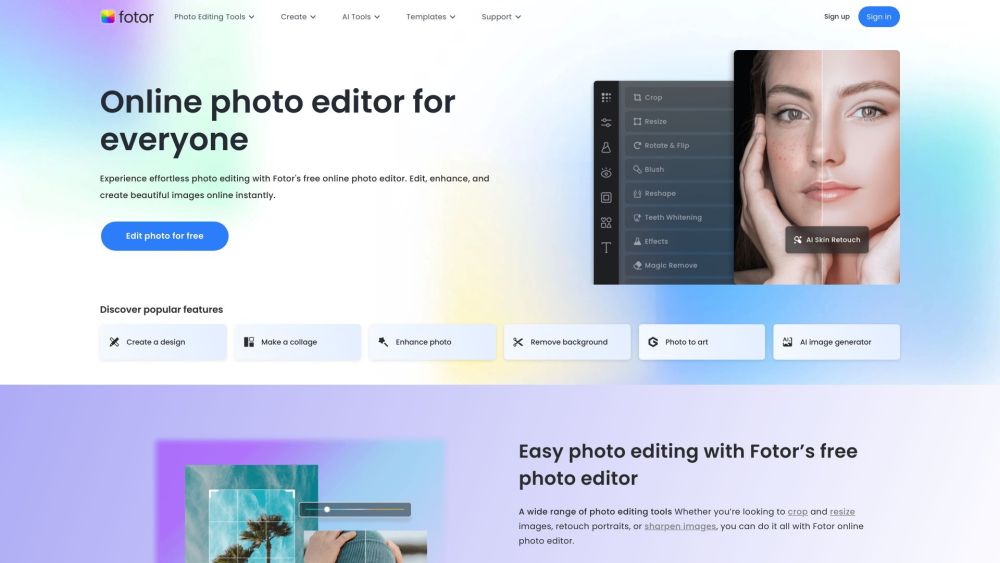
- Fotor: A user-friendly online platform that allows you to upload photos and generate realistic images of your potential baby.
- Merlin Baby Generator: This tool combines the facial features of two individuals and offers a straightforward interface for generating baby images.
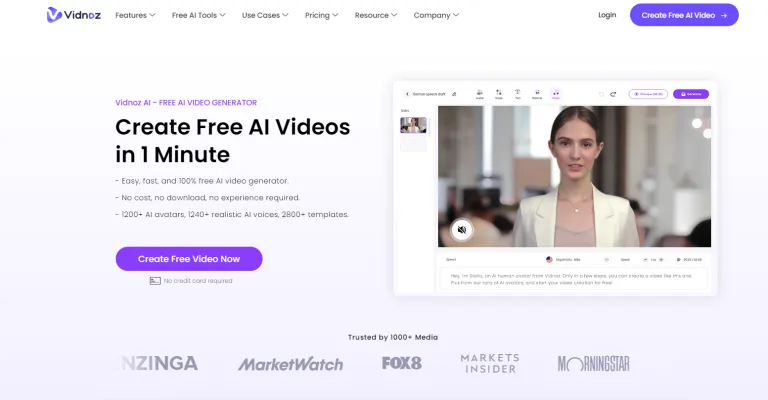
- Vidnoz AI Baby Generator: Enables users to visualize their future baby with different genders and expressions.
These tools provide an engaging way for couples to explore their curiosity about parenthood.
👉 To learn more about popular AI baby face generators, you can check out AIPURE's Medium article: "Top 6 AI Baby Face Generators in October 2024 | AIPURE."
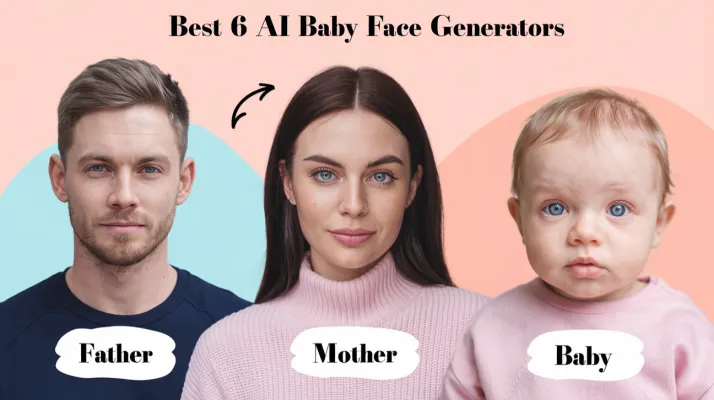
How to Create an AI Baby Face Free: Step-by-Step
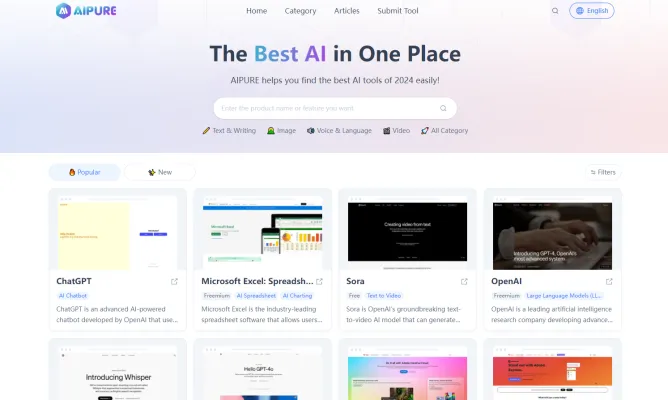
Visit AIPURE to discover the AI tools you're looking for.
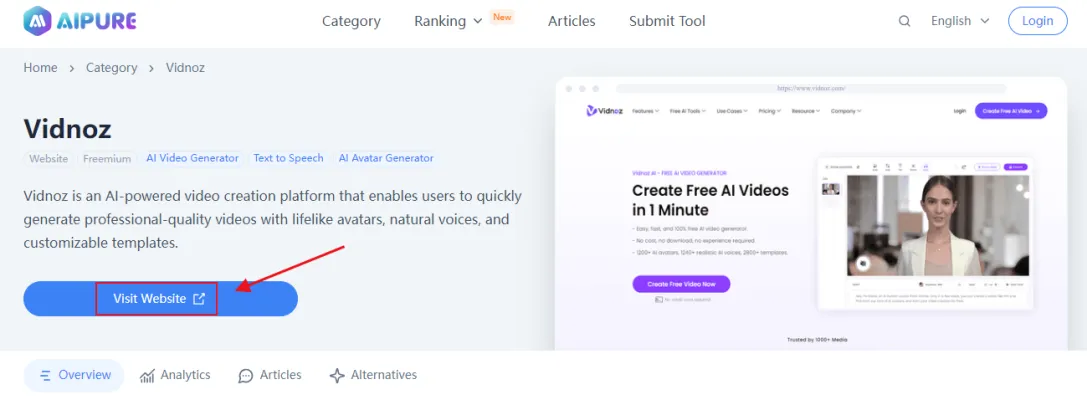
Select one of the available AI baby face generators such as Fotor, Merlin, or Vidnoz. Visit their official websites or download their apps from the Google Play Store or APKPure or Apple App Store.
Step 3: Upload Photos:
- Navigate to the generator's interface.
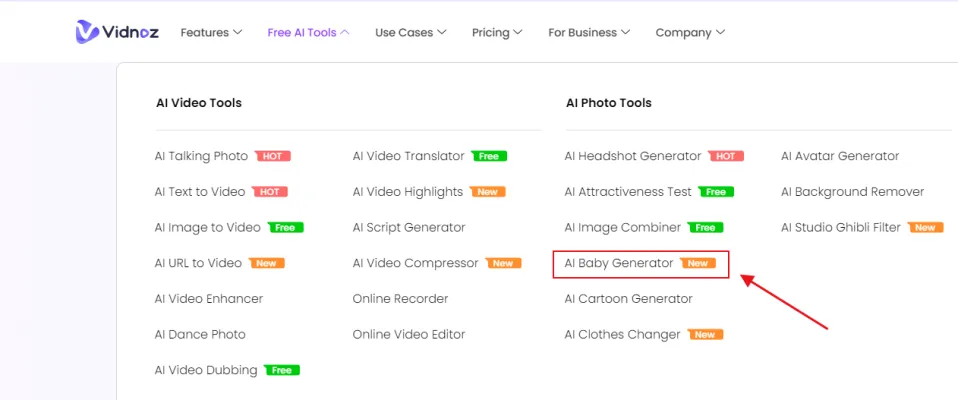
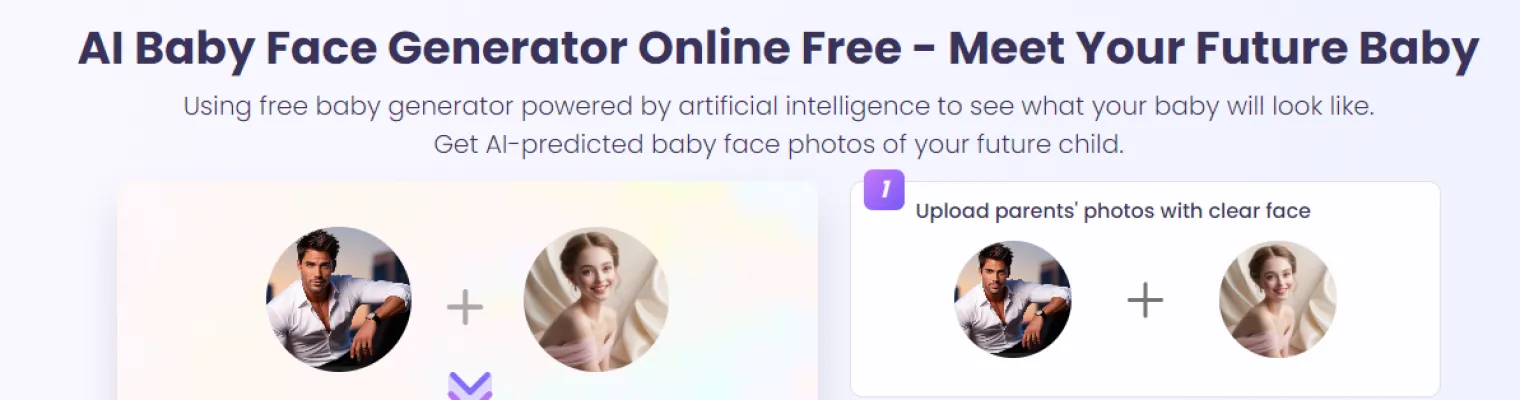
- Upload clear photos of yourself and your partner. Ensure the faces are well-lit and clearly visible for better accuracy.
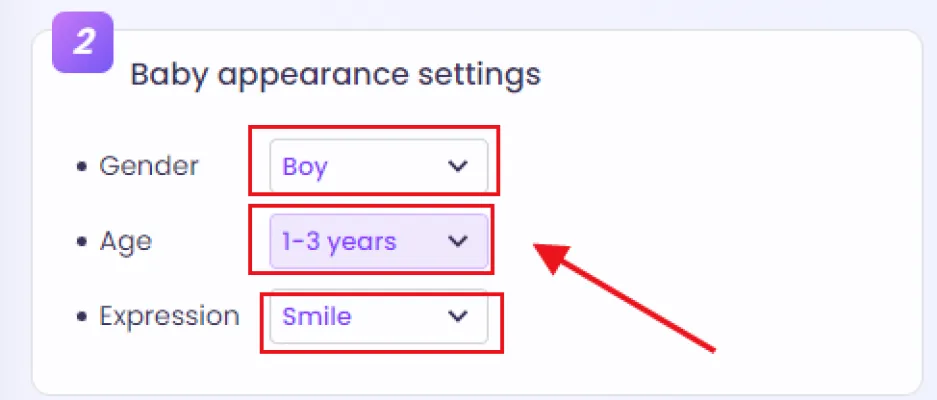
Step 4: Select Baby's Gender:
After uploading, choose the desired gender for your future baby (boy or girl). This selection helps tailor the generated image.
Step 5: Generate the Baby Face:
- Click on the "Generate" button. The AI will analyze the facial features from both photos and create a composite image.
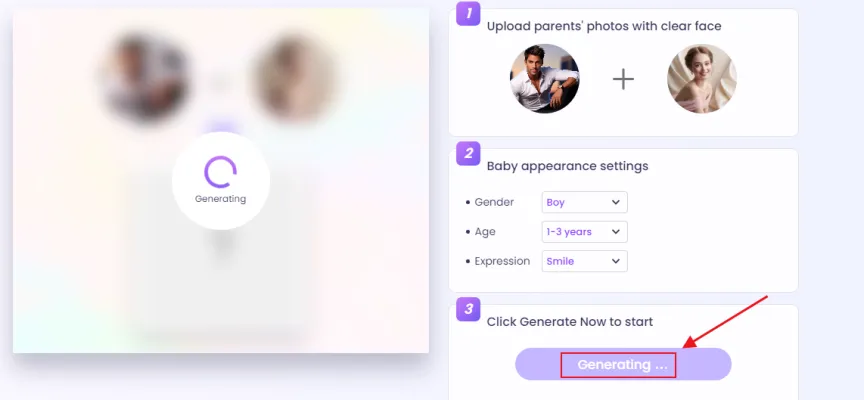
- Wait for a few seconds as the tool processes your images.
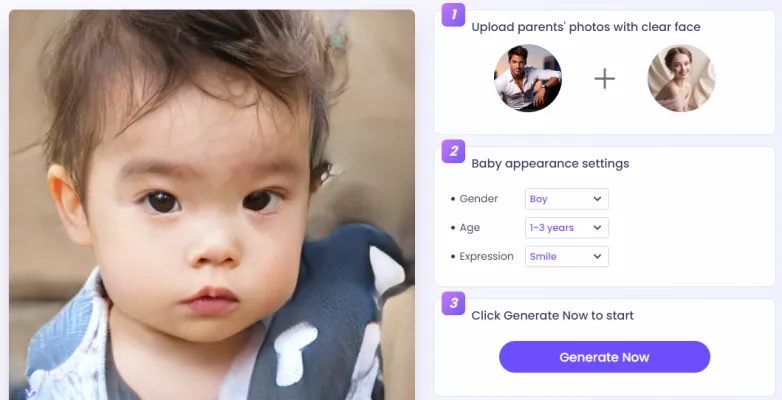
Step 6: Review and Save:
- Once generated, review the image of your potential baby.
- If satisfied, download the image to your device or share it directly on social media.
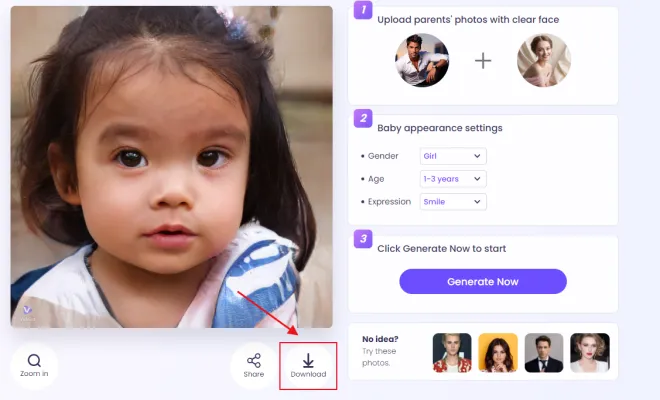
Step 7: Explore Additional Features:
Some tools offer extra features like adjusting age or expressions. Experiment with these options for more fun!
By following these steps, you can easily create a visual representation of what your future child might look like using free AI technology.
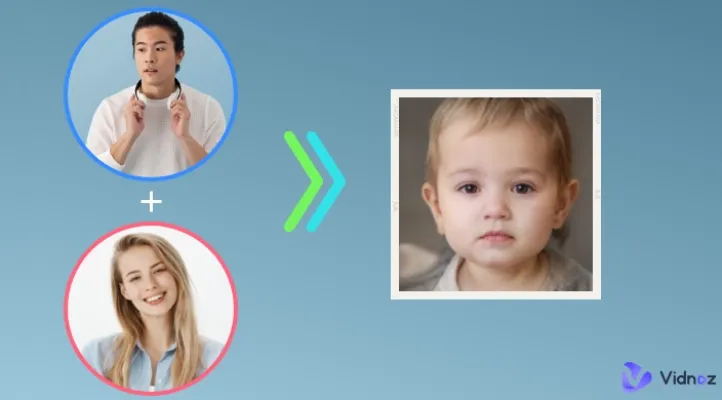
Conclusion
Creating an AI-generated baby face is not only fun but also an exciting way to engage with your partner about future possibilities. With user-friendly tools available online, anyone can visualize their potential child in just a few clicks.
For those interested in staying updated on the latest advancements in AI technology, including new tools and monetization strategies, be sure to visit AIPURE(https://aipure.ai). Discover comprehensive guides and resources that will help you navigate the fascinating world of artificial intelligence!
Trending


How to Use Anura Lite: AI Health Monitoring Guide
Discover how to effectively use Anura Lite for personal health monitoring. Learn setup, features, and tips for this AI-powered wellness app. Explore the full guide now!
Gigi Review: AI Personal Growth Coach Revolutionizing Self-Help
Discover Gigi, the AI-powered personal growth coach. Learn about its features, benefits, and how it's transforming self-improvement. Explore our full guide now!
How to Use Final Round AI: Master Interviews with AI
Discover how to use Final Round AI to ace your job interviews. Learn practical tips for leveraging AI-powered tools to enhance your interview skills and land your dream job.
Whisk Review: Google's Revolutionary AI image Generator
Explore Google's Whisk, a visual-first AI image generator. Learn its features, benefits, and how it compares to alternatives. Get practical tips in our full guide.
How to Use Kipper: AI Writing Assistant for Academic Success
Discover how to use Kipper, an AI-powered writing tool for students. Learn to create essays, check for plagiarism, and enhance your academic writing skills.