
Explore The Best AI Websites & Tool
Your all-in-one toolkit for productivity, creativity, and development. Over 40 powerful tools to streamline your workflow.
SearchHow to Participate in the Pixverse AI Venom Challenge: Create Your Own Venom Hug Video for Free | Best Tutorial 2024
The Pixverse AI Venom Challenge is an exciting opportunity for creators to showcase their skills while having fun with AI technology. Participants can create unique videos featuring the iconic character Venom, utilizing the powerful features of Pixverse AI. This guide will walk you through the details of the challenge, how to participate, and the steps to create your own Venom hug video.
What is Pixverse AI Venom Challenge
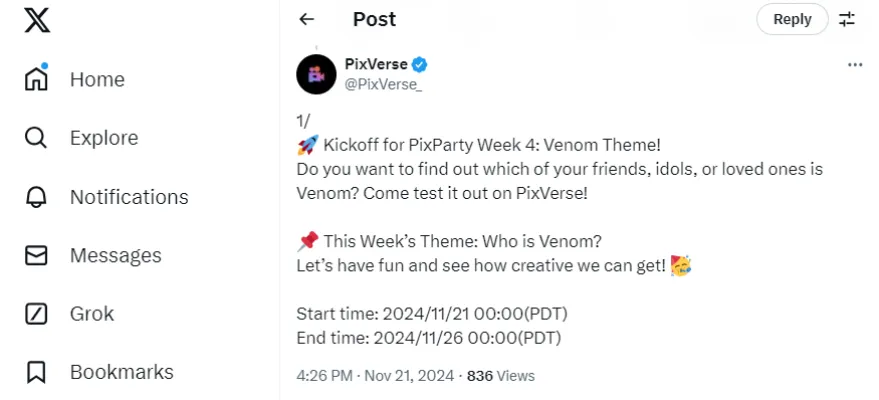
On November 21, 2024, Pixverse announced the Pixverse AI Venom Challenge on its official Twitter account, inviting users to join a creative competition to produce videos showcasing venom effects. This challenge starts on November 21, 2024 and participants will compete for various prizes:
- Golden Prize: $150 or a 3-month Premium Plan for 1 winner
- Silver Prizes: 15,000 credits or a 1-month Premium Plan for 3 winners
- Bronze Prizes: 6,000 credits or a 1-month Pro Plan for 3 winners
To win, participants must create engaging videos that attract likes on social media platforms like TikTok and Instagram. The challenge encourages creativity and aims to captivate audiences with innovative content.

Pixverse AI Venom Special Effects
Recently, Pixverse AI has introduced a variety of special effects, such as "Hug Your Love" and "Hot Harley Quinn." Notably, the Pixverse AI Venom effects stand out, particularly including:
- Are Venom!:Transform into a [BLACK] Venom
- Who is Venom?: Which one of you guys is Venom?
- Get a Venom buddy: Your Venom buddy appears and gives you a hug
- COLORFUL Venom!: Transform into a [COLORFUL] Venom
These features enable users to effortlessly create videos with specific Pixverse AI Venom effects!

How to Participate in the Pixverse AI Venom Challenge
To join the Pixverse AI Venom Challenge and create your own Venom hug video, follow these detailed steps:
Step 1. Open Your Browser:
Launch your preferred web browser (Chrome is recommended).
Step 2. Access Pixverse AI:
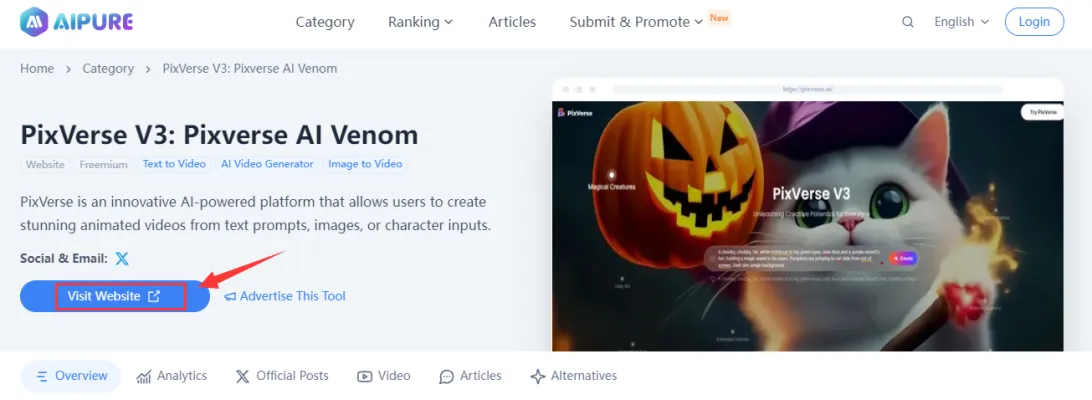
Search for "Pixverse" on AIPURE then click "Visit Website" go directly to the official site at Pixverse.
Step 3. Sign In:
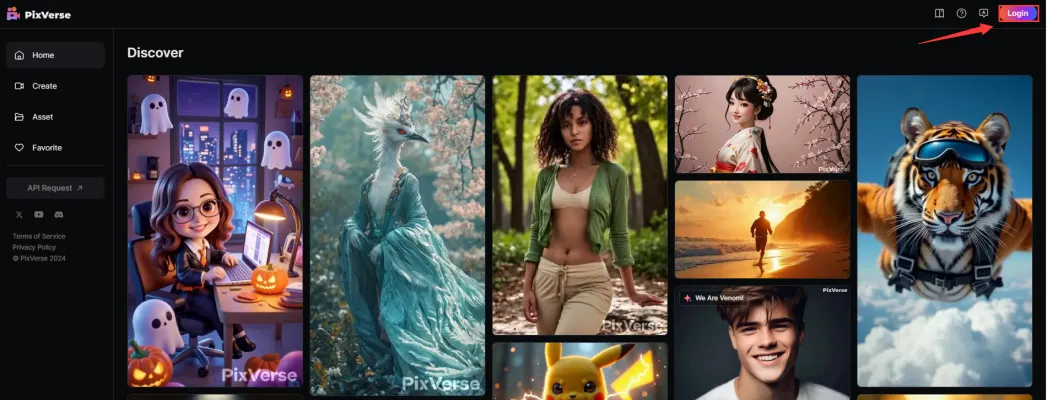
Sign in using your account credentials. If you do not have an account, you will need to create one.
Step 4. Explore Effects:
Once logged in, navigate through the available effects and locate the " Who is Venom?" effect.
Step 5. Select the VENOM Effect:
Click on the "Who is Venom?" effect to open its interface.
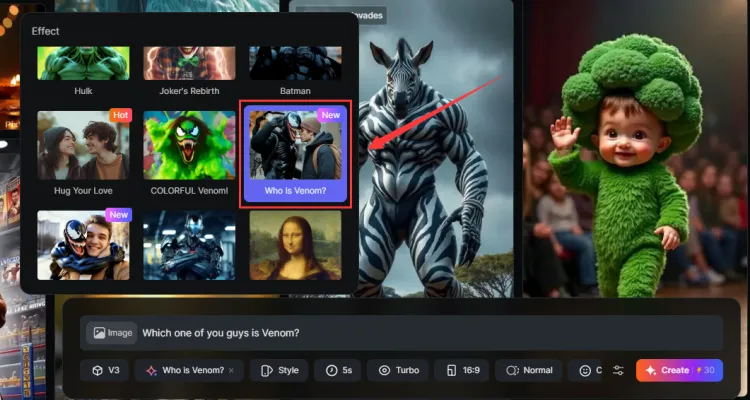
Step 6. Upload Your image:
Click on "Upload an image" and select a high-quality image from your device that you want to transform.
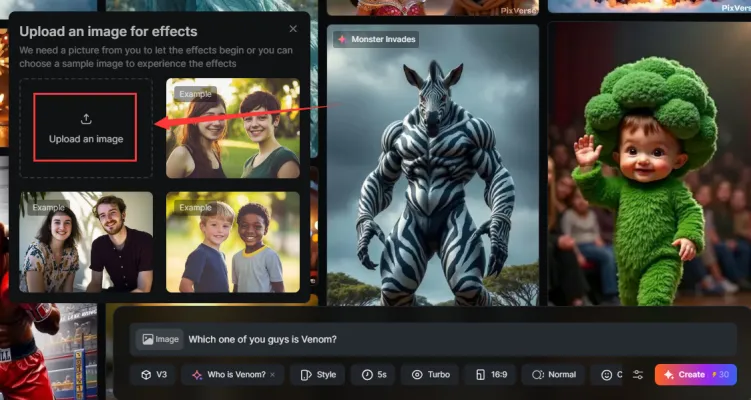
Step 7. Create Your Video:
After uploading your image, click on the "Create" button. The application will process your image into a video featuring the Venom effect.

Step 8. Finalize Your Video:
Review your video once it is generated. If satisfied, download it in standard formats like MP4 for sharing on social media.
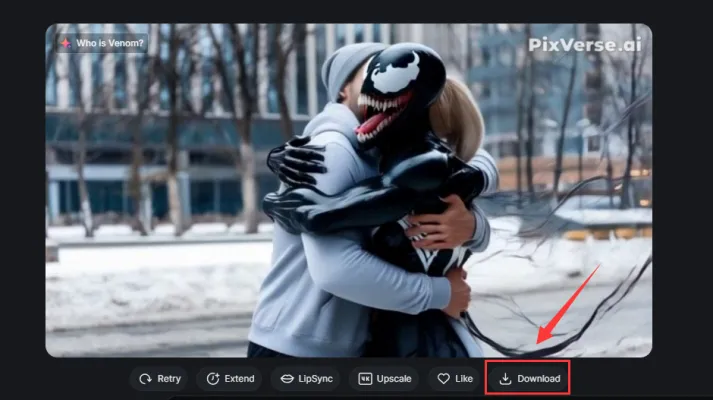
Step 9. Share Your Creation:
Post your video on platforms such as TikTok or Instagram to participate in the challenge and attract likes!

Conclusion
Participating in the Pixverse AI Venom Challenge is not only a chance to unleash your creativity but also an opportunity to win exciting prizes. By following this guide, you can easily create a captivating Venom hug video using Pixverse AI's advanced effects.
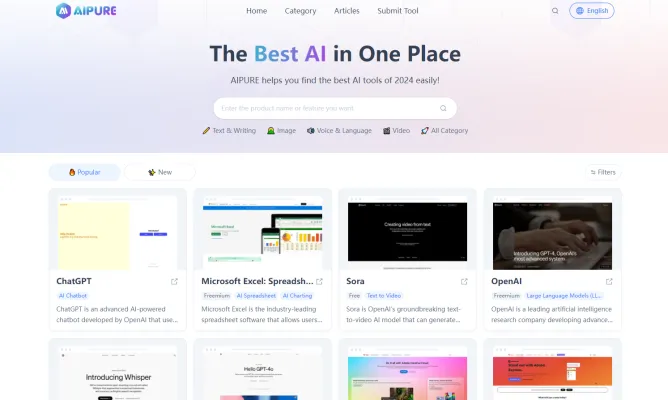
For more information on the latest trends in AI technology, best tools available, and comprehensive tutorials, visit AIPURE Now!
Trending


How to Use eMastered: AI Audio Mastering Guide
Learn how to use eMastered's AI-powered audio mastering service. Discover step-by-step instructions, tips, and best practices for professional-quality sound.
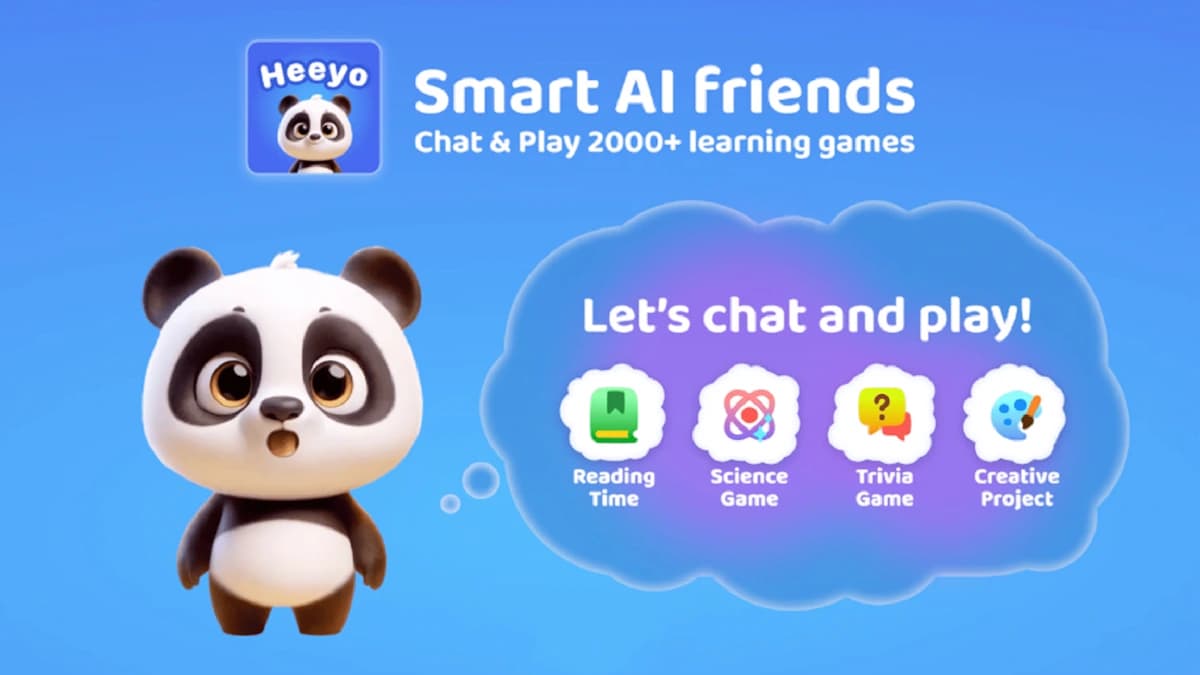
AI Chatbot Heeyo Aims to Be a Billion Kids' Interactive Tutor and Friend
Heeyo, a new AI-powered app, offers children aged 4-9 an interactive chatbot and over 2,000 educational games, aiming to provide personalized learning experiences while prioritizing safety and parental controls.
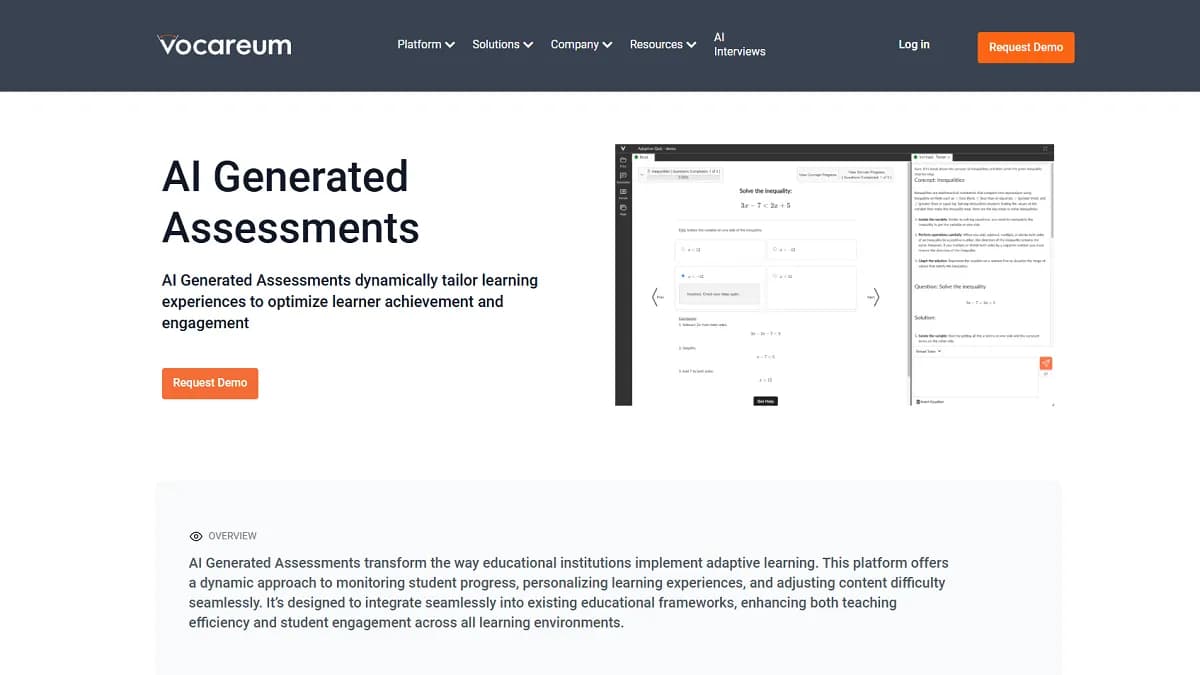
Vocareum Review: Revolutionizing AI and Cloud Education
Explore our comprehensive Vocareum review. Learn how this platform transforms AI and cloud education with hands-on labs, AI-driven assessments, and more.

MyTunes: AI Music Generator Review | Revolutionize Music
Discover how MyTunes AI Music Generator is transforming music creation. Explore features, benefits, and alternatives in our comprehensive guide.

How to Use Resume Worded: Boost Your Job Search Success
Learn how to use Resume Worded effectively to optimize your resume and LinkedIn profile. Discover practical tips for AI-powered job application success.